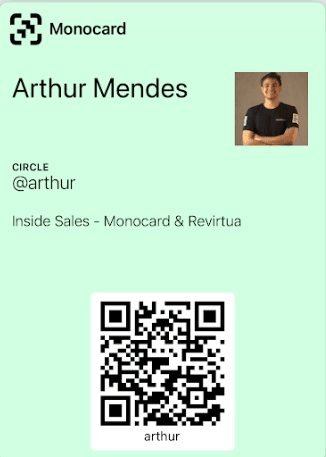
To include your card in your wallet, follow the steps below:
-
Access monocard.me/login on your mobile to log into your Monocard account;
-
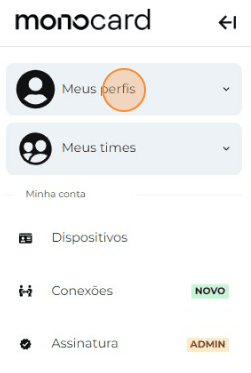
Click on "My profiles";
-
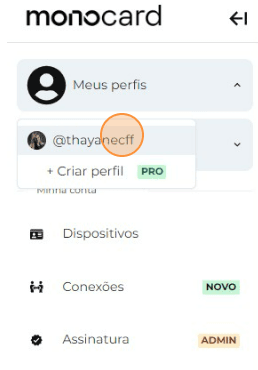
Click on the name of your Profile;
-
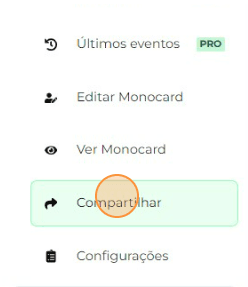
Click on "Share"
-
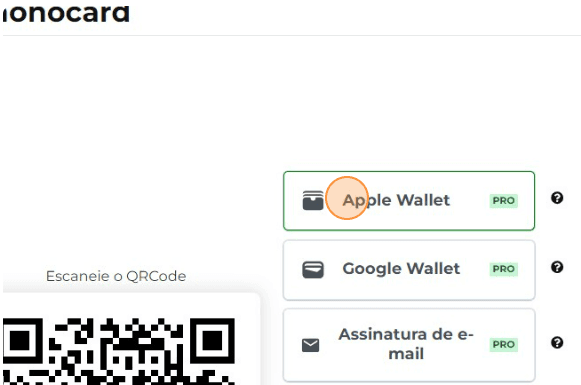
Click on the Google or Apple Wallet option;
-
Done! The card will be automatically added to your digital wallet.
Information that may also help you
Generating a QR Code for Your Virtual Card
Did this article not help you?
Contact our support team via the website chat, WhatsApp or by email at contato@monocard.com.br.