Have you ever wondered how you can make your contacts faster, more direct, and professional? In an increasingly digital world, traditional business cards are losing ground to more innovative and practical solutions.
And the key to this transformation lies in the digital business card for WhatsApp. It offers the convenience that today's professionals are looking for: a quick and efficient way to connect directly with clients, partners, and prospects.
WhatsApp, one of the most widely used messaging apps globally, is now also an essential channel for business. Integrating your digital business card with this platform means providing your contacts with instant access to your information and a direct channel for conversations.
In this article, we will show you how to create the digital business card for WhatsApp, its advantages, and how it can transform the way you share your professional information.
What is a digital business card for WhatsApp?
A digital business card for WhatsApp is an interactive presentation that concentrates your contact information in digital format, with a focus on direct integration with the app. It allows anyone to contact you quickly, with just one click. Whether to send a message, start a call, or access your social networks, the digital card facilitates instant communication.
Why create a digital business card for WhatsApp?
1. Direct and efficient communication
With a direct action button, your contacts can start a conversation on WhatsApp without needing to save your number.
2. Professionalism and modernity
Present yourself in an innovative way, showing that you are aligned with the technological trends of the market.
3. Agility in sharing
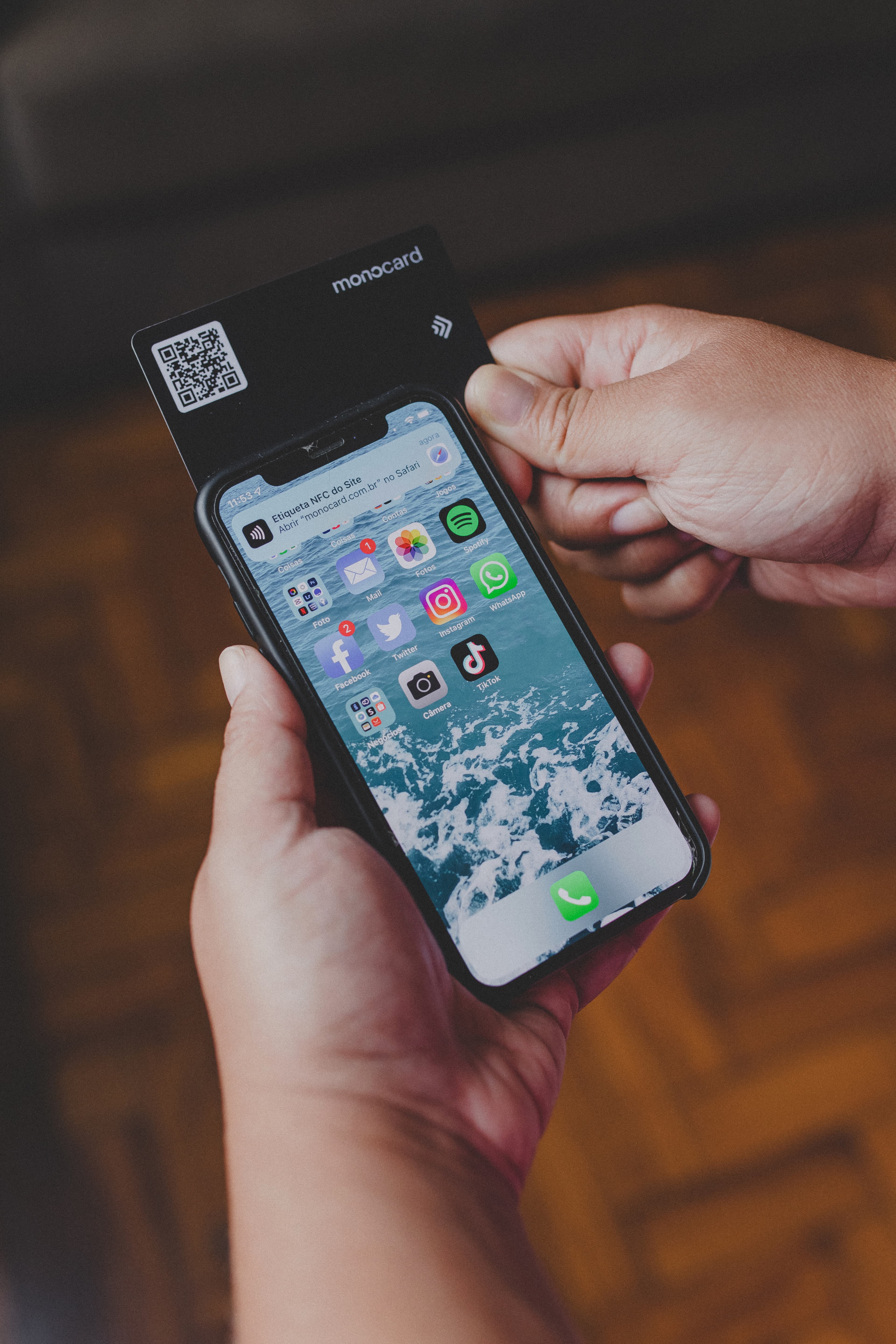
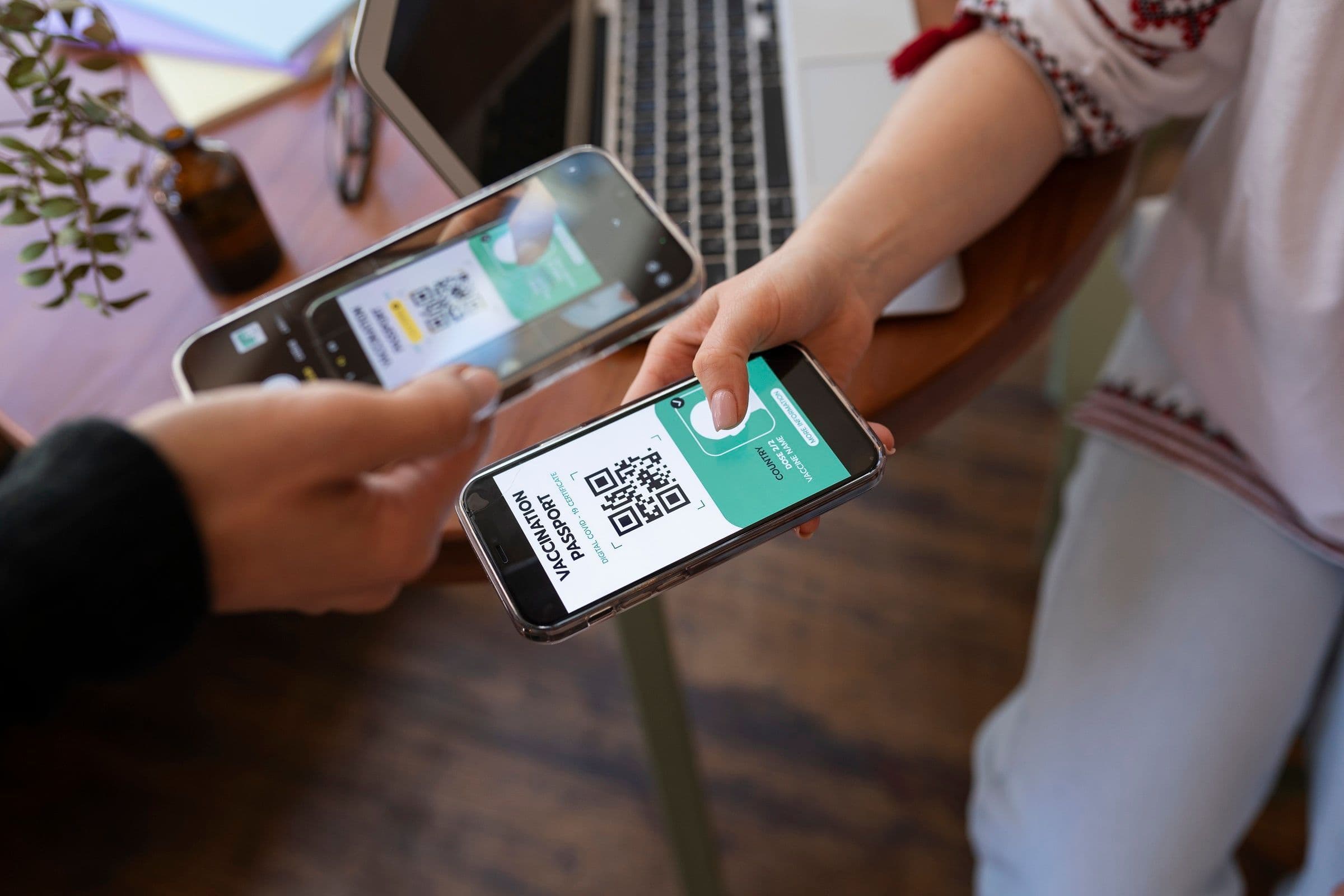
Share your digital card in seconds via links, QR Code, or NFC, eliminating the need for physical cards.
Customization for your brand
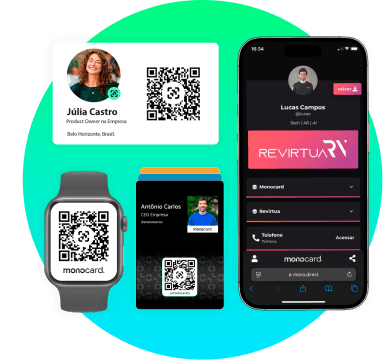
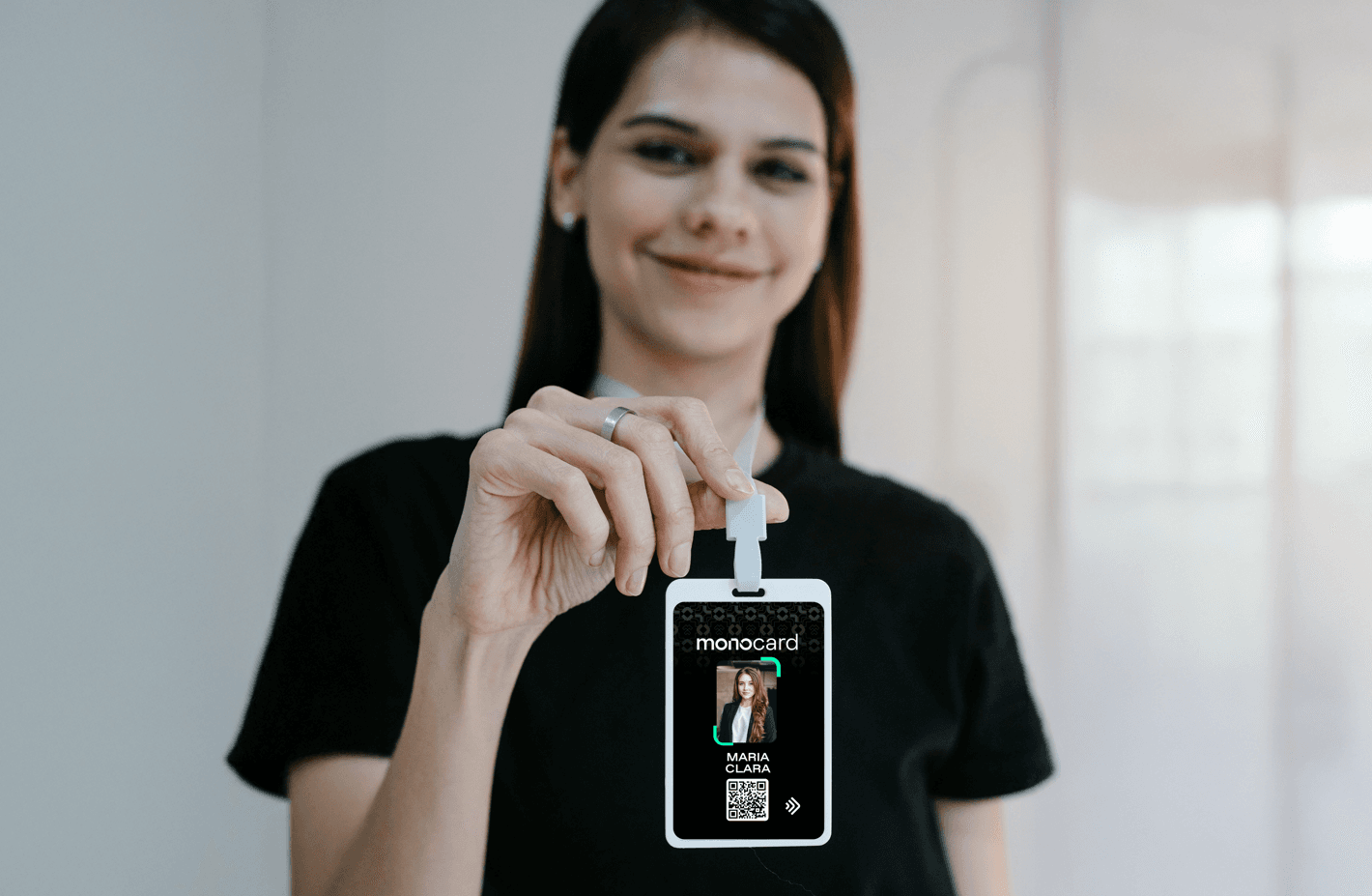
Add elements like photo, logo, links to social networks, and even portfolios, creating a visual identity that reinforces your brand.
How to create a digital business card for WhatsApp?
1. Choose a reliable tool
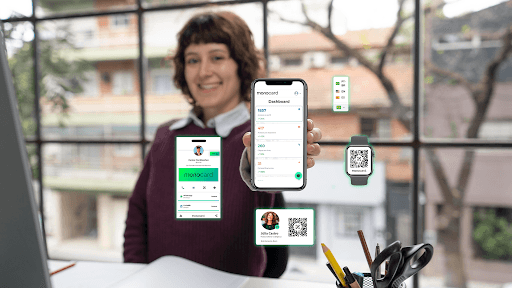
Platforms like Monocard offer complete solutions for creating digital business cards. With Monocard, you can integrate WhatsApp, NFC, QR Code, and much more.
2. Add relevant information
Insert:
- Name and position.
- Direct contact link for WhatsApp (easily create it on the official WhatsApp generator).
- Social networks, email, and website.
3. Customize the design
Choose a clean and modern layout. Add colors and visual elements that represent your brand.
4. Share easily
Use NFC, QR Code, or links to send your card via email, social networks, or directly in conversations.
Highlight: Monocard and integration with WhatsApp
Monocard is the ideal solution for professionals seeking practicality and innovation. With it, you can create a digital business card that connects directly to your WhatsApp, allowing clients and partners to contact you with just one click.
Main advantages of Monocard:
- Action button for WhatsApp: Facilitates immediate contact.
- NFC and QR Code technology: Allows you to share your card with a simple touch or scan.
- Customizable profile: Add photo, logo, links, and even videos.
- Real-time updates: Keep your information always updated at no additional cost.
Conclusion
Having a digital business card for WhatsApp is more than a trend: it is a necessity for those seeking agility, professionalism, and modernity in networking.
With platforms like Monocard, you transform the way you connect with your contacts, facilitating communication and strengthening your professional image.
Create your digital business card now: it's free!