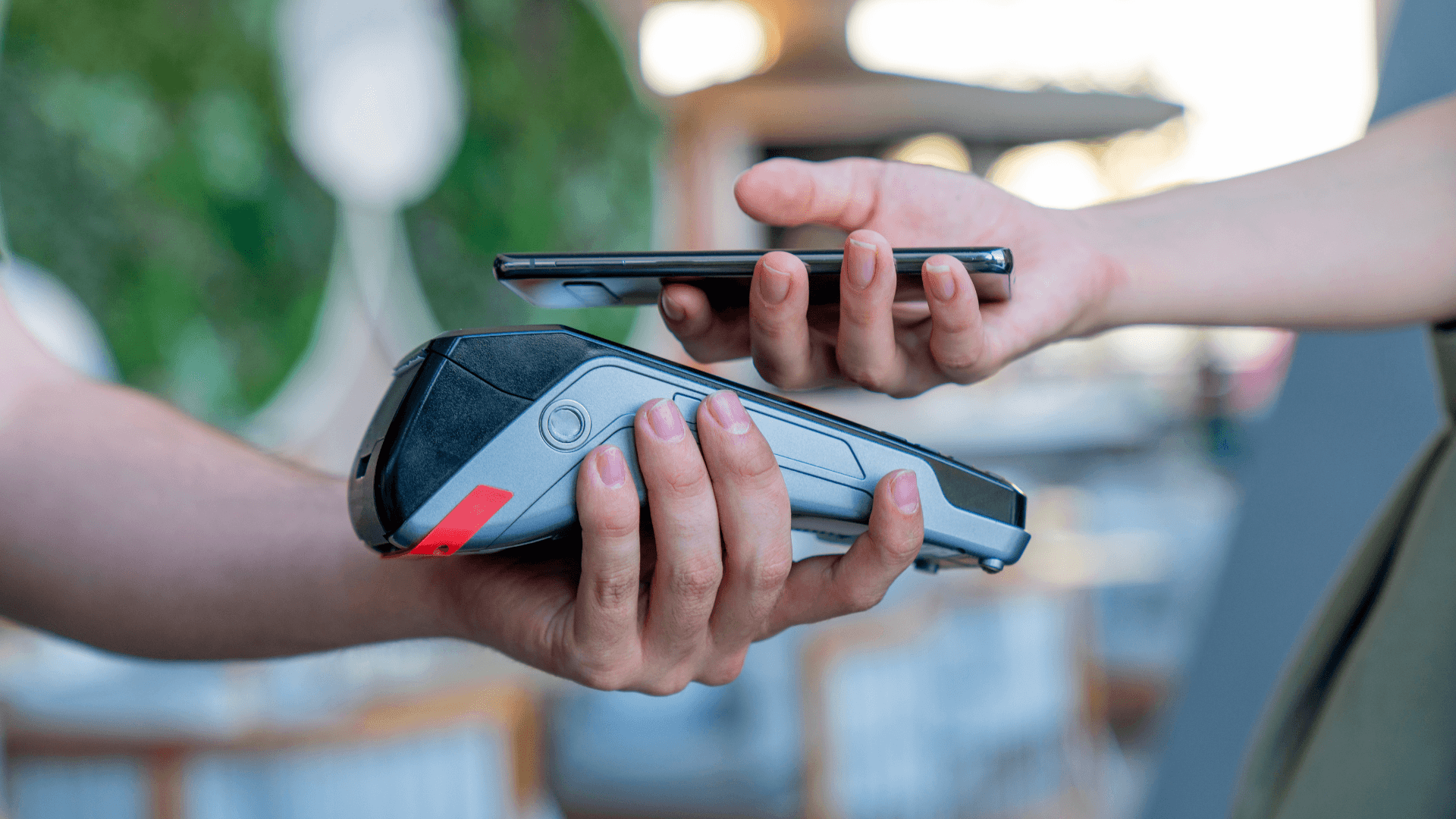
One of the facilitators of modern life is contactless payments. This single feature has made life easier for millions of people when making their purchases. Now, you don't even need to leave home with your wallet in your pocket; your phone can do it all.
Currently, 44.3% of in-person card purchases are contactless. This convenience is made possible by NFC** (Near Field Communication)** technology, which is changing the way we interact with devices.
If you have an Android, enabling NFC technology can simplify your daily tasks.
In this article, you will learn how to enable NFC on your Android and discover how to use this technology in an innovative way.
What is NFC? Why is it so relevant?
NFC is a short-range communication technology. It allows nearby devices to exchange information without the need for wires or complicated connections. It works at distances of less than 10 cm, being effective and secure.
On Android, NFC is used for various functions, such as payments via Google Pay, sending photos and files, among many others. It also interacts with digital business cards.
Why is having NFC enabled on Android useful?
- Practical: You perform quick actions, such as making payments in stores or getting information.
- Secure: Being a short-range technology, it does not risk interference.
- Versatile: It can be used for everything, in various areas. From business to home automation.
How to enable NFC on Android
NFC was introduced to the Android system in 2010, with Android version 2.3 (Gingerbread). This version included basic support for NFC communication, allowing tag reading and information exchange between compatible devices.
NFC technology on Android took its current form in 2011, with Android 4.0 (Ice Cream Sandwich).
Step-by-step to enable and use NFC
Generally, NFC is already enabled on your Android device. If you have tried to use this technology and it simply does not work on your device, follow these steps.
- Access Settings: Open the Settings app on your device.
- Locate NFC: Look for Connections or Connection Preferences or use the search bar to find the NFC option.
- Enable NFC: Turn on the switch next to NFC to activate it.
Done! Your device is ready to use NFC for payments, data exchange, and readings.
How to use NFC in practice
NFC technology on Android goes beyond just payments. Here are some other modern and creative ways to use it:
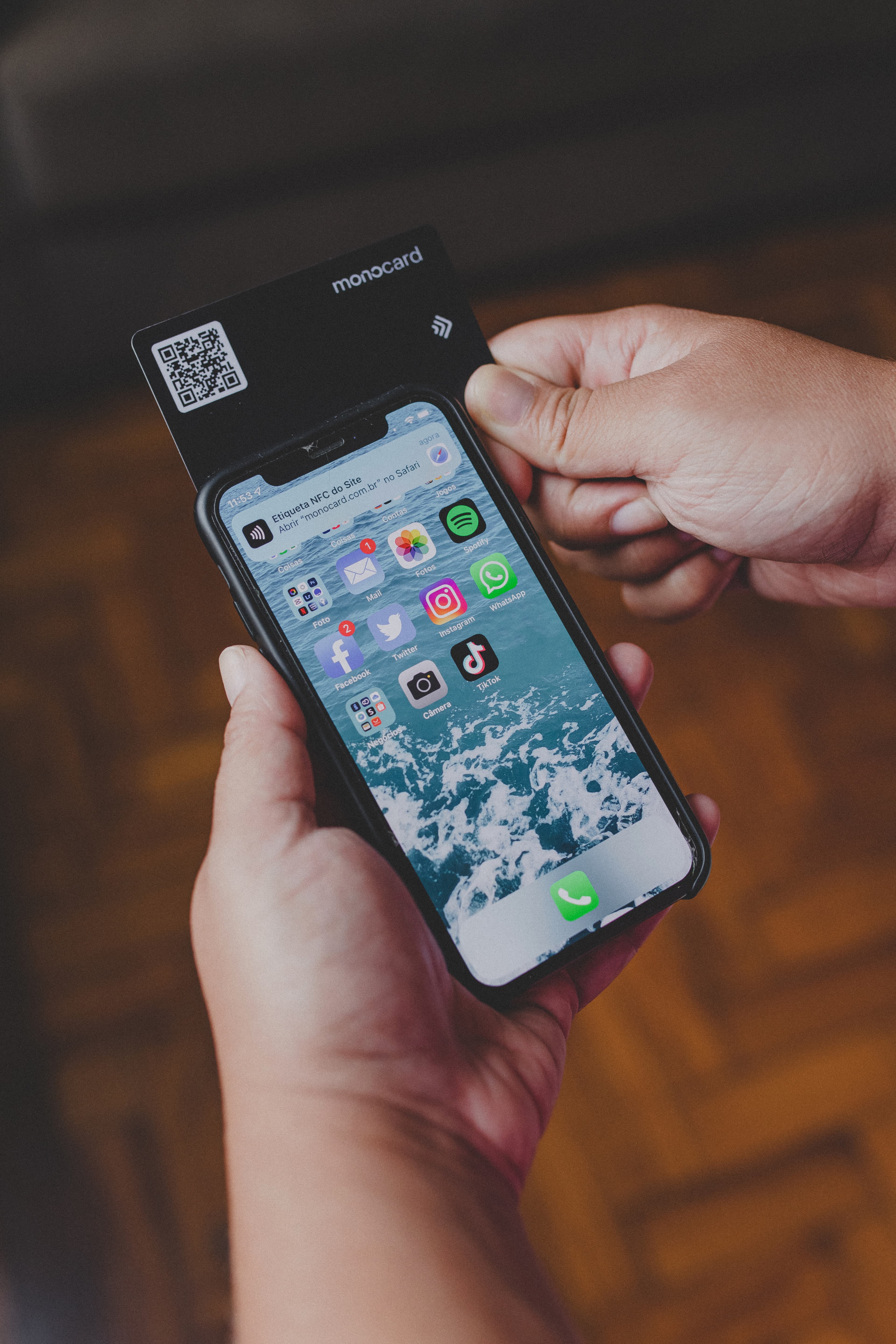
- Share information: A digital business card, like those offered by Monocard, can be shared instantly. Just bring it close to the phone, and it will read it.
- Quick access to locations: Unlock doors or connect to smart devices with NFC tags.
- Home automation: Want to turn on the lights or play your favorite playlist automatically? Set up NFC tags that will perform these tasks for you with just a touch.
- Interaction at events: Provide information and generate advertising for your brand or company with NFC tags. Place them strategically at your next big market event.
NFC and innovation in marketing
NFC is not limited to simplifying daily tasks. It is the new tool for companies seeking modern marketing strategies and customer acquisition.
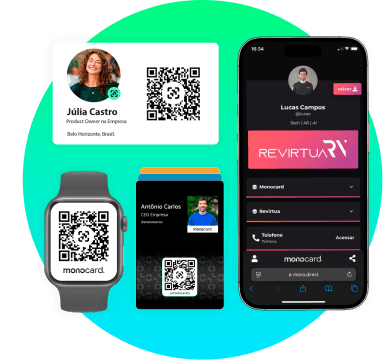
A strategy with NFC that has become a trend is the digital business card. It facilitates the exchange of contacts and information, eliminating barriers such as the need for manual connections or paper materials.
Benefits of the digital business card
The use of contactless business cards goes beyond practicality. It adds strategic value to networking and the way companies and professionals present themselves. See the main benefits:
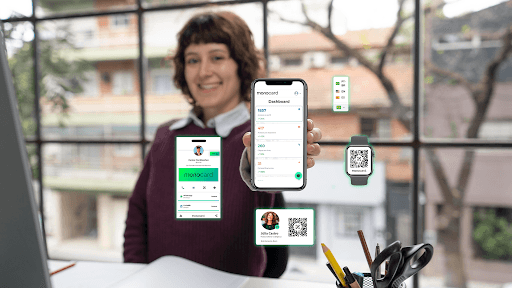
- Connection: It is the digital business card that facilitates the sharing of information for companies selling products or services. You can include social media, website, email, WhatsApp, payment links, and forms. Add what is necessary!
- Easy to use: In person, bring your card close to a smartphone or use a QR Code. Online, send your personalized link. In both cases, your client (or potential client) will have quick access to your company's information.
- Cost-effective: With the digital business card, the cost of printing business cards is eliminated. Whenever you want to change your contact information, you can do so in real-time, without the need for reprints.
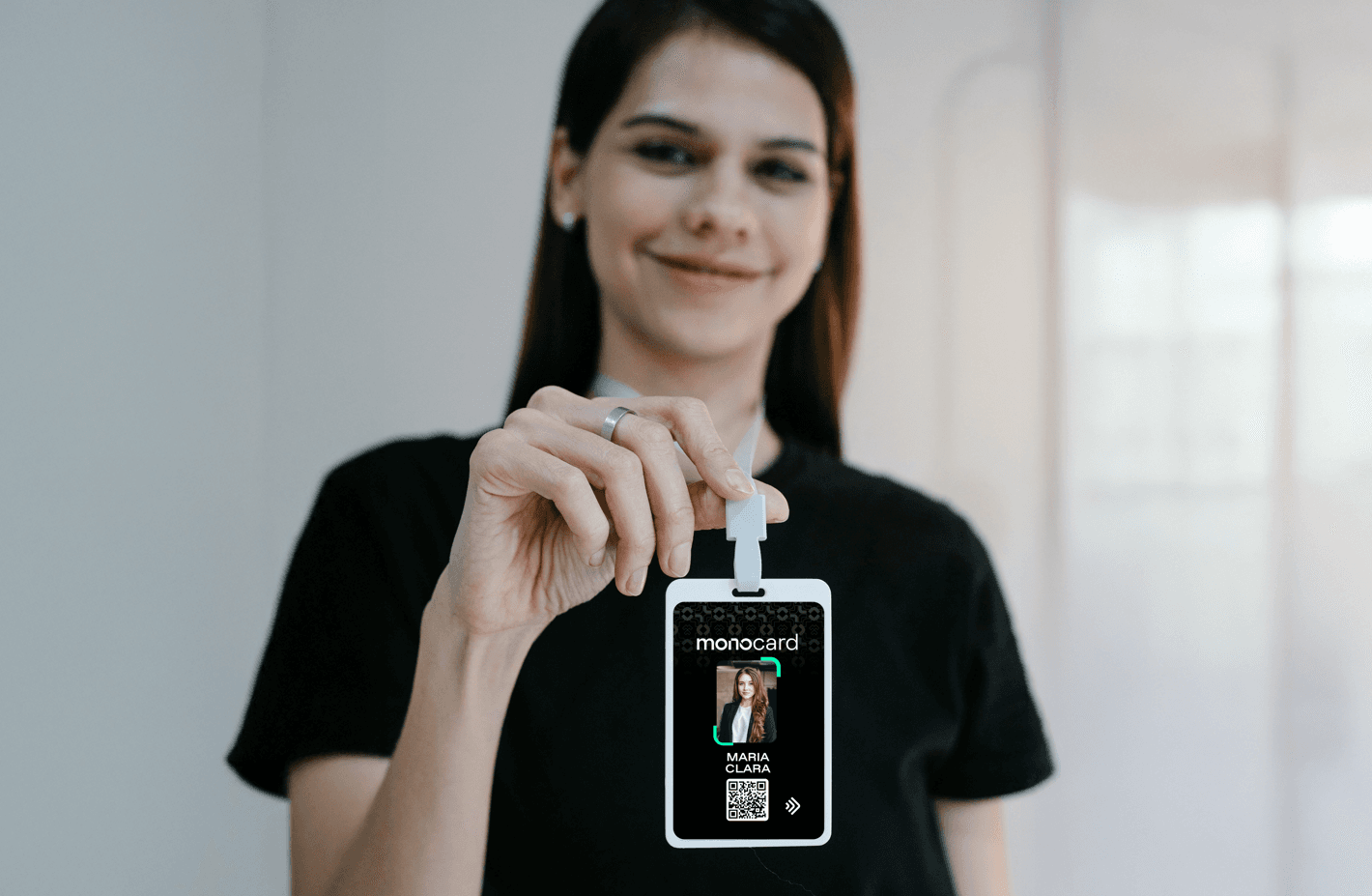
- Professional presentation: The digital business cards are personalized with your business's visual identity. The presentation of your card will be a memorable experience for your client. Say goodbye to business cards lost or forgotten in the back of drawers; now you will be remembered by your prospects.
- Lead capture: We all know that with paper business cards, your company waits for your client to get in touch. With the digital business card, besides sharing your information, you can also capture the data of those who viewed your profile.
How to create a virtual business card?
- Choose a reliable platform
Trust platforms that specialize in the subject, like Monocard, which offers personalized cards and everything you need to create yours. Make sure the platform supports NFC and QR Code for the benefits already mentioned.
2. Make your personalized card
Choose the visual identity of your card to reflect your brand. If you already have a defined visual communication and good branding, just copy and paste.
3. Insert relevant data for the client
Include data such as:
- Full name;
- Position or profession;
- Phone and email;
- Social media and website;
- Links to portfolio, videos, and catalogs.
4. Review everything
Check if all data and links are correct and opening. This way, you will ensure an impeccable presentation and avoid errors, making a good impression.
5. Now just share!
Use your card at events, important meetings, and every time you network. Share with your existing customer base and use it to attract new ones. Don't stop; the virtual business card should be an active part of your strategy.
Conclusion
NFC technology, enabled on Android smartphones, is shaping a more connected and facilitated future. From daily payments to exchanging information to close a new deal at a corporate event, the possibilities are endless.
Don't miss out on market innovations and how they can grow your business. Whether you are a sole proprietor or part of a large company, whether you have 10 or 500 clients, you can use this technology to your advantage!
How about creating your own digital business card today?
Create your virtual business card