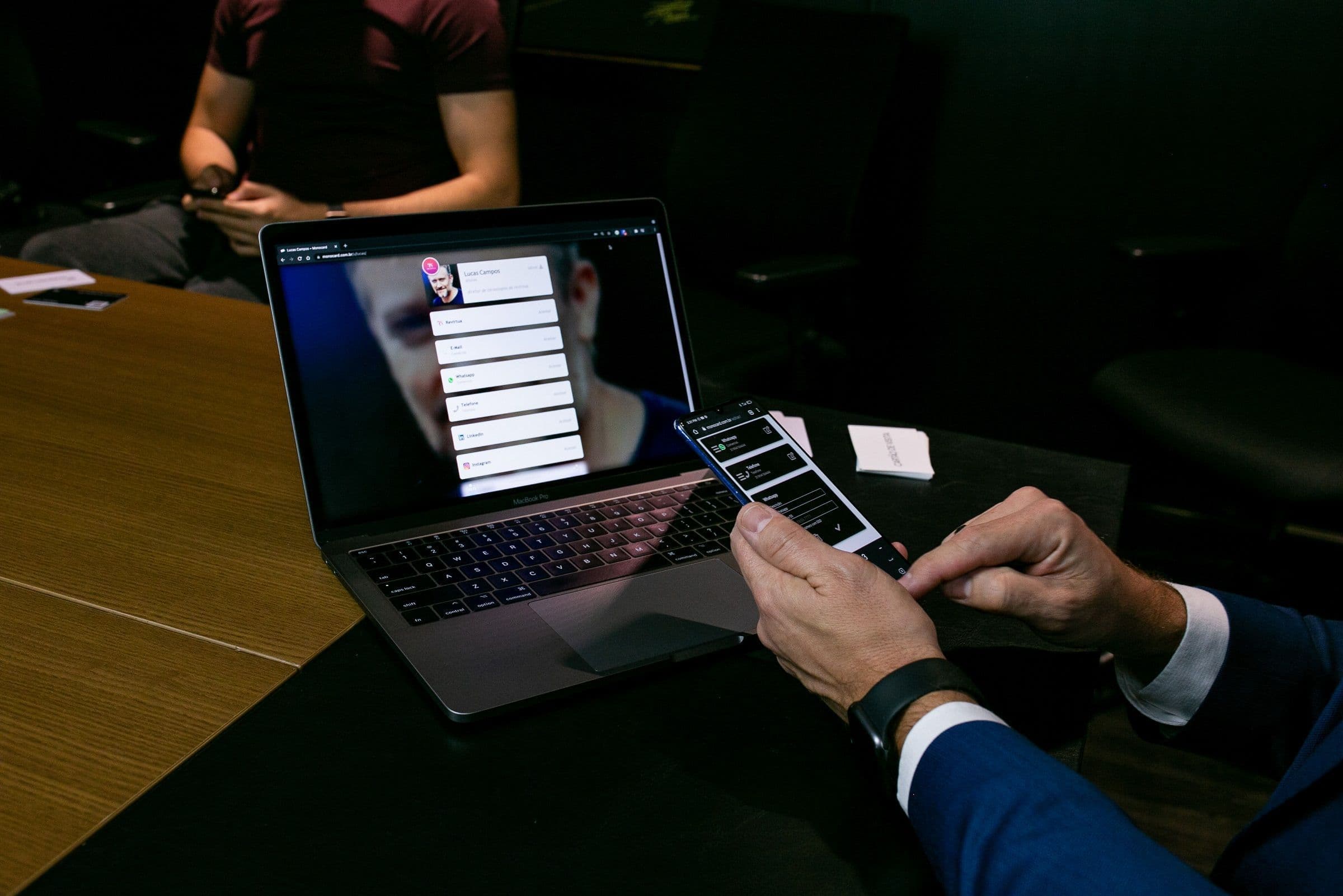
Being present in the world is no longer a choice. Today, it is a necessity for companies and professionals seeking to survive and remain relevant. A good digital profile is important not only because it presents basic information about your company or team. It is a powerful connection point between your business and potential clients.
In this scenario, tools like the digital business card emerge to create profiles that combine technology and intelligence. This allows you to go beyond simple information sharing, integrating lead capture, CRMs, and other features.
In this article, you will learn the step-by-step process to create a complete digital business card for your company or team. You will also discover how to maximize results and capture more leads with tools like Monocard.
Why create a digital profile for your company or team?
Creating an impactful digital business card goes beyond online presence. It is a centralized hub for clients, partners, and prospects, offering clear advantages:
Centralization of Information
Imagine a potential client searching for information about your company. Instead of looking through different channels, they find everything in a single profile.
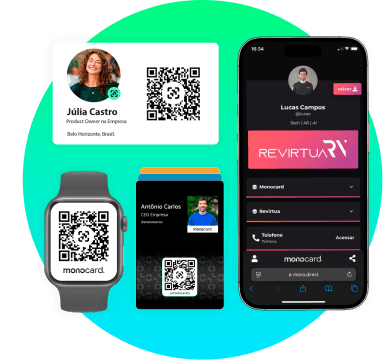
With a digital profile, you can include:
- Physical and digital addresses.
- Portfolio of products and services.
- Links to social media, website, and e-commerce.
- Presentation or demonstration videos.
Centralizing information improves efficiency and removes barriers in client communication.
Better Client Experience
A well-structured digital profile not only informs but provides a positive experience. With an intuitive and responsive interface, visitors quickly access what they need. Whether to get in touch or explore your services, they will find what they are looking for quickly. Additionally, it reinforces professionalism and increases the chances of engagement.
Lead Prospecting and Data Analysis
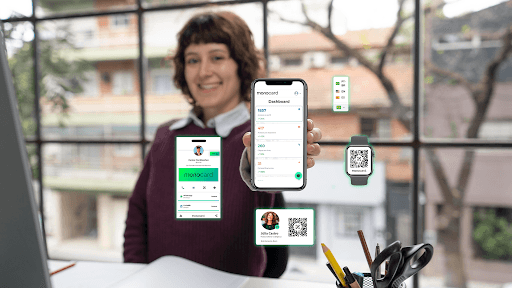
Turning interactions into qualified leads is a common challenge. Here, tools with these features, like Monocard, stand out.
- Data capture: Collecting name, email, phone, and area of interest.
- Detailed reports: Records of visits, interactions, and areas explored in the profile.
This data helps understand audience behavior and adjust sales strategies.
Sustainability and Economy
Traditional business cards have financial and environmental costs. With a digital business card, you:
- Reduce stationery expenses.
- Contribute to a greener world.
- Align with the expectations of conscious consumers.
Ease of Sharing
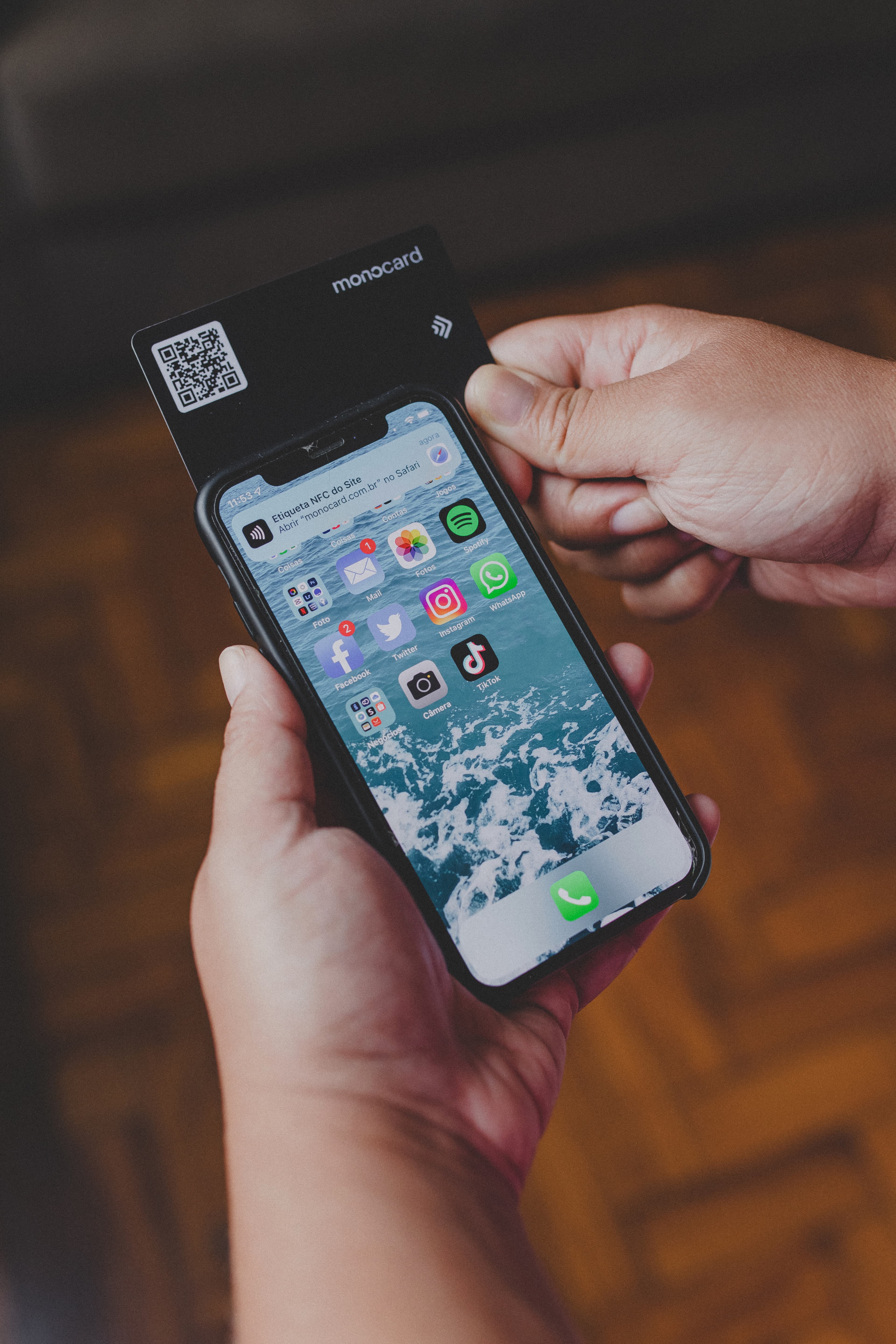
Digital profiles can be shared via WhatsApp, links, NFC technology, or QR Codes. This makes the process faster and more accessible.
Step-by-step to create your company's digital profile
1. Choose the right platform
Not all platforms offer the resources to transform a digital business card into a strategic tool. Monocard, for example, focuses on commercial intelligence and lead capture.
Look for:
- Customization: Adapt the profile design to your company's branding.
- Smart features: Have reports and analyses to understand your audience.
- Ease of use: Create and access the digital business card simply.
2. Define the profile's objectives
Before starting, think strategically:
- Target audience: Are you targeting companies or end customers?
- Main objective: Do you want to increase sales, capture leads, or promote the brand?
- Profile use: Will it be individual or institutional?
Clear objectives guide creation and make it easier to measure results.
3. Organize essential information
An effective digital profile communicates the essentials clearly. Include:
- Business Description: A brief and attractive presentation of the company.
- Services and Products: Highlight the main ones and include links for details.
- Social Proof: Testimonials, case studies, or significant company numbers.
- Dynamic Contact: Integration with WhatsApp, email, and calls.
Tip: Use icons and organized sections to facilitate navigation.
4. Create an attractive and functional design
Design influences the perception of quality. Some tips:
- Use the company's visual identity colors.
- Choose readable and modern fonts.
- Include high-resolution videos and images.
- Maintain white spaces to avoid visual clutter.
5. Set up lead capture tools
Leads are the engine of a digital business card. Include:
- Simple and quick forms.
- Clear CTAs, like “Request a Quote.”
- Incentives, such as e-books or discounts, to increase form submissions.
6. Test and optimize the profile
Digital profiles are dynamic assets. Conduct regular tests to verify:
- Functionality: Are all links and buttons working?
- Speed: Does the profile load quickly?
- Clarity: Is the information clear?
Use platform data to identify improvement points and perform A/B tests.
How to engage your team in using the digital profile
1. Highlight the benefits
Explain how the digital profile facilitates work:
- Professionalism and organization.
- Speed in client communication.
- Market prominence.
2. Conduct training sessions
Practical training is essential for the company. Do this:
- Demonstrate how it works.
- Show real usage scenarios.
- Provide space for questions.
3. Encourage frequent updates
Outdated digital cards can harm the company's image. Encourage periodic reviews and feedback.
4. Explore different sharing channels
Guide your team to use the digital profile in:
- In-person or online meetings.
- Email signatures.
- Social media and events.
5. Recognize the best users
Create incentives for consistent use, such as awards or public recognition.
Conclusion
Creating a digital profile is essential for companies seeking modernity, efficiency, and results. With it, you capture leads, improve the client experience, and strengthen your market presence.
Monocard offers a complete platform, combining design, commercial intelligence, and practicality. Start building your digital business card today and turn interactions into business opportunities!
Create free digital profile