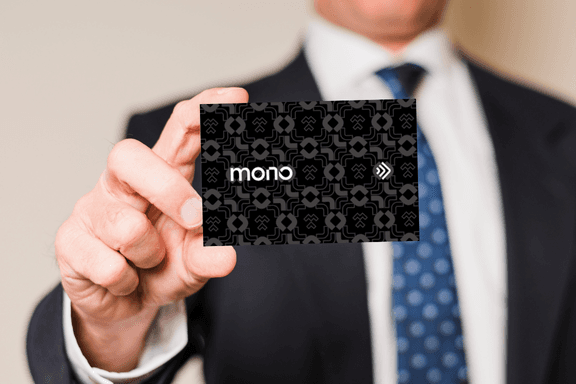
Knowing how to create a digital business card will transform the way you connect with clients and new leads. This practical and sustainable solution replaces traditional models by being interactive and effective.
Discover how to create your virtual business card. Learn the benefits of this technology and the steps to develop a professional and creative card.
Ready to take your professional presentation to the next level? Keep reading and find out everything you need to know to create an easy-to-use virtual business card!
What is a digital business card?
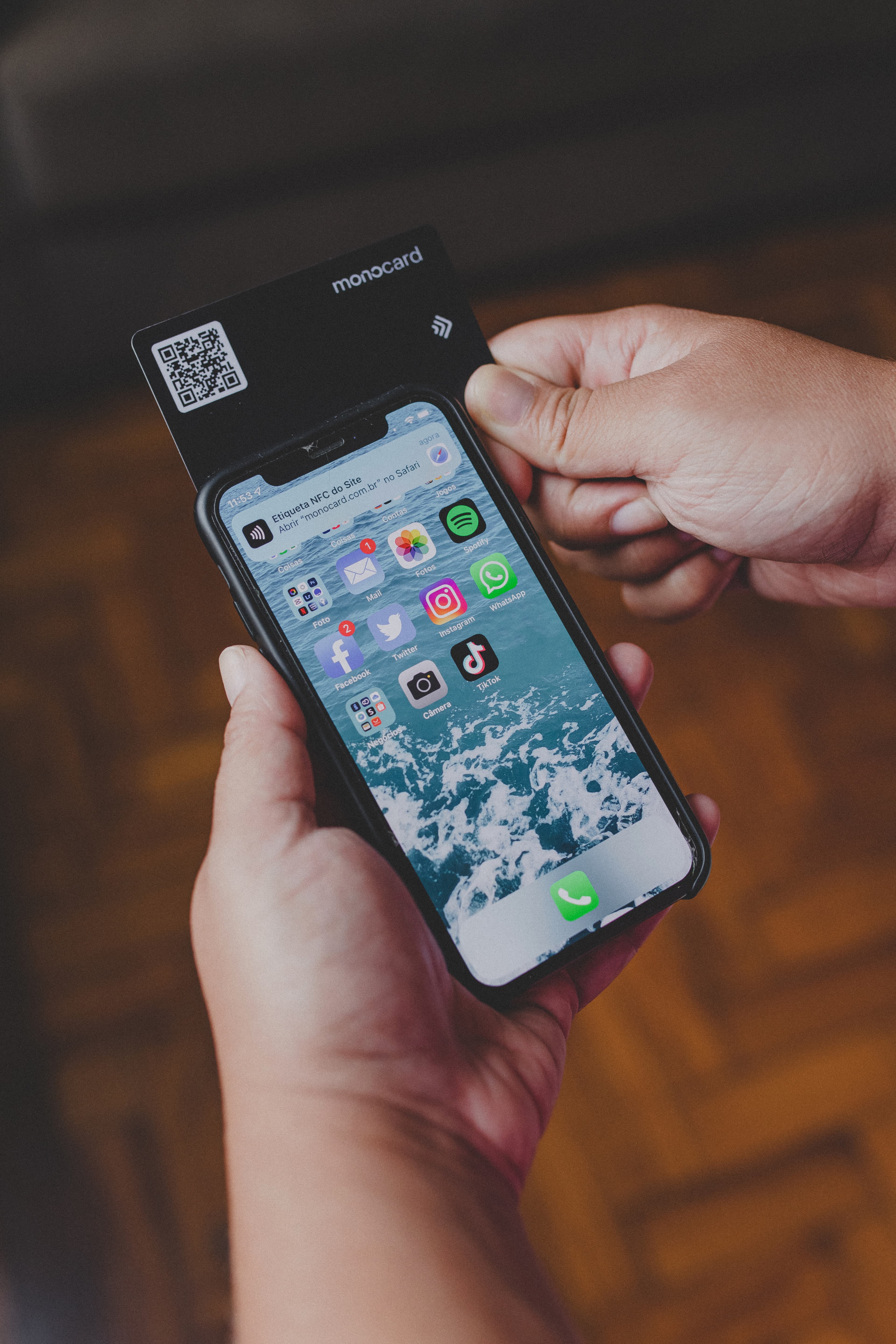
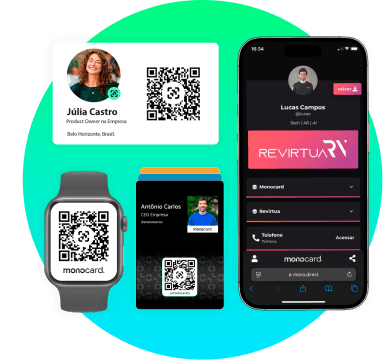
The digital business card is the evolution of traditional paper cards. It is designed to be shared electronically, usually through links, QR Codes, or technologies like NFC.
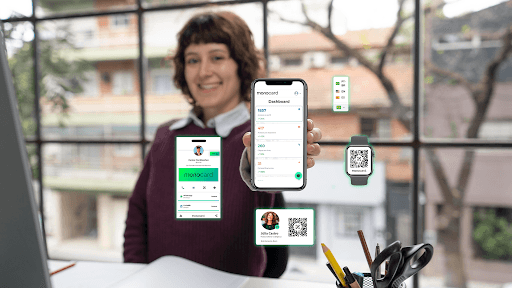
This format includes links to social networks, portfolios, videos, and buttons for WhatsApp and emails. Thus, it has become a complete solution for networking and service promotion.
Benefits of Digital Business Cards for Companies
Digital business cards offer a number of advantages over traditional paper cards. Here are some of the main benefits:
- Cost Reduction: With digital cards, you no longer need to worry about reprinting cards whenever your information changes. This saves money and reduces paper waste.
- Increased Efficiency: Digital cards allow you to update your information instantly, ensuring that your contacts always have access to the most recent information about you.
- Lead Capture: Digital cards can be used to capture leads and integrate with CRM systems, facilitating contact management and tracking new opportunities.
- Easy customization
With a custom business card, you can use a unique identity aligned with your business brand. Choose colors, fonts, logos, and even images that represent your values, ensuring your presentation is impactful and professional.
These benefits make the virtual business card indispensable for those seeking to be modern and efficient.
How to Create a Digital Business Card with Canva
Canva is one of the most popular tools for creating virtual business cards. Here is a step-by-step guide to creating your digital card using Canva:
-
Sign Up and Access Canva:
- Go to the Canva website (www.canva.com) and create a free account.
- If you already have an account, log in.
-
Select a Template:
- In the search field, type "digital business card" and select a template you like. There are many free templates available, but some may require a Canva Pro subscription.
-
Edit the Card:
- Click on the text to edit it and enter your information.
- Use the top toolbar to change colors, fonts, and sizes.
- Add images or social media icons by clicking on the "Uploads" tab.
-
Add Links:
- To add links, right-click on the graphic element (such as a social media icon) and insert the desired link.
-
Download and Share:
- After finishing the edits, download the card in PDF or JPG format.
- Share directly on social networks or by email using the "Share" button in the upper right corner of the screen.
How to Create a Digital Business Card with Monocard
Monocard is an innovative platform that allows you to create digital business cards quickly and easily. Here is a step-by-step guide to creating your business card using Monocard:
-
Sign Up and Create a Profile:
- Go to the Monocard website (https://monocard.me/) and click on "Sign Up".
- Fill in your basic information, such as name, email, and password.
- After confirming your registration, you will be redirected to the creation area.
-
Add Modules:
- In the creation area, you will find a variety of modules that can be added to your digital card, such as links to social networks, QR codes, and even a map to locate your company.
- Click on each module to add it to your card and fill in the necessary information.
-
Customization:
- Customize the layout of your business card by choosing colors, images, and fonts that are consistent with your company's visual identity.
- Monocard offers predefined templates that make it easy to create a professional business card.
Conclusion
Creating a digital business card is more than a modern choice. It is a smart strategy for those who want to stand out in a competitive market. This tool combines practicality, interactivity, and sustainability, creating a memorable experience for your clients and leads.
By effectively promoting your card, you expand your network, reinforce your brand, and demonstrate a commitment to innovation and efficiency. Whether through WhatsApp, social networks, or physical materials with QR Code, the sharing possibilities are endless. They will ensure that your information is always within reach of those who need it.
Now is the time to act! Take the first step to transform the way you present yourself to the world. Discover the best digital business card, Monocard.