The world is changing, and the way we network needs to keep up with this transformation. Physical business cards, though traditional, no longer meet the demands of a digital and agile market.
In this article, you will learn clearly and in detail how to create a digital business card directly from your mobile phone. Additionally, we will present the advantages of this solution and how Monocard can take your networking to a new level.
Discover why digital cards are indispensable, how to create yours in minutes, and explore the exclusive features that only Monocard offers. This guide is the key to more modern, efficient, and sustainable networking.
What is a digital business card on a mobile phone?
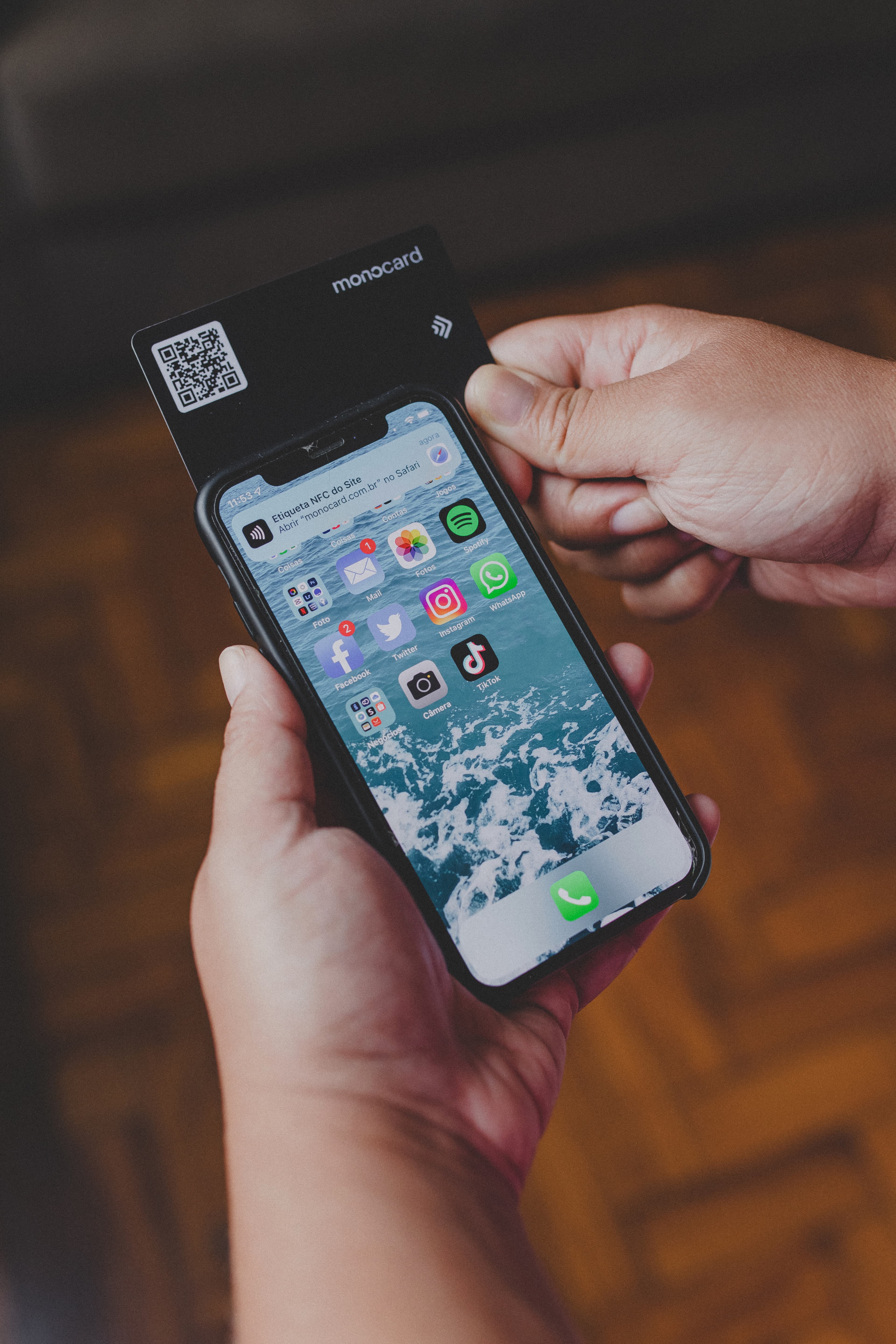
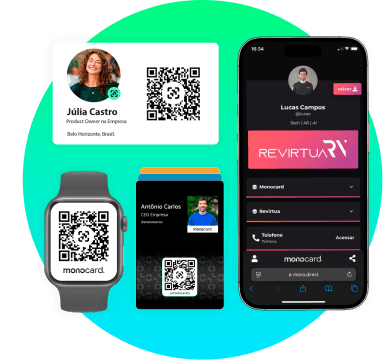
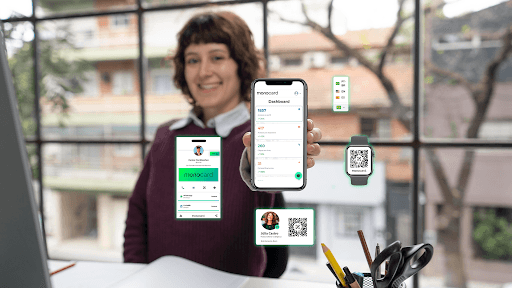
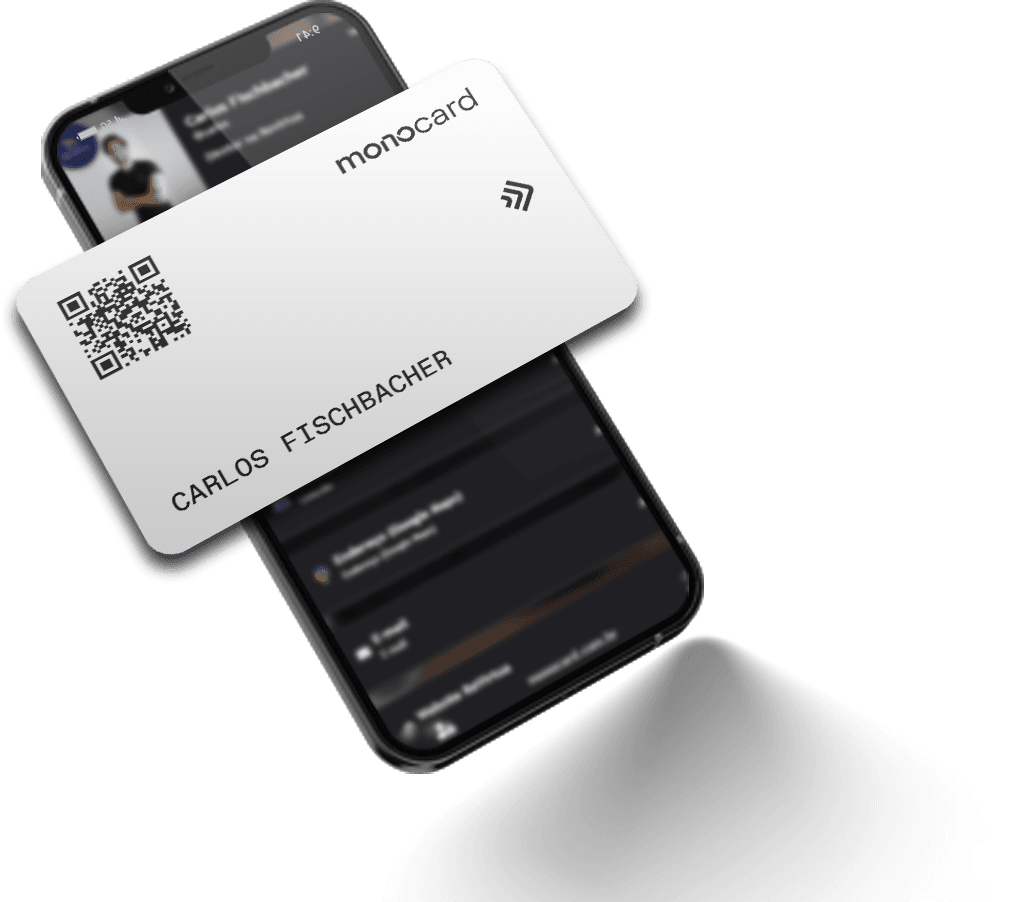
A digital business card is a virtual version of the traditional physical card, but much more interactive and versatile. Created directly on the mobile phone, it consolidates all your contact information, links to social networks, portfolios, location, and even payment methods. To share? Just a tap via NFC or scanning a QR Code.
This innovation is a perfect fusion of practicality and technology, essential for professionals who want to make an impact from the first contact, keeping their information always updated and accessible.
How does NFC technology work?
NFC (Near Field Communication) is a wireless communication technology that allows data transfer between devices that are close to each other. To use this technology on your business card, simply bring the card close to a compatible mobile phone, and the data is instantly transferred.
The QR Code, another essential technology, allows information to be read through a simple scan of the mobile phone camera, making it an efficient alternative to NFC for unsupported devices.
Why create a digital business card on a mobile phone?
The transition from physical to digital business cards is not just a trend but an adaptation to the demands of the current market. Here are the reasons that make this resource indispensable:
Sustainability and economy
The digital card eliminates the need for printing, reducing recurring costs and environmental impact. A single investment results in a durable and updatable solution.
Practicality and accessibility
With a digital card, you share your information in seconds via NFC, QR Code, or links. It is ideal for events, meetings, and even online interactions.
Real-time updates
Changed your phone number, email, or social networks? Just edit your card without needing to reprint anything.
Strategic personalization
In addition to your basic contacts, you can include links to social networks, portfolios, payment methods, and even location on Google Maps, creating an interactive experience for the recipient.
Technological professionalism
By using a digital card, you demonstrate alignment with market innovations, reinforcing your personal or business brand.
How to make a digital business card on a mobile phone? (Step by Step)
1. Choose the ideal platform
To create an efficient digital business card, it is essential to choose a reliable tool. Among the main options are:
- Monocard: Complete solution with NFC technology, QR Code, and CRM integration.
- Canva: Ideal for creative designs with ready-made templates.
- HiHello: Focused on networking and multiplatform functionality.
Why choose Monocard?
Monocard combines cutting-edge technology with an intuitive interface, allowing you to create a highly customizable digital profile. Additionally, it stands out by offering CRM integration, sharing via NFC and QR Code, and support for a wide range of extra features.
1. Personalize your card
Add all relevant information for your target audience:
- Name, position, and company;
- Contact phones and emails;
- Links to social networks and portfolio;
- Location and other strategic data.
In Monocard, you can also integrate modules like WhatsApp, PIX, LinkedIn, TikTok, and much more, creating a unique experience for those who access it.
2. Configure sharing technologies
One of the differentiators of the digital card is the ease of sharing. In Monocard, you can:
- Enable NFC: Just bring the card close to the recipient's smartphone to share your data instantly.
- Generate QR Code: A universal alternative, ideal for devices without NFC support.
3. Test and share
Before starting to use it, test your digital card to ensure that all links and information are correct. Then, share your profile via messages, social networks, emails, or in person.
Why is Monocard the best solution?
Monocard is not just a digital business card; it is a complete networking and contact management platform. See why it is unique:
Cutting-edge technology
With support for NFC and QR Code, Monocard makes data sharing quick and hassle-free, even for those unfamiliar with technology.
Unlimited personalization
Create a profile that reflects your professional identity by adding information such as:
- Social networks (LinkedIn, Instagram, TikTok).
- Payment methods (PIX, PayPal).
- Interactive modules like maps, dynamic links, and even Spotify playlists.
CRM integration
Ideal for companies that want to centralize and automate lead management. Monocard automatically syncs captured data with platforms like Salesforce and RD Station.
Intuitive interface and dedicated support
From setup to daily use, Monocard offers an uncomplicated experience, with agile support to address your questions.
Sustainability with impact:
Each Monocard avoids the printing of thousands of physical cards, contributing to a more sustainable future without sacrificing efficiency.
Conclusion
Digital business cards are not just an update; they are a revolution in the way of networking. Whether for the practicality of sharing via NFC and QR Code, the possibility of unlimited personalization, or the positive impact on sustainability, this solution stands out as indispensable for professionals and companies.
Ready to create your digital business card on your mobile phone? With Monocard, you not only create a card; you transform your contact network into concrete results.
Start now for free