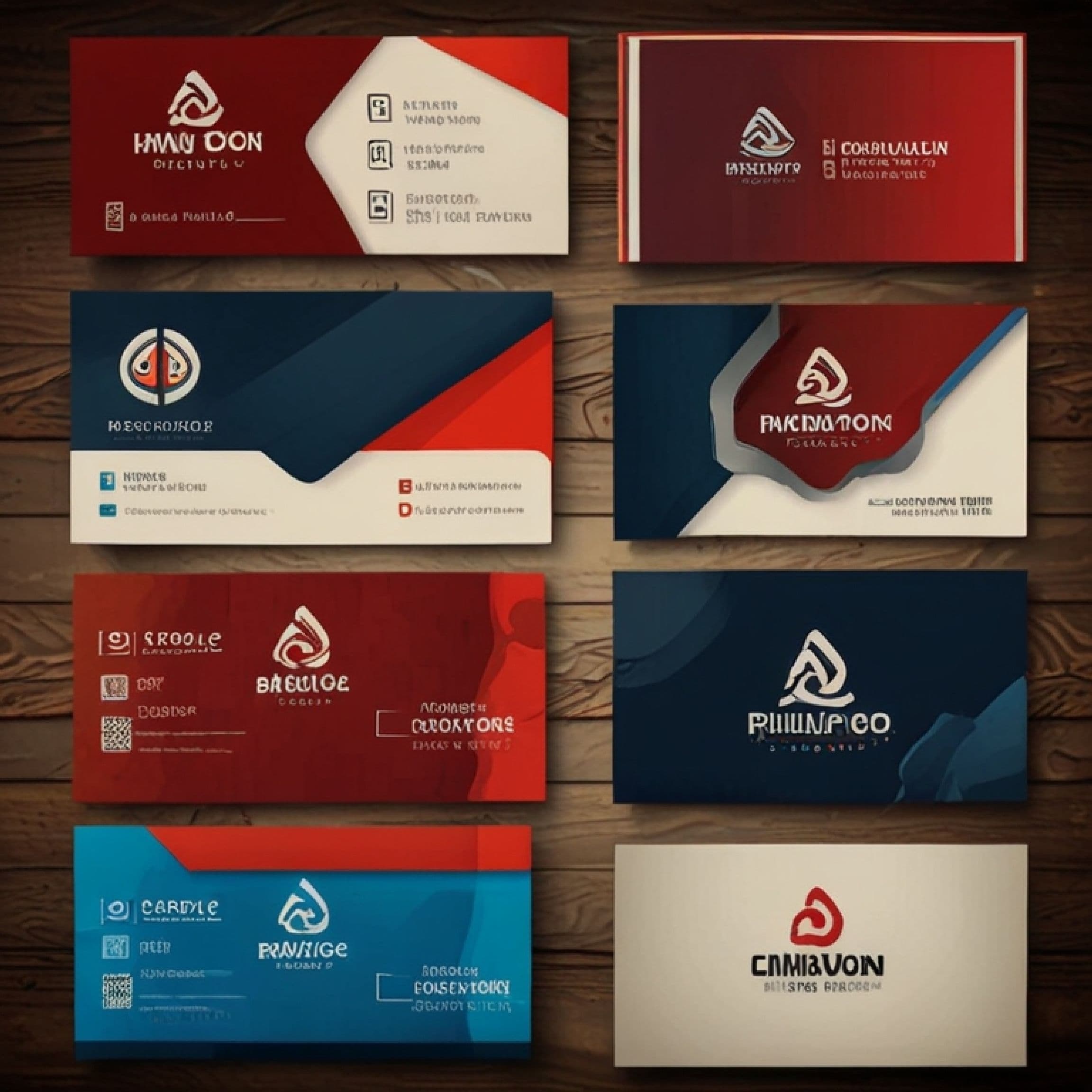
Have you ever thought about transforming your networking with a digital business card? In today's world, where communication is online, traditional business cards are being replaced by modern alternatives. The best part is that anyone can make a digital business card just with their phone.
And Canva, one of the most intuitive and accessible design platforms, allows you to create a digital business card with professional quality and customization to your style.
In this article, we will explore what a digital business card is, how to use Canva to create yours, the advantages of this technology, and how you can integrate it into your daily life to impress contacts and facilitate connections.
What is a digital business card?
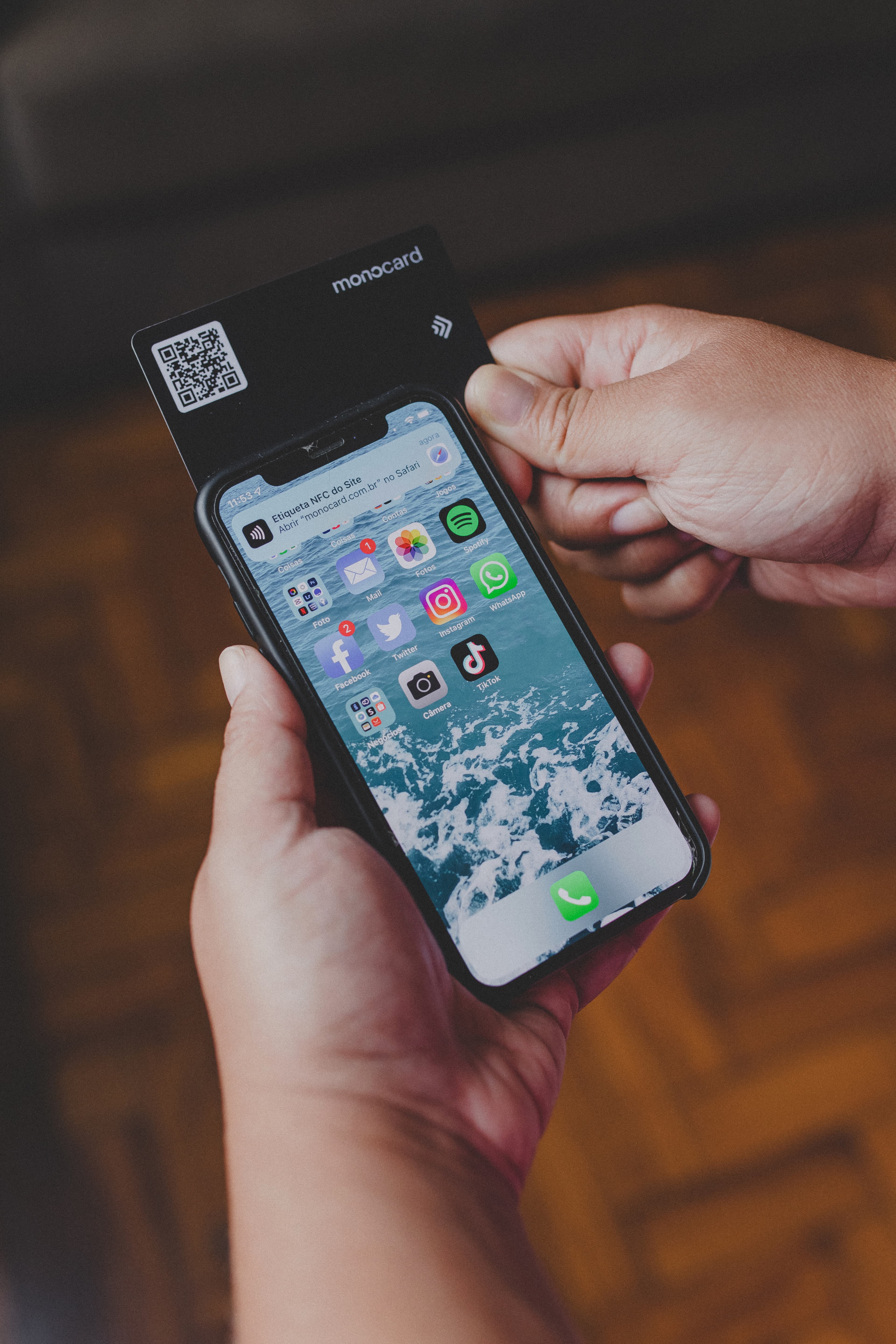
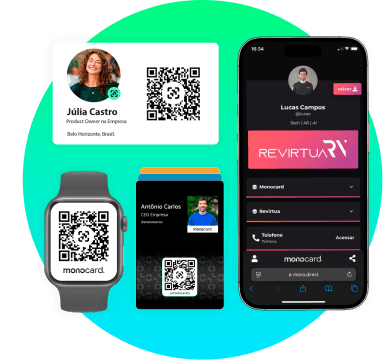
A digital business card is a virtual version of the traditional printed card, but with much more features and flexibility. It can be accessed via smartphones, tablets, or computers and easily shared through links, QR codes, or technologies like NFC (Near Field Communication).
Unlike paper cards, which have limited space, digital cards allow you to add unlimited information, such as links to social media, websites, portfolios, and even videos. Moreover, they can be customized and updated in real-time, ensuring you always have the most up-to-date information available to your contacts.
Why create a digital business card?
Digital business cards offer a range of advantages that make them indispensable in today's market:
- Sustainability: They eliminate the need for printing, contributing to the reduction of paper waste.
- Ease of sharing: With just a link or QR code, you can instantly send your contact information.
- Versatility: Add links to social media, portfolios, catalogs, or even presentation videos.
- Professional image: A digital card conveys modernity and shows that you are aligned with market trends.
- Real-time updates: Unlike physical cards, which need to be reprinted with each change, the digital card can be updated at any time.
How to create a digital business card on Canva?
Canva offers powerful tools to create digital business cards quickly and easily. Here's the step-by-step:
- Access Canva and choose a template
In Canva, search for "digital business card." The platform offers several pre-formatted options that can be easily customized. - Customize the layout
Change colors, fonts, and graphic elements to reflect your professional or brand identity. Canva also allows you to add your photo, logo, and clickable links. - Add essential information
Include your name, position, company, phone number, email, and social media. For an extra touch, insert a QR code that leads directly to your WhatsApp or website. - Download or share online
After finishing the design, you can download the card in PNG or interactive PDF format. Another option is to share the link directly with your contacts.
Advantages of the digital business card on Canva
- Ease of use: Canva is intuitive, requiring no advanced design skills.
- Complete customization: Change colors, fonts, and elements to create a unique card.
- Sustainability: Reduces paper consumption and contributes to environmental preservation.
- Versatility: The card can be shared via email, WhatsApp, or social media.
- Instant updates: Unlike physical cards, you can update your digital card information whenever necessary.
Integrate your digital business card with Monocard
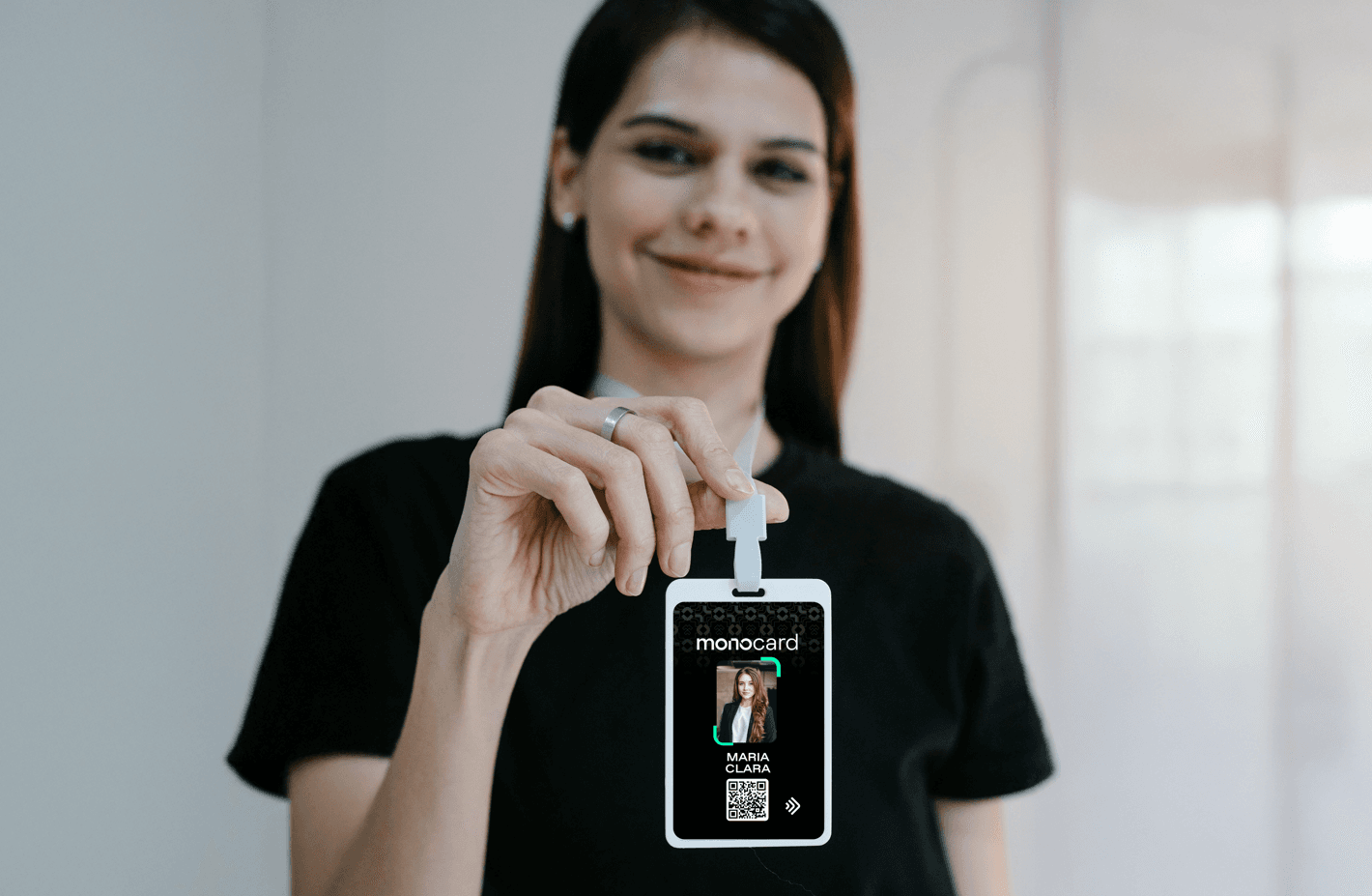
If you are looking for an even more robust solution, Monocard is the ideal platform. In addition to allowing the creation of complete digital profiles, it offers integration with NFC and QR code technology, enabling information exchange by proximity or code reading.
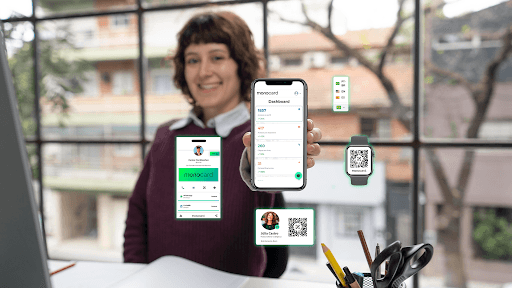
With Monocard, you can create interactive cards that centralize all your professional information in one place.
Conclusion
Creating a digital business card on Canva is a practical and efficient way to modernize your professional approach. The platform combines ease of use, customization, and functionality to help you stand out in the market.
And if you want to take this solution to the next level, Monocard is here to transform the way you connect with your contacts.
Ready to upgrade your networking? Try creating your digital business card today and be part of the digital revolution!
Start my company's digital profile