We agree that the business card is an essential tool for networking and business prospecting, right? After all, it is one of the most practical ways to present your brand and establish connections professionally.
But what if you could create a business card that goes beyond the basics, becoming a true strategic tool?
We're talking about cards that integrate technology, modern design, and features that optimize your professional routine.
In this article, you will discover how to make a business card — whether physical or digital — capable of making an immediate impact and generating results** for your business.** We'll explore everything from the concept to the best practices to transform this tool into a competitive advantage.
Why is the business card still essential?
The business card remains one of the most direct and effective resources for establishing connections in the professional world. It is the first step to making a good impression and making your contact accessible, whether in face-to-face meetings, corporate events, or online interactions.
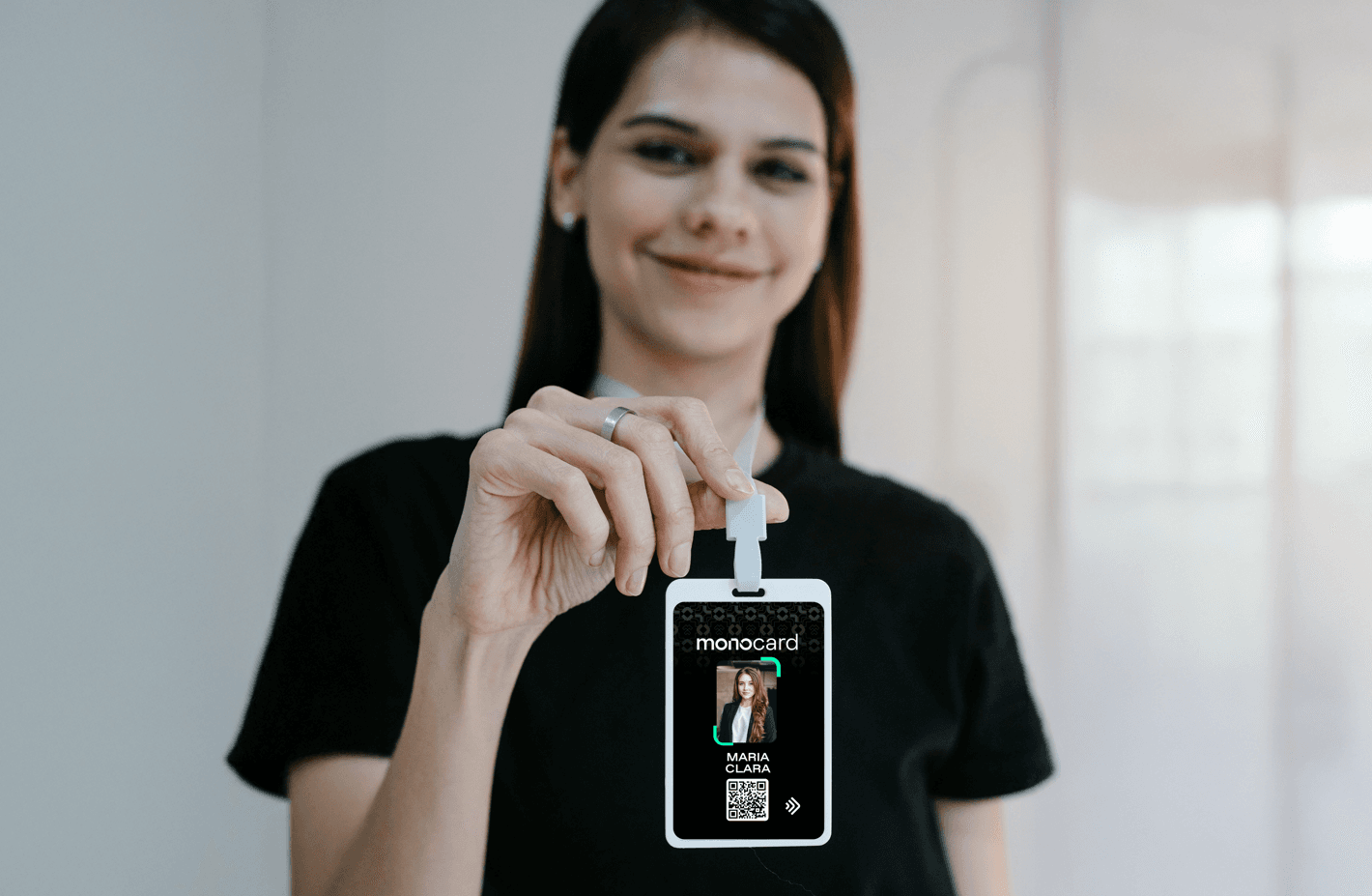
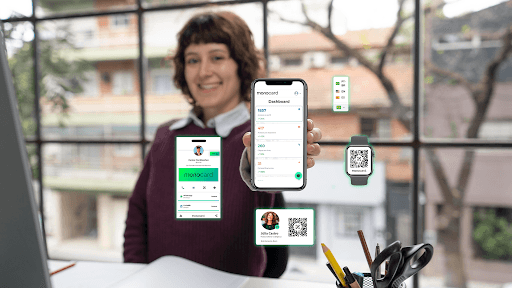
With technological advances, the digital business card has emerged as an innovative solution. Tools like Monocard have transformed this practice into something dynamic and efficient, integrating automatic updates, instant sharing, and strategic insights.
How to create a memorable business card
1. Understand the purpose of the card
Before you start, define the purpose of your card:
- Client prospecting: Your card needs to highlight direct contact channels.
- Brand strengthening: Invest in design and visual identity that reflect your values.
- Agile networking: Adopt digital formats to facilitate quick connections.
The purpose will be the basis for all creative and strategic decisions for the card.
2. Choose the perfect format
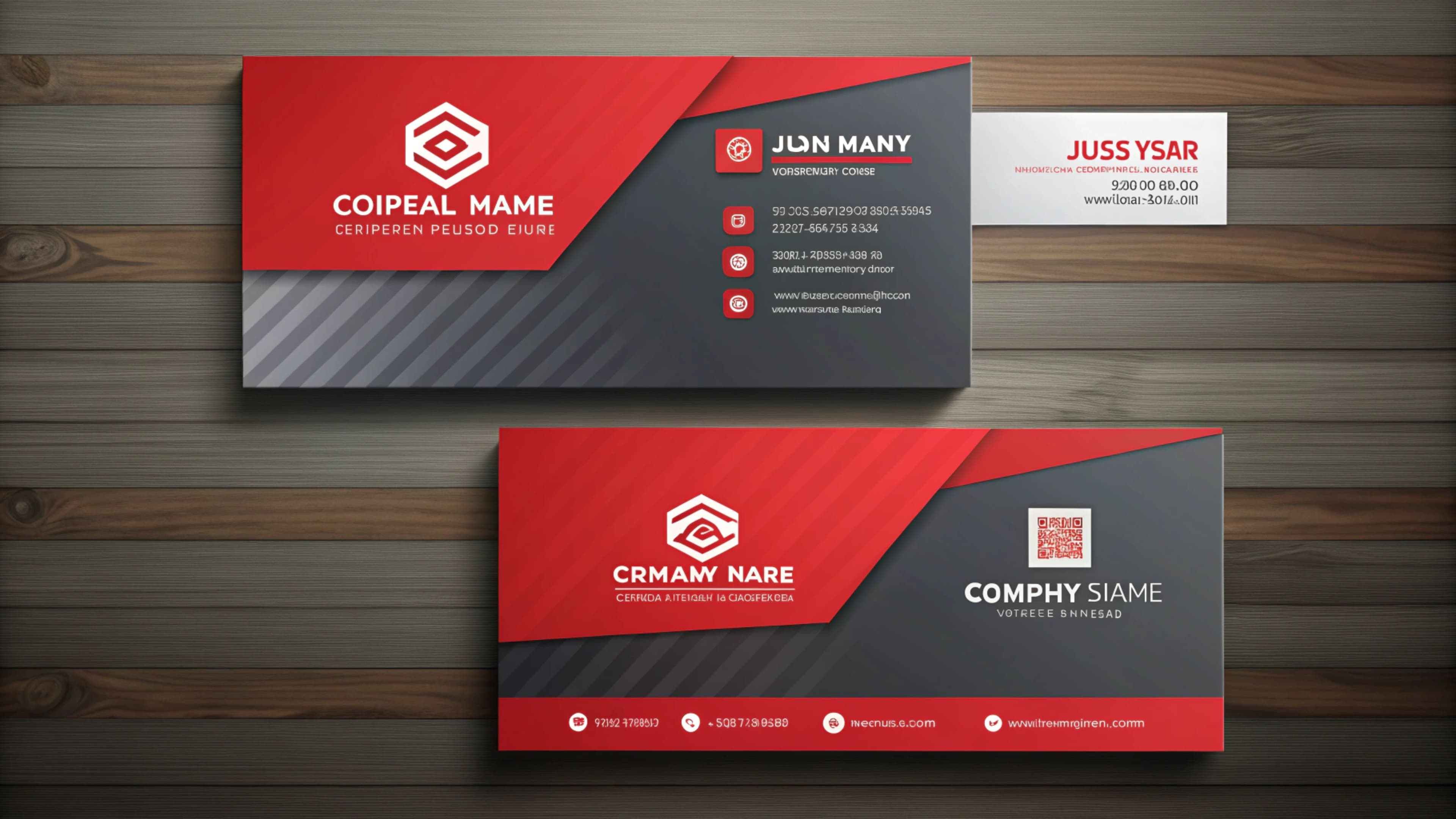
- Physical Card: Ideal for face-to-face events and formal interactions. Bet on high-quality materials and sophisticated design.
- Digital Card: A sustainable, practical, and technological choice. The digital format allows sharing via QR Code, NFC, and personalized links, in addition to integrating data directly with CRM systems.
3. Plan the content carefully
An effective business card is direct, informative, and impactful. Make sure to include:
- Name and position.
- Company name.
- Main contacts (phone, email, and social networks).
- Website address or digital portfolio.
- In the case of digital cards, add a QR Code or NFC functionality for quick access.
Tip: Avoid excess. A clean and minimalist design conveys professionalism and facilitates reading.
4. Work on the card design
Design is the soul of the business card. It needs to convey the essence of your brand. Here are some tips:
- Use colors aligned with your visual identity.
- Choose clear and legible fonts.
- Include your logo prominently.
- Ensure the layout is functional both on mobile devices (in the case of digital) and in physical prints.
Tools like Canva, Adobe Illustrator, and Monocard help you create professional layouts with ease.
5. Test and optimize
Whatever format you choose, test before launching. For physical cards, print a version to check the quality. For digital cards, validate the functionality of links, QR Codes, and display on mobile devices.
How to create a business card in Canva
Canva is one of the most popular tools for creating personalized business cards, thanks to its intuitive interface and variety of resources. It allows even people without design experience to create** professional and impactful cards**. Here's how you can create yours step by step:
1. Create an account on Canva
Access the Canva website (or download the app) and sign up for free. With the account ready, you will have access to hundreds of business card templates.
2. Choose a template
Search for "business card" in the search bar to view the available templates. There are options for different styles and sectors, from minimalist designs to more elaborate layouts. Choose a template that reflects your visual identity or that of your company.
3. Customize the design
Canva allows you to edit all aspects of the card, including:
- Colors: Change the palette to match your brand.
- Fonts: Choose typography that conveys professionalism and is easy to read.
- Logo: Upload your logo and position it strategically.
- Texts: Add your contact information, such as name, position, phone, email, and links to social networks or website.
4. Add visual elements
Canva also offers:
- Icons representing social networks or specific sectors.
- Images and backgrounds to enrich the design.
- QR Codes: Generate a QR Code directly on the platform to direct contacts to your digital profile or website.
5. Adjust the size and resolution
Ensure the design is in the standard size for business cards (usually 85 x 55 mm or 90 x 50 mm). Check the quality so that the print is sharp and professional.
6. Download or print
After finalizing the design, download the file in high resolution in the formats suggested by Canva, such as PDF or PNG.
You can choose to print the card at a print shop or use Canva's own functionality to request prints delivered to your home.
Creating a business card in Canva is quick, practical, and accessible, allowing you to have a professional presentation in hand with just a few clicks.
Business card with spot varnish?
The business card with spot varnish is one of the most sophisticated and impactful options for those who want to make an excellent first impression. This technique highlights specific areas of the card, creating a visual and tactile contrast that draws attention to important details, such as logos, names, or graphic elements.
What is spot varnish?
Spot varnish is a finish applied only to specific parts of the card, creating a shiny effect that contrasts with the usually matte background. It is ideal for highlighting information or visual elements elegantly and professionally.
Why choose the card with spot varnish?
This technique is widely used to convey a sense of quality and exclusivity. Here are some reasons to opt for this type of card:
- Sophistication: Spot varnish gives a premium finish that impresses from the first contact.
- Customization: You can highlight specific parts of the design, such as the company logo, name, or graphic elements.
- Durability: In addition to being visually attractive, the varnish offers extra protection to the card, increasing its resistance to wear.
How to use spot varnish strategically
Spot varnish is most effective when used subtly and strategically. Check out some application tips:
- Highlight the Logo: Apply the varnish over the logo to reinforce your brand's visual identity.
- Enhance Name and Contact: Use the finish to give more visibility to the main information, such as name, phone, or email.
- Bet on Graphic Elements: Add varnish details, such as lines or icons, to create a more dynamic design.
- Combine Textures: The contrast between the matte background and the shiny varnish creates a visual effect that draws attention and improves the perception of quality.
Investing in business cards with spot varnish is a way to stand out and convey sophistication in every interaction. It combines attractive design and functionality, showing that your brand values excellence in every detail.
Digital business card: a step beyond
Digital business cards are a revolution in networking. With them, you save time, resources, and gain advantages such as:
- Real-time updates: Data like phone or position can be changed instantly, without the need for reprinting.
- Sustainability: Zero paper, contributing to a greener planet.
- Metrics analysis: Tools like Monocard allow you to monitor access, shares, and interactions, providing valuable data for your strategies.
- Integration with CRMs: Direct connection with systems like HubSpot, facilitating the tracking of leads and opportunities.
Extra Tips: Avoid the Most Common Mistakes
- Outdated or incomplete information.
- Overly cluttered or amateur design.
- Not testing functionality (in the case of digital cards).
- Using low-quality materials for physical cards.
Remember: the business card is an extension of your brand. It needs to convey professionalism, trust, and innovation.
Conclusion
Creating a business card is more than a technical task; it is a strategy that reflects your professional identity and connects you to your audience. If you want to stand out and turn contacts into real opportunities, bet on the technology and modernity of digital cards like Monocard.
How about starting right now? Create your digital profile** with Monocard** and impress anywhere!
Create digital business card