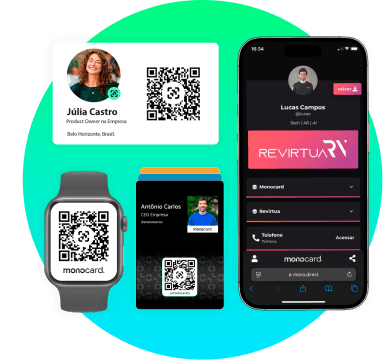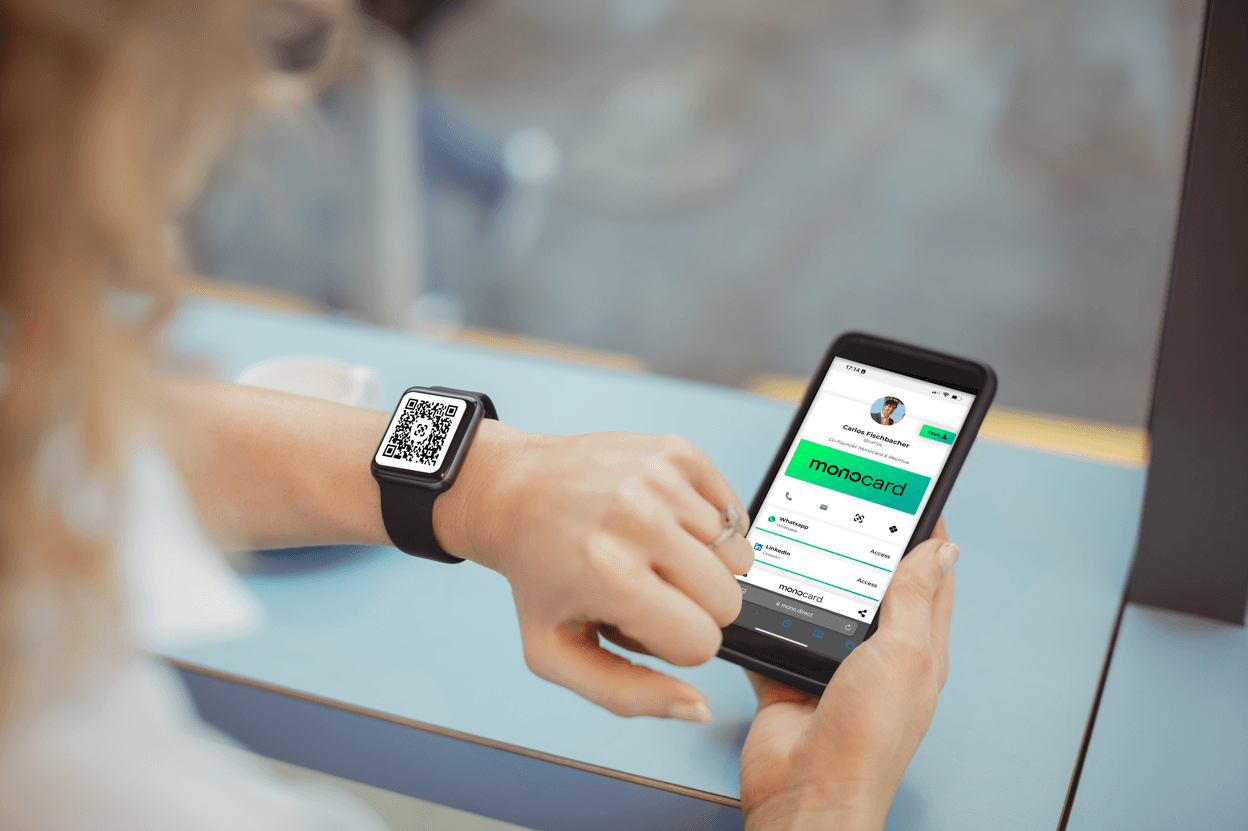
With smartwatches growing in popularity, new ways to use them to make our professional and everyday lives easier continue to emerge. Surprisingly, your Apple Watch can even be your business card.
Want to know how to do this? Keep reading this article.
How to put a business card on the Apple smartwatch?
To turn your Apple Watch into a digital business card, you will add a QR Code with your contact information to the Wallet app (Apple Wallet). This will allow you to easily share your business card directly from your wrist. Follow the steps below to set it up:
1. Create your digital business card with a QR Code:
Use a reliable platform to generate a digital business card that includes a QR Code with your contact information. Make sure the platform supports adding the card to Apple Wallet. We recommend Monocard.
2. Add the business card to Apple Wallet on the iPhone:
After creating your digital business card, go to the Sharing area in your profile to generate the Pass.
Tap "Add" in the top right field.
3. Sync the business card with the Apple Watch:
The Apple Watch automatically syncs cards added to the iPhone's Apple Wallet. Make sure the Apple Watch is paired and synced with the iPhone.
4. Access and share your digital business card on the Apple Watch:
- On the Apple Watch, press the Digital Crown to access the home screen.
- Open the "Wallet" app.
- Select your digital business card to display the QR Code.
Show the QR Code to the person you want to share your information with. They can scan it with their smartphone camera to access your contact details.
By following these steps, you will have your digital business card always accessible on the Apple Watch. This way, you will facilitate the sharing of your contact information in a practical and modern way.
I don't have a digital business card, how do I create one?
There are several ways and platforms to create a digital business card. We recommend Monocard to create your free business card. With this platform, you can make your card in just a few minutes and already put it on your Apple Watch.
What is a digital business card?
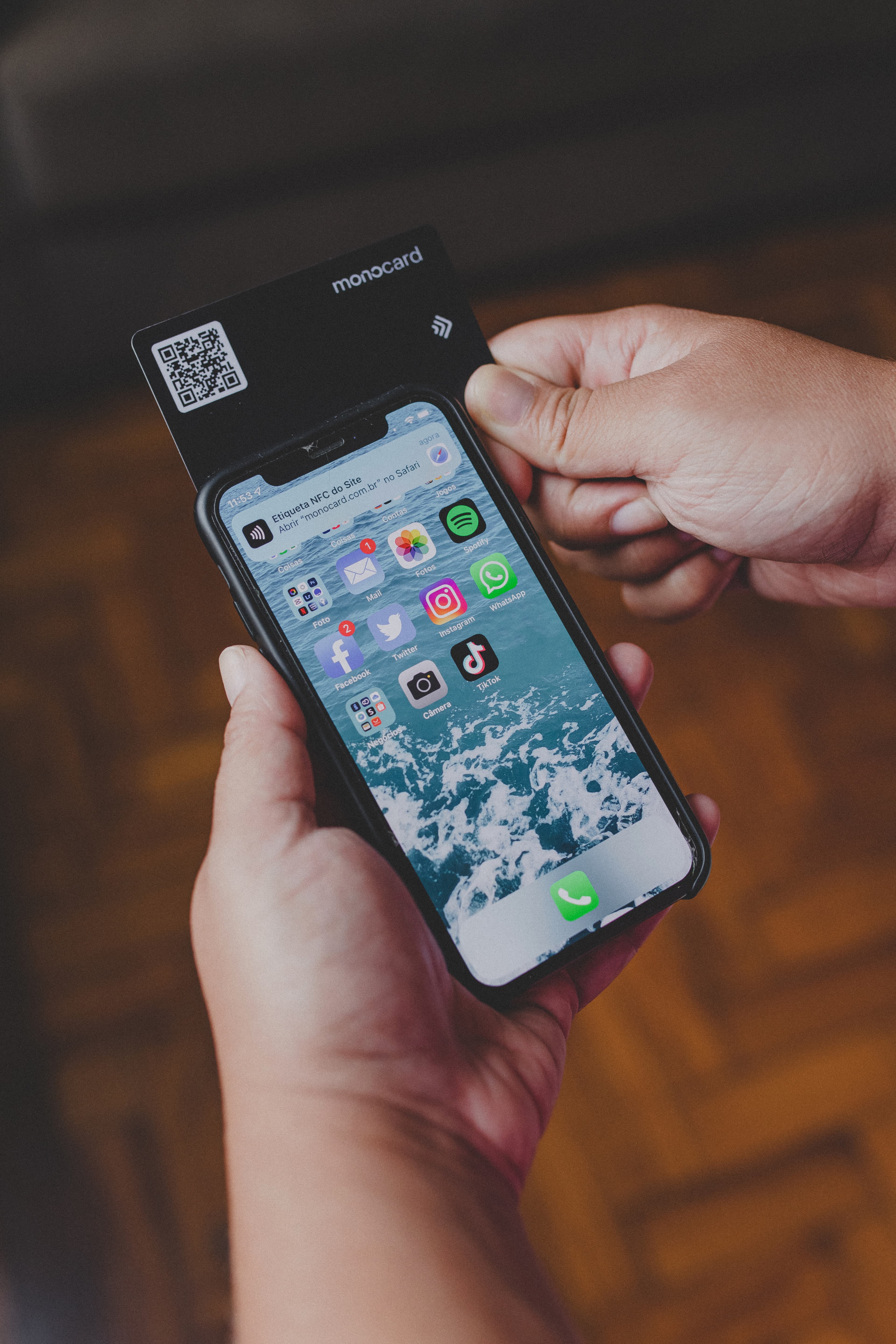
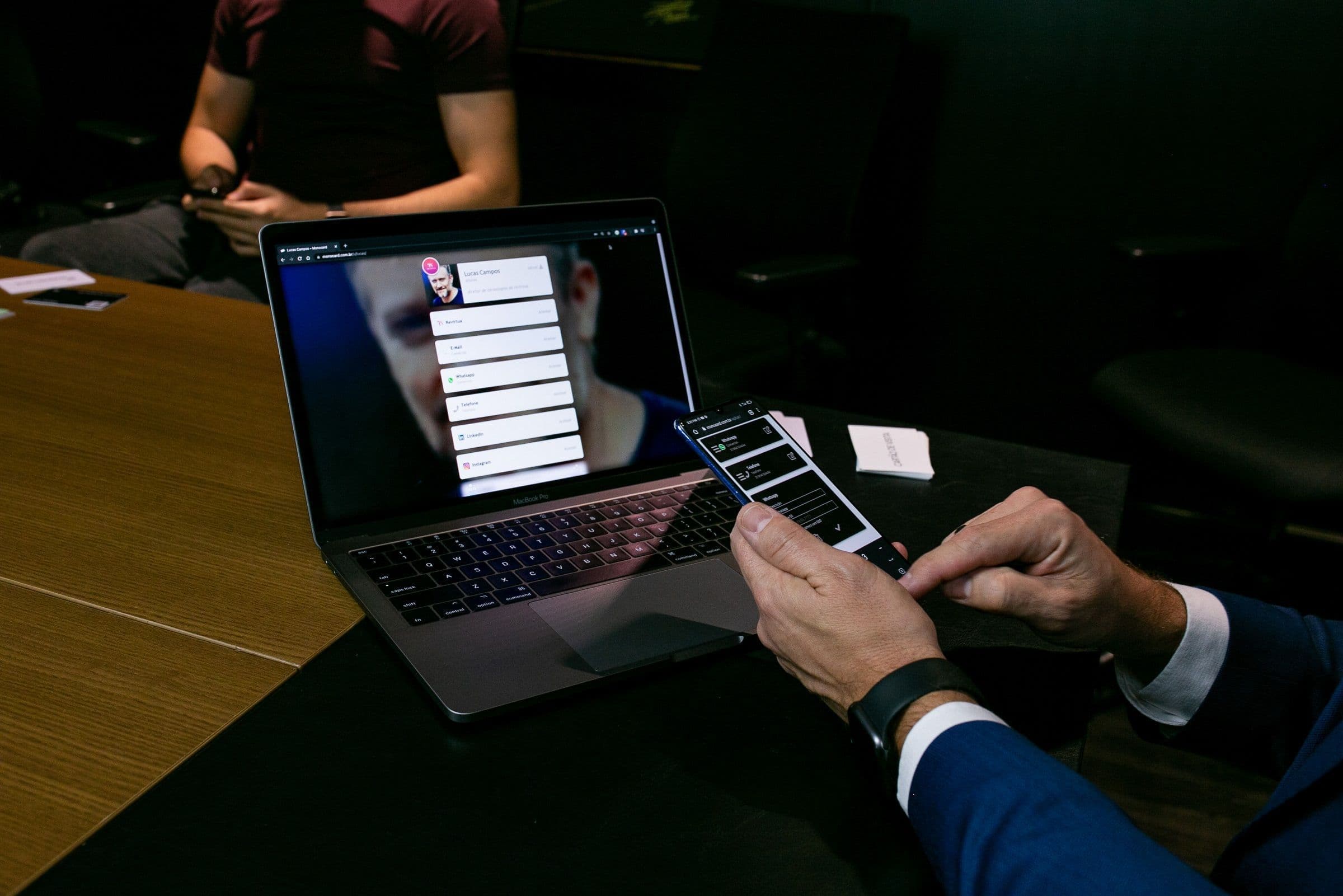
The digital business card, or virtual business card, is the online version of traditional paper business cards. It is designed to be shared and accessed electronically through links, QR Codes, or technologies like NFC (proximity).
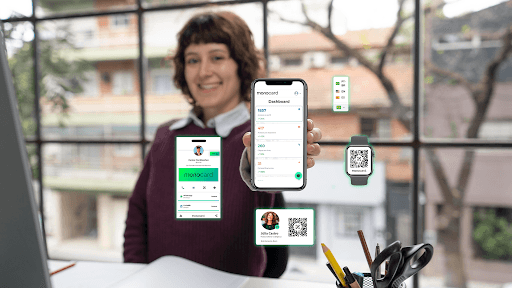
With a digital card, you go beyond the limitations of the traditional business card. You can add links to social networks, portfolios, videos, interactive buttons for WhatsApp and emails, among others. Thus, digital business cards have become a complete solution for networking and service promotion.
Why create a digital business card?
Sustainability first
Unlike traditional cards that consume paper, ink, and other disposable materials, the digital card eliminates the entire production and disposal chain. It is a modern and responsible choice.
This can also catch the attention of your connections and potential clients when they realize that your company is committed to the environment.
Cost savings
Say goodbye to expenses with production, printing, and replacement. With the digital card, your company saves money while maintaining a professional and practical presentation.

Quick and practical sharing
The digital card allows you to quickly share information via QR code, NFC, Apple/Google Wallet, Link in Bio, among other formats. This ensures agility in contact and flexibility for different situations.
Ease in capturing leads
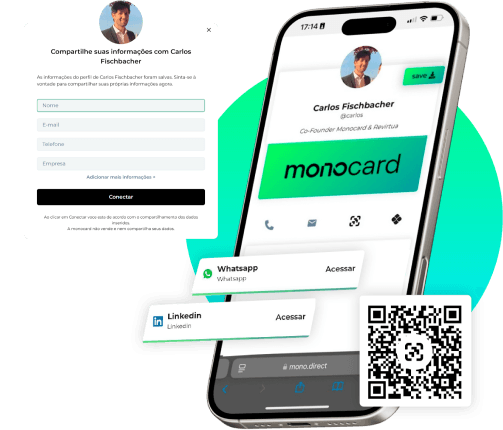
While physical cards depend on the client to take the initiative, the digital card captures information automatically when accessed. Thus, your team can create more effective sales strategies based on the collected data.
Integration with marketing tools
The digital card connects to CRMs and automation systems, facilitating the tracking and nurturing of leads. This allows you to extract valuable insights for your marketing campaigns and enhance results.

Conclusion
The Apple Watch is more than just an accessory. It can be a powerful tool to facilitate your professional life and expand your connections. Turning it into a digital business card is a modern, sustainable, and efficient way to stand out in the market.
Whether you are in a meeting, networking event, or casual encounter, having your digital business card always at hand – or rather, on your wrist – can open doors and create incredible opportunities.
Ready to create your digital business card?
Access Monocard and start right now! With just a few clicks, you can create your digital card for free and add it to the Apple Watch. Make your connections easier. Click here and create your digital card right now**!**