
Currently, everyone is vying for their little piece of "land" in the digital world. And in this world, a business's ability to capture and convert leads is the benchmark for success. Lead capture forms are an essential tool in this process. They are the gateways between a potential customer and YOUR sales funnel.
However, just having a mere lead capture form is not enough. To increase their effectiveness, these forms need to be attractive, clean, and strategically positioned.
But it doesn't stop there. Using A/B testing, CRM integrations, and email marketing software will improve your forms. As a result, lead capture and conversion rates increase.
In this detailed guide, we will discover the best practices and tools to set up and manage your lead capture forms.
What is a Lead Capture Form?
A lead capture form is a page used to collect information about your potential customers (leads). Their goal is to identify and connect with people who may be – or become – interested in your products and services.
There are various types of lead capture forms and different times when these forms can be offered.
There are also strategies to encourage your lead to fill them out. People are not always willing to do something for free, so there are ways to motivate them.
Later on, we will see strategies to encourage your lead to fill out your forms.
Why are Lead Capture Forms important for conversions?

In increasingly larger and competitive markets, personalized engagement is the new key.
That's why lead capture forms work behind the scenes to collect crucial information about potential customers. They are the hidden figures that transform casual visitors to your site or simple impressions on your social networks into valuable leads.
According to a HubSpot study, businesses that master lead nurturing generate 50% more sales-ready leads at 33% lower cost.
Not capturing new leads through a form is like leaving the door to your products open but knowing nothing about who passed through it.
The bridge for this is lead capture forms. They will collect the details, behavior, demographics, pains, desires, or just basic information about your lead.
However, you need a place to store and organize this information, and that's where CRM platforms come in. With data directed to the CRM, it's easier to track them and build effective marketing strategies based on them.
With innovations like the digital business card Monocard, the effectiveness of lead capture in your business will increase.
With the tools from Monocard, you don't depend on your lead contacting you after a promising conversation. With this modern solution, the information collected from your lead can be easily accessed and stored in your CRM.
Want to know how? Click here!
5 Types of Lead Capture Forms
Lead capture forms can have different functions with different purposes. Choosing one to form your business's marketing strategy can positively impact your conversions.
Here are the 5 most common types:
- Simple contact form: This is the most basic type. It aims to capture essential contact information, such as name, email, and phone number. Simple but effective, you can always find a way to fit it somewhere in your lead capture strategy.
- Landing pages: These are focused landing pages that encourage visitors to fill out a form in exchange for something valuable. It could be registration for a live event, newsletter subscription, webinar, e-book, or even a discount coupon.
- Feedback and Survey Forms: Excellent for gaining insight into the experiences and preferences of the customer or potential customer. These types of forms help businesses polish their products and services. They can be used before and after purchase.
- Order and Reservation Forms: These are more geared towards companies that offer services that require scheduling. Such forms streamline the process of scheduling or reserving something, as the lead's data will already be captured in advance.
- Checkout Forms: It's already natural for the lead to fill out several pieces of information on the checkout page to complete a purchase. The trick here is to capture some additional information to be used in your strategy.
See? Each type of form can serve your profile at different stages of your lead's journey. When you use multiple forms, your business will gather a comprehensive set of data, enriching the CRM and adjusting your marketing strategies.
Best Practices for Creating Lead Capture Forms that Work
Creating lead capture forms goes far beyond simply adding multiple fields to a page. You need to consider user experience, design, and data management.
-
Keep it simple
Don't include too many fields. Market experts have tested, and yes, forms with fewer fields tend to perform better. Capture only the essential data. You will learn more about this lead as you deepen the relationship with them. -
Value Offer
With the right incentives, your forms will be impossible to ignore. Some examples were given in this article about valuable things to encourage your lead to fill out your form. E-books, free classes, discount coupons, or some type of digital resource, all are options.With this, in addition to attracting leads, you ensure that they are interested in what you offer.
-
Use simple and irresistible CTAs
Your Call to Action (CTA) should be clear and captivating. Skip the generic "Submit" buttons. Be more specific, like "I want my Free Ebook" or "Receive secret content". This increases the perceived value of your product. -
Personalize the experience and optimize for mobile
Use tools that allow you to customize your forms. Colors, different types of responses (multiple choice, checkboxes, short answer, etc.), visual elements, among others.With this practice, you can customize the forms with the brand or product's visual identity. Additionally, you can also make the experience more intuitive and fun for the lead.
Ensure that the form is working well and is easy to fill out on mobile.
-
Integrate with CRM systems
All this work is pointless if you don't send this data in an organized way somewhere. Your marketing decisions will be shaped by this information, and your leads will be nurtured efficiently.Ensuring that your forms are seamlessly integrated with the CRM saves manual work and simplifies processes in your company. Monocard, for example, allows integrations with various CRM platforms, such as RD Station, Hubspot, Salesforce, and many others.
It's like a slide: from the form, straight into the CRM.
-
Test
Nothing in the marketing world works without testing. Test different versions of your forms to see which perform better. A/B testing helps identify which elements are converting and which need improvement.
If you still have doubts about how to apply these practices, don't worry. Continue reading to learn in detail how to put each one into action.
Make your form attractive and responsive
Clean, intuitive, and responsive design
Your lead will have difficulty responding to something that causes mental confusion or is hard to read. Ensure that the design is clear, intuitive, and adapts well to mobile devices. Many platforms help build your forms within these guidelines easily.
Use your identity
It's good to keep consistent branding in your forms. They represent your brand and, often, will be the first contact your new lead has with your company. Use the brand's colors, elements, logos, and language in the forms.
Use interactive elements
Creative elements can make your lead's experience more satisfying. Add progress bars, scrolling effects, or hover effects to keep them engaged.
Fast loading
In the digital world, slow loading means losing conversions. And losing conversions means losing money. So, optimize your forms to ensure that users can access them quickly, regardless of the device.
Strategies to increase responses and conversions

Include testimonials
Use testimonials, reviews, or case studies to build trust and encourage filling out the form.
Create an irresistible value offer
As seen, offering something of interest to the lead induces them to respond to your form. Invest in something that costs you little effort but is valuable and attractive to the lead. Clearly state all the benefits they will have by filling out the form.
Use urgency/scarcity triggers
Use messages like "Limited time offer" or "Spots running out" to create a sense of urgency in the lead. This scarcity will motivate them to fill out the form quickly.
Email follow-up
After the lead fills out the form, your relationship truly begins. Send a personalized thank-you email confirming the submission and opening doors for future interactions.
Continuous A/B testing
Don't stop with A/B testing. They will determine what is converting more and what needs to change. Experiment with different headlines, CTAs, form sizes, pop-ups, among others.
Where to place my lead capture forms?
Your forms can be in different places depending on their function and purpose.
Some examples are:
- Your main website;
- Blog posts;
- Landing pages;
- Pop-ups and Slide-Ins;
- Product pages;
- Website header or footer.
Conduct A/B testing to improve your forms
Experiment with CTAs and headlines
Test forms of different sizes. Although, most of the time, it's recommended to make small forms, sometimes your strategy will require more qualified leads = larger forms. Find the balance by testing different sizes.
Tip: The conversation format of Typeform makes the lead not notice the number of questions the form has. Test using it for larger forms.
Experiment with design and copy
Colors, symbols, and words influence your lead's behavior. Test different colors and copies to see which convert more and better.
Test visual elements
Incorporate images, icons, and other visual elements to see how they impact engagement. A/B testing will help you understand if the elements are helpful or distract the lead.
Experiment with Pop-Ups
Test different triggers for your pop-ups. These triggers can be time on the page, scroll depth, or a retention trigger like exit intent. Study which one causes the highest conversion.
Integrate your forms with CRM and email marketing systems
It's essential that your lead capture forms are integrated with CRM and email marketing systems. This way, you can take the first step in turning these valuable leads into customers.
Integrate with CRM
Set up your CRM system integrated with the form to automatically import captured leads. This way, all leads will be stored and organized in a central system, where it will be easier to manage and monitor.
With Monocard services, for example, you have direct integration with the most used CRM systems in the world, such as HubSpot, Salesforce, RD Station, and more!
Integrate with email marketing
By integrating your forms with the email marketing system, leads will be automatically added to your email list. This will ensure that new leads receive welcome emails or nurturing sequences.
Automatic workflows
By setting up automatic workflows, you eliminate a lot of manual work. You can do this in your CRM and email marketing system to nurture incoming leads.
When a lead fills out a form, you can trigger a nurturing email sequence or assign it to someone from the sales team to contact.
Map the data
Ensure that the fields in your forms match those in your CRM or email marketing software. This prevents data loss and ensures that captured information is accurately recorded and accessible.
Synchronize in real-time
Set up real-time synchronization between your forms and your CRM/email marketing systems. This will ensure that your sales team doesn't lose data.
Read the analytics and reports
You will only understand if your forms are working by analyzing the reports from CRM/email marketing systems. Analyze metrics such as submission rates, conversion rates.
Tools to create and manage your forms
1. Google Forms
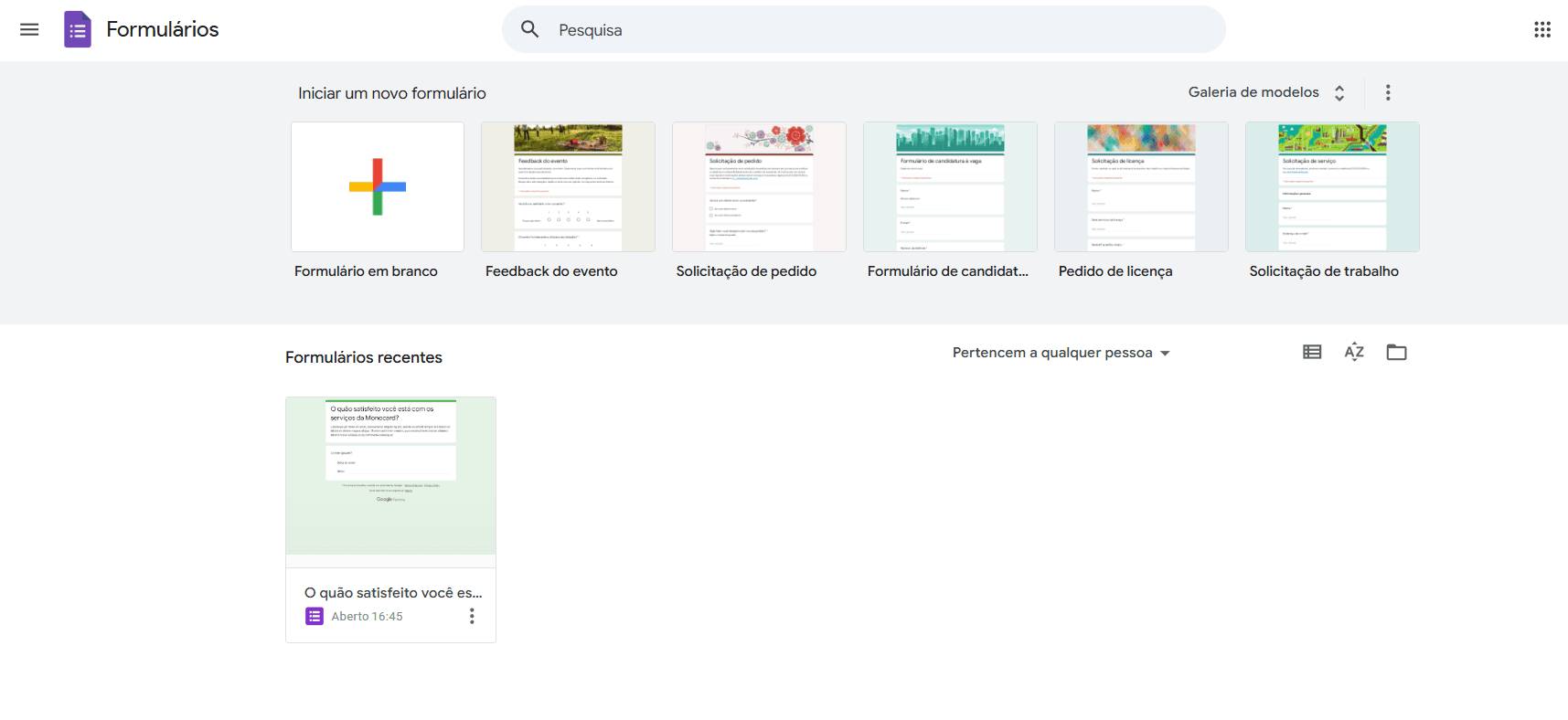
- Easy and free, perfect for simple lead capture;
- Some customization options;
- Limited, but integrated with Google Sheets.
2. Typeform
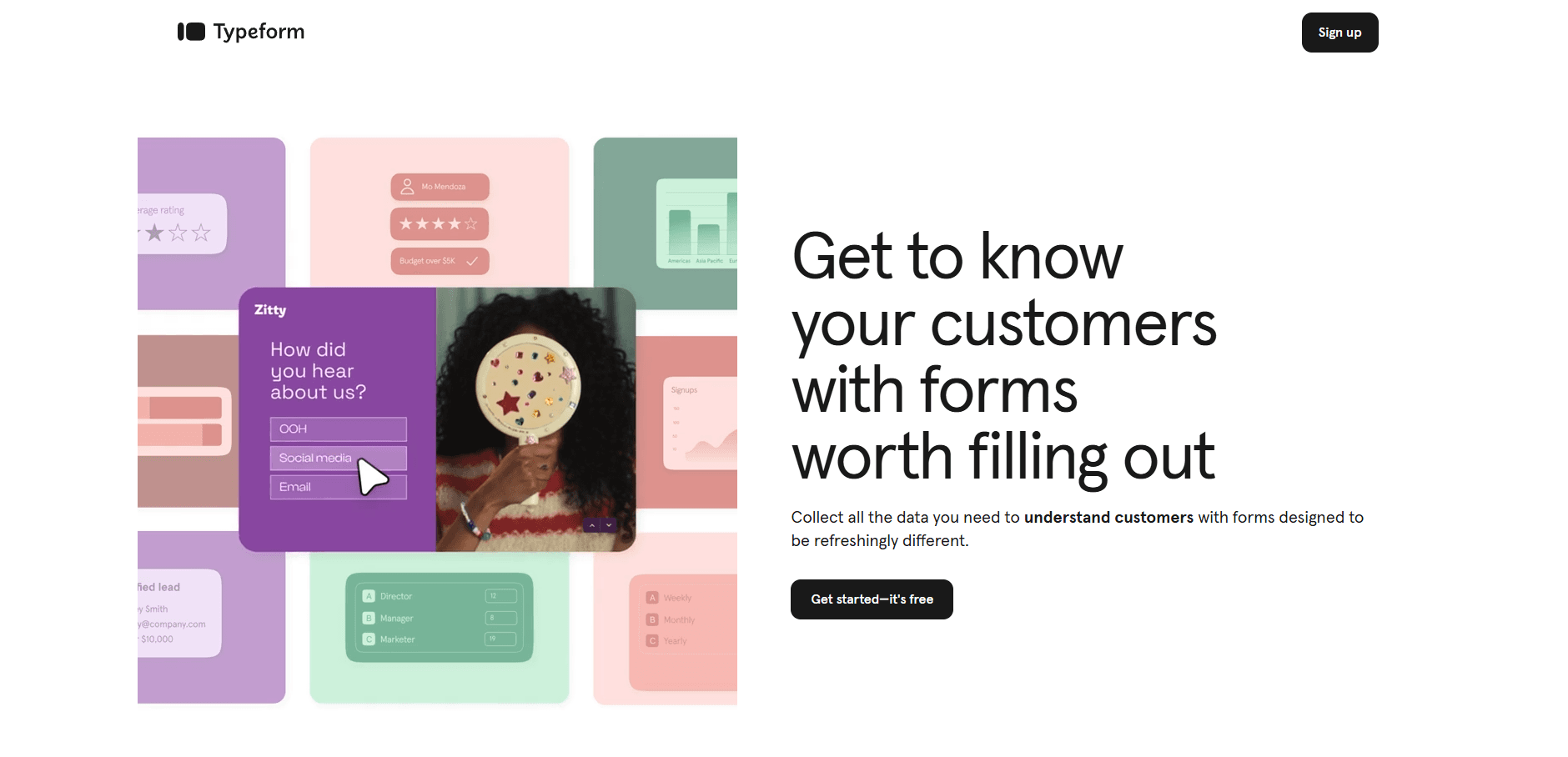
- Very popular, interactive platform with attractive design;
- Its forms have a "conversation" style, which makes them convert more;
- Integrated with various CRM and email marketing tools.
3. WPForms
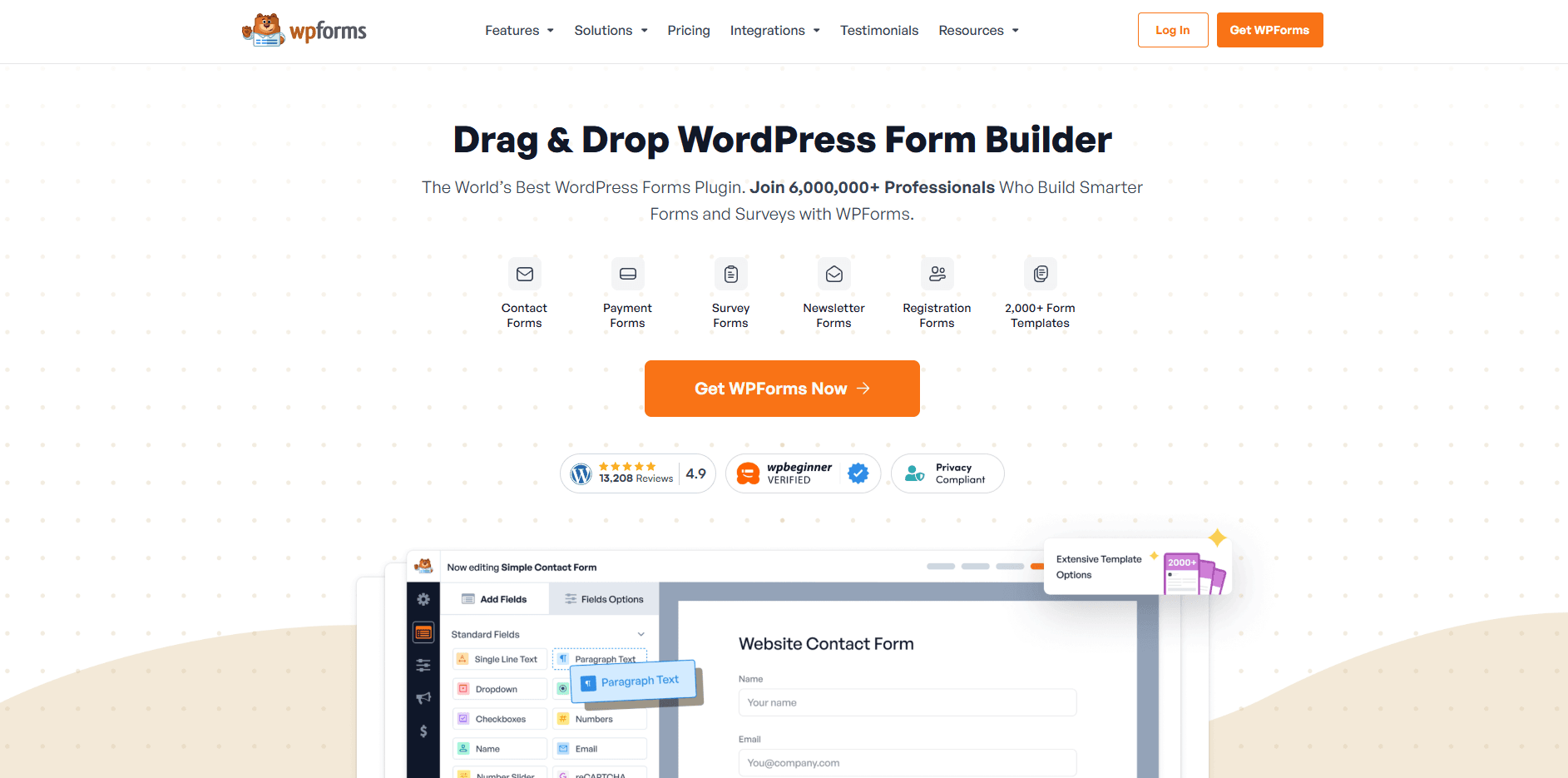
- Perfect plugin for WordPress users;
- Integrations with email marketing services;
- Ready-made templates, "drag and drop," and multi-page forms.
4. HubSpot Form Builder
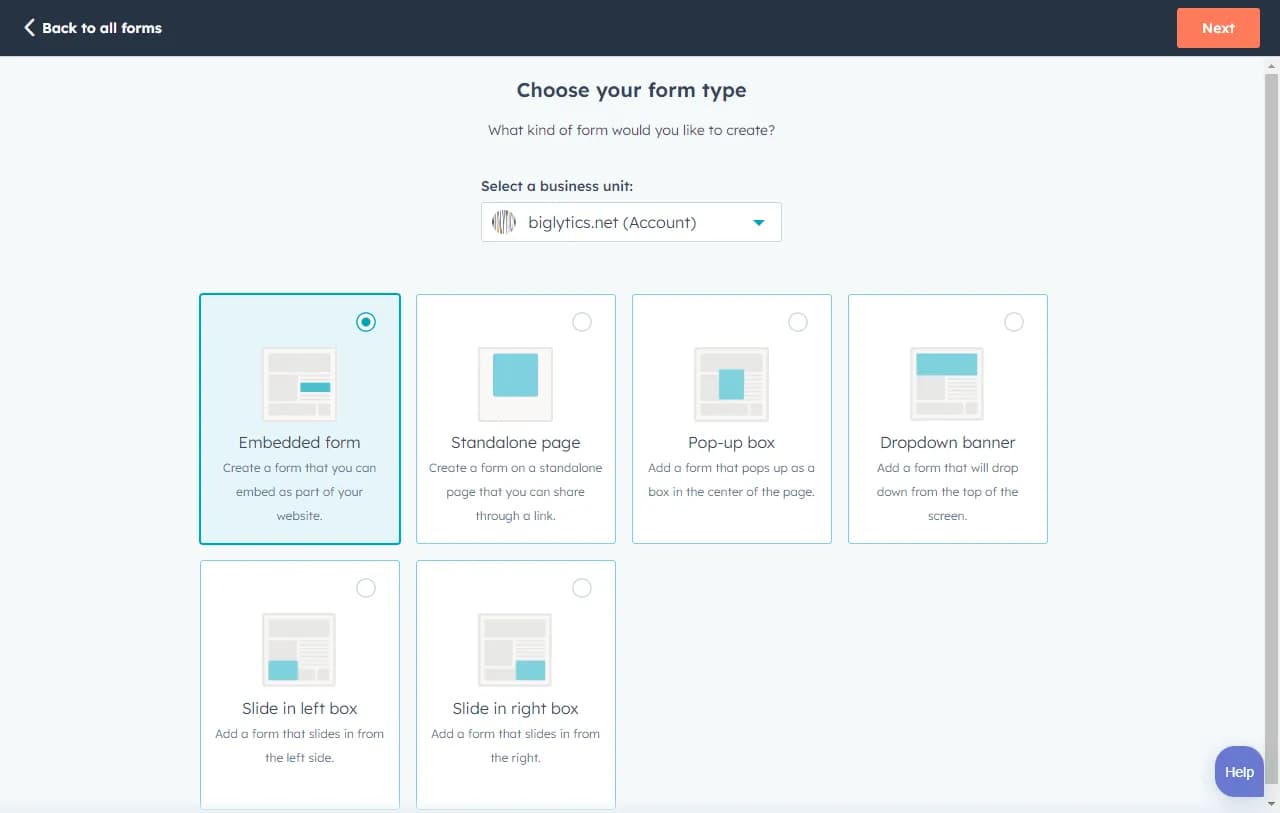
- Integrated with HubSpot's CRM;
- Complete and robust tool;
- Automatic synchronization with the database.
5. Monocard

- Personalized digital profile;
- Lead capture by form or MonoIA;
- Integration with CRM and email marketing.
6. JotForm
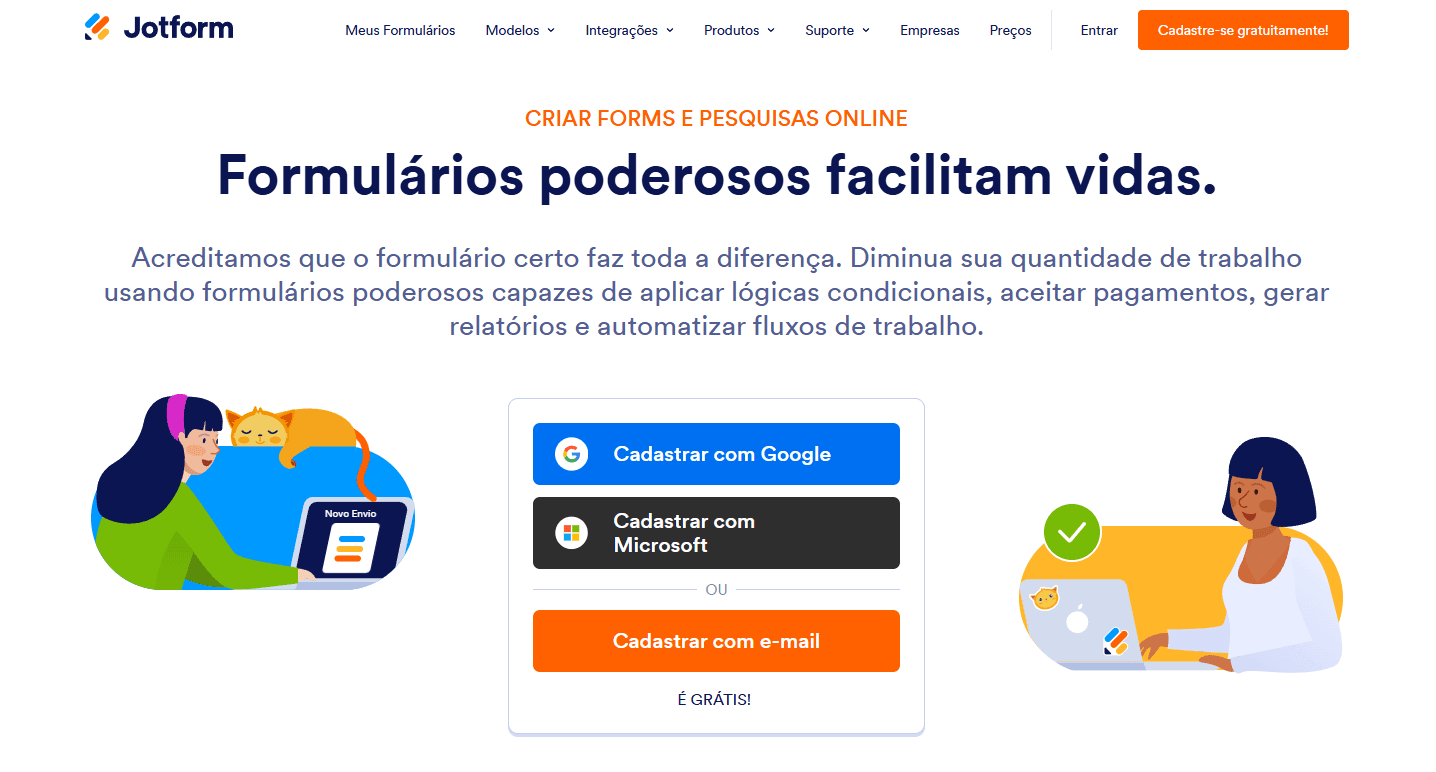
- Various customization options;
- Also has a robust set of integrations (CRM, email, and payments);
- Features like: conditional logic and file upload.
Conclusion
It may seem like a somewhat complex process, but it's gradually that you adapt your lead generation system. The secret is to do the basics well and gradually improve your structure.
With Monocard, generating leads can become simpler. By creating a digital business card, you can enjoy various features that will make your business achieve more conversions.
Want to know how to use lead capture forms and CRM integrations with Monocard? Click here to learn for free.
Apply the strategies and best practices taught here and watch your lead capture forms become powerful tools to drive your business's growth and success!