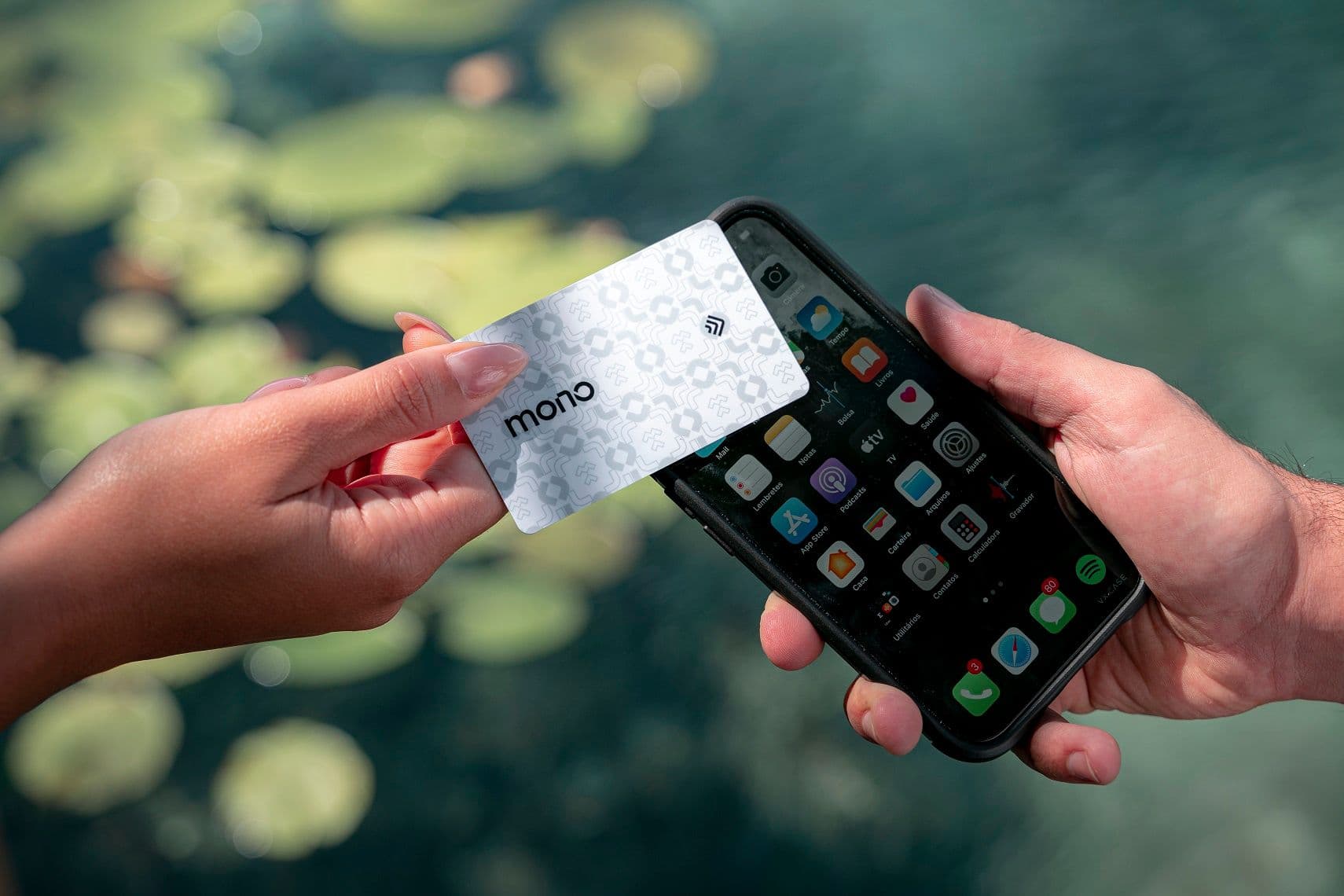
Entering the digital age is no longer a choice – it's a requirement for any business that wants to stay relevant. In this sense, if you are considering creating a professional digital profile, congratulations! The first step is to strategically create a digital business card template.
A well-constructed profile will allow you to share your main information and, in addition, improve how your company captures leads.
In this comprehensive guide, we go beyond the basics. We will show you how to strategically design your digital business card with Monocard, ensuring that it is not just a point of contact, but a powerful tool for lead prospecting, brand strengthening, and closing deals. And don't worry, it's free!
Why are digital business cards indispensable?
Before we dive into the strategic details, let's understand the impact of digital cards by the numbers:
- Real savings: While a batch of paper cards may seem cheap, the cost of reprints, updates, and waste quickly adds up. Digital cards, on the other hand, offer instant updates, saving time and money.
- Sustainability in action: About 88% of paper cards are discarded the same day they are delivered. With digital cards, you significantly reduce environmental impact by eliminating the use of paper, ink, and transportation.
- Consumer preference: Research by Sercom shows that 64% of Brazilians prefer to receive contact information digitally. The reason? Convenience. No one wants to manually type a number or email from a piece of paper.
Furthermore, digital cards not only keep up with market evolution – they also open doors to opportunities that physical cards simply cannot offer, such as:
- Automated data collection: Who viewed your card? Who clicked on your links? With Monocard, you have these answers.
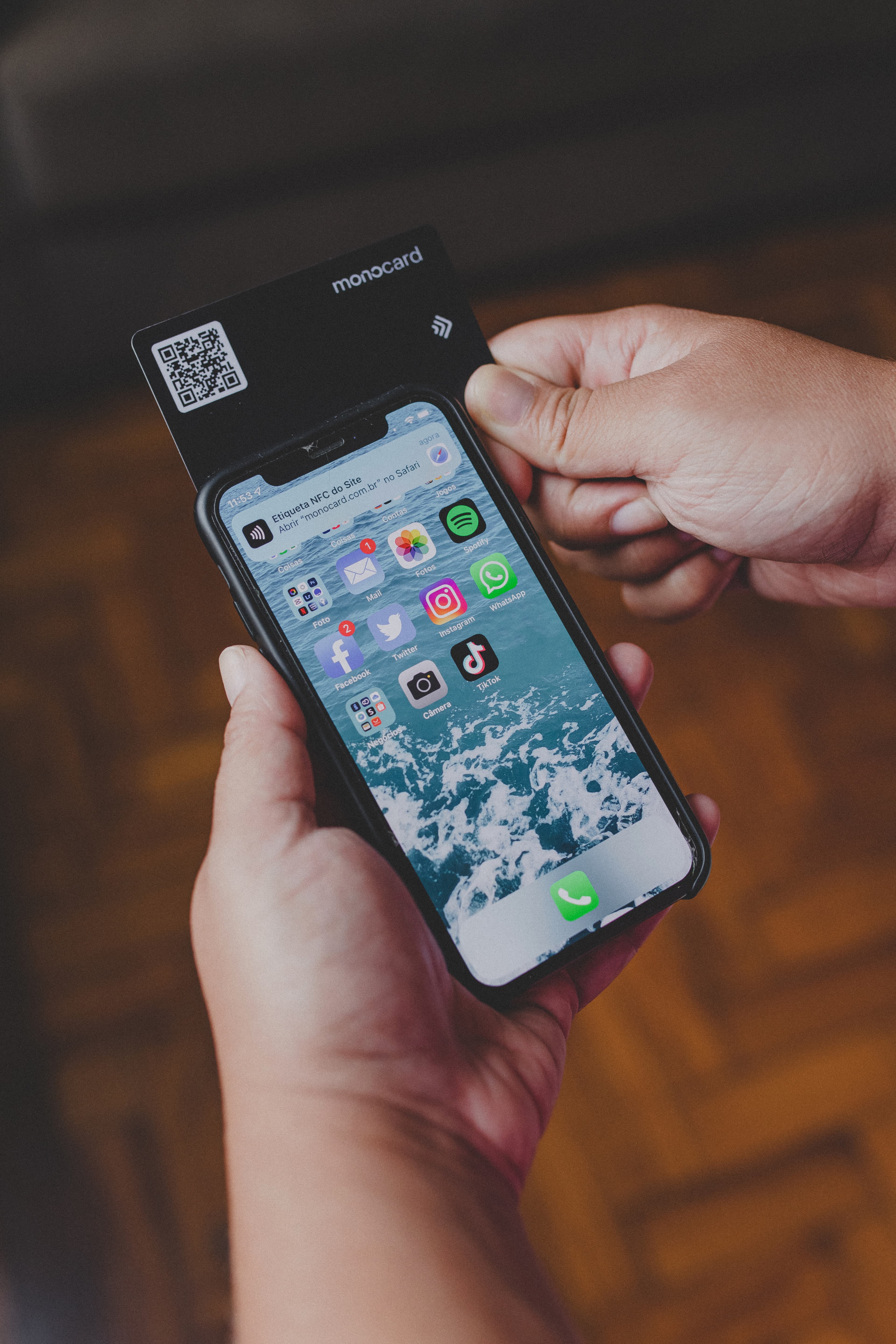
- Global accessibility: Instantly share your card, whether via QR Code, link, or even NFC.
How to strategically design your digital card with Monocard
Now that we understand the “why,” let's get to the “how.” Here are the detailed steps to create a digital business card that goes far beyond the basics:
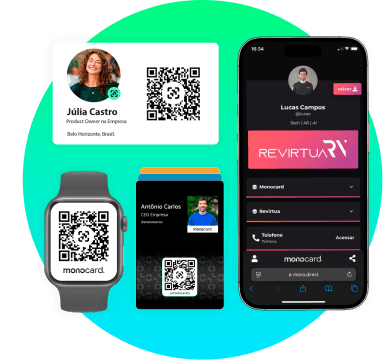
Define your digital identity
Your digital card should be an extension of your personal or corporate brand. This means:
- Choice of name: Use your company's name clearly and respect the application of your visual identity, so you begin to generate customer identification with your brand from the first contact.
- Profile photo: Always use your logo if the profile is corporate. If the profile is for your team, create standard photos that adhere to your company's visual identity.
- Custom cover: The cover area on the digital profile is a powerful space to highlight your visual identity. Use an image that reflects your area of expertise or your company's DNA.
Enter essential and customizable data
Monocard allows the inclusion of multiple contact points. Here's how to structure your information:
- Email and phone: These are basic but should be positioned in an accessible and clear manner.
- Business WhatsApp: Currently, many deals are closed through this tool. In this sense, always share this contact on your profile.
- Strategic links: Add links to your website, social media, portfolio, and even lead capture or checkout forms. Research what makes sense for your business and introduce it in your company's digital profile.
Strategic tip: Give preference to channels that really generate conversions. For example, a photographer might prioritize their portfolio, while a consultant might highlight the meeting scheduling button.
Organize your icons and elements visually
With Monocard, you can customize the order and design of icons on the card. Use this strategically:
- Highlight the most used channels: Identify which channel is most strategic for your business and place it at the top of your profile.
- Avoid excess: Less is more. A card full of information can confuse the user. Prioritize the most important information.
Track metrics and optimize constantly
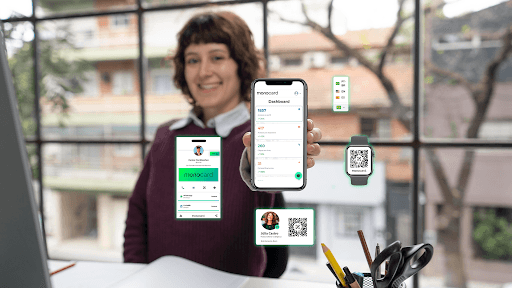
One of the greatest advantages of Monocard's digital card is its ability to provide data. You can track:
- How many times your card was viewed.
- Which links received the most clicks.
- Who downloaded your contact information.
- How many times your links were shared.
- Most accessed team profiles.
- Integrate your leads with the CRM to map the customer journey.
Use this data to adjust your approach and understand what works best with your audience.
Exclusive benefits of using Monocard
Choosing Monocard to create your digital card offers advantages that go beyond design:
- Automatic lead capture: Never miss a business opportunity. By creating a connection with your contact, the platform stores their contacts in a database.
- Integration with CRMs: Sync your leads with major CRM tools to optimize your sales flow.
- Instant updates: Changed something in your company? Update once, and your contacts will always have your updated information.
- Sustainable impact: Contribute to responsible business practices by reducing your ecological footprint.
Conclusion
Digital business cards are more than a trend – they are a strategic necessity in an increasingly connected world. By designing your card with Monocard, you transform a simple exchange of contacts into a remarkable experience, with real potential to generate business and strengthen your brand.
Ready to take your connections to the next level? Create your digital business card with Monocard today and discover how every interaction can become a unique business opportunity.
Create a free digital business card