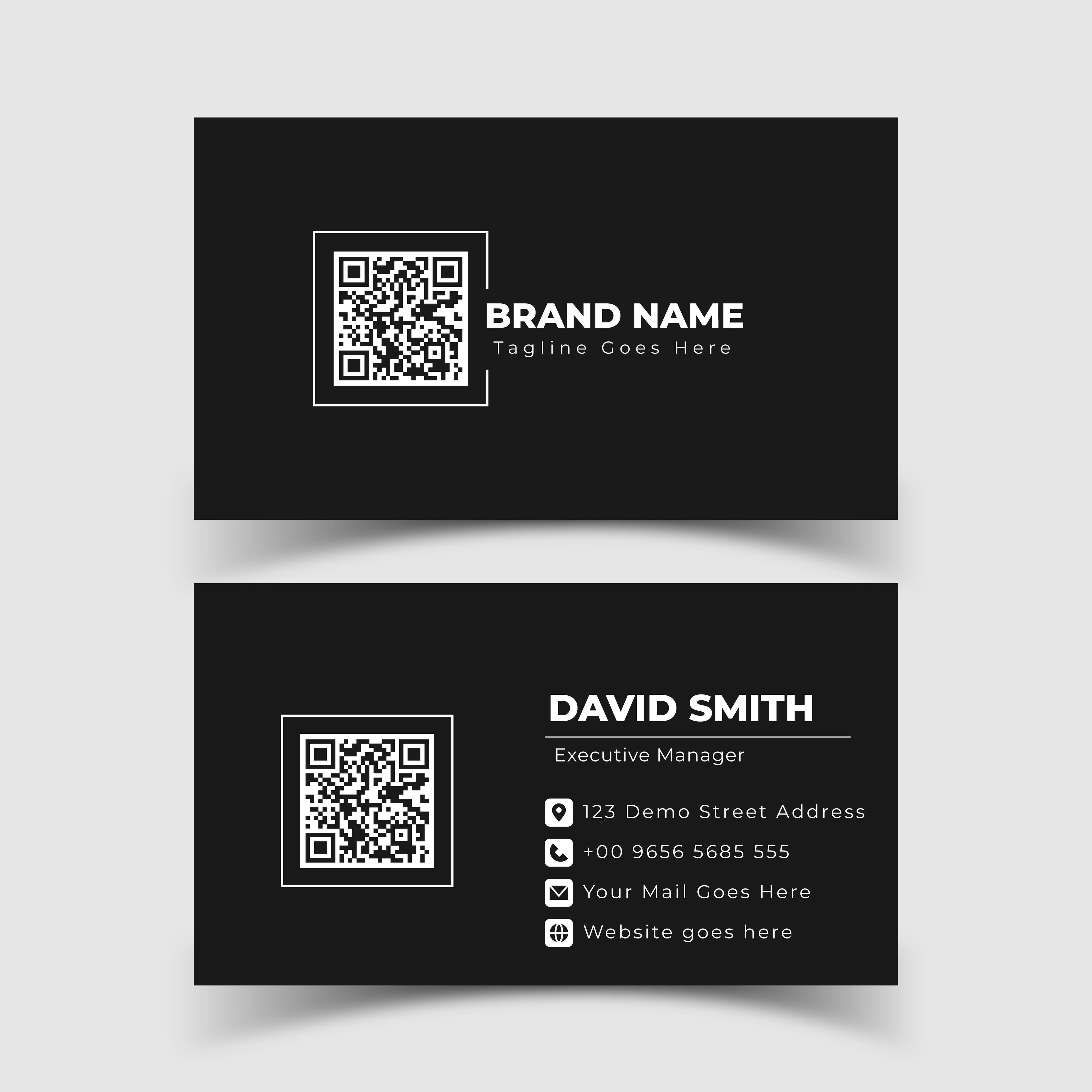
Business cards are essential for making a good impression and strengthening your personal or professional brand. With digital evolution, business card models go far beyond traditional paper. Now, it's possible to create cards that reflect your identity, are interactive, and, most importantly, functional.
If you're thinking about creating or updating your business card, this comprehensive guide on business card models will help you choose the ideal design and also explore tools like Canva and Monocard to personalize your communication.
What is a business card?
A business card is a presentation tool used to share contact information and reinforce your brand. It can be physical or digital and serves to connect you with clients, partners, or potential employers.
In the traditional format, it is made of paper, with basic information such as name, phone, email, and company. However, the digital version allows you to add links to social networks, websites, and even interactive features like QR Codes or NFC technology.
Why is choosing the right model important?
The business card model is a reflection of your professional identity. It is the first impression you leave, and a well-planned design can:
- Convey professionalism and credibility.
- Differentiate you in a competitive market.
- Facilitate communication and access to your information.
- Reinforce your personal or commercial brand.
Whether a minimalist or highly creative model, the choice of the right design should be aligned with your sector and the audience you wish to impact.
Business card models: get inspired
Below, explore the main types of business card models and see which one suits you best.
1. Minimalist models
Minimalist models use neutral colors, clear fonts, and few visual elements. They are ideal for conveying elegance and sophistication.
- Highlight: Clean design and focus on essential information.
- Recommendation: Professionals in corporate areas, such as lawyers, doctors, and consultants.
2. Creative models
Full of vibrant colors and innovative formats, these models highlight creativity.
- Highlight: Incorporate graphics, illustrations, or striking visual effects.
- Recommendation: Designers, advertisers, photographers, and artists.
3. Models with QR Code
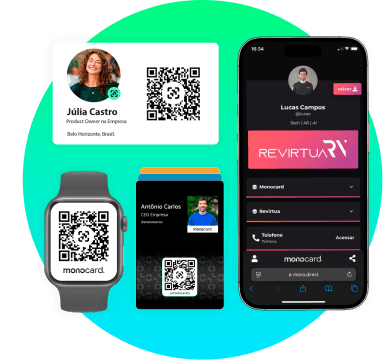
These models combine the traditional with the digital. The QR Code allows the recipient to access detailed information, such as your portfolio or social networks.
- Highlight: Modernity and practicality.
- Recommendation: Entrepreneurs, marketing professionals, and startups.
4. Models with photo
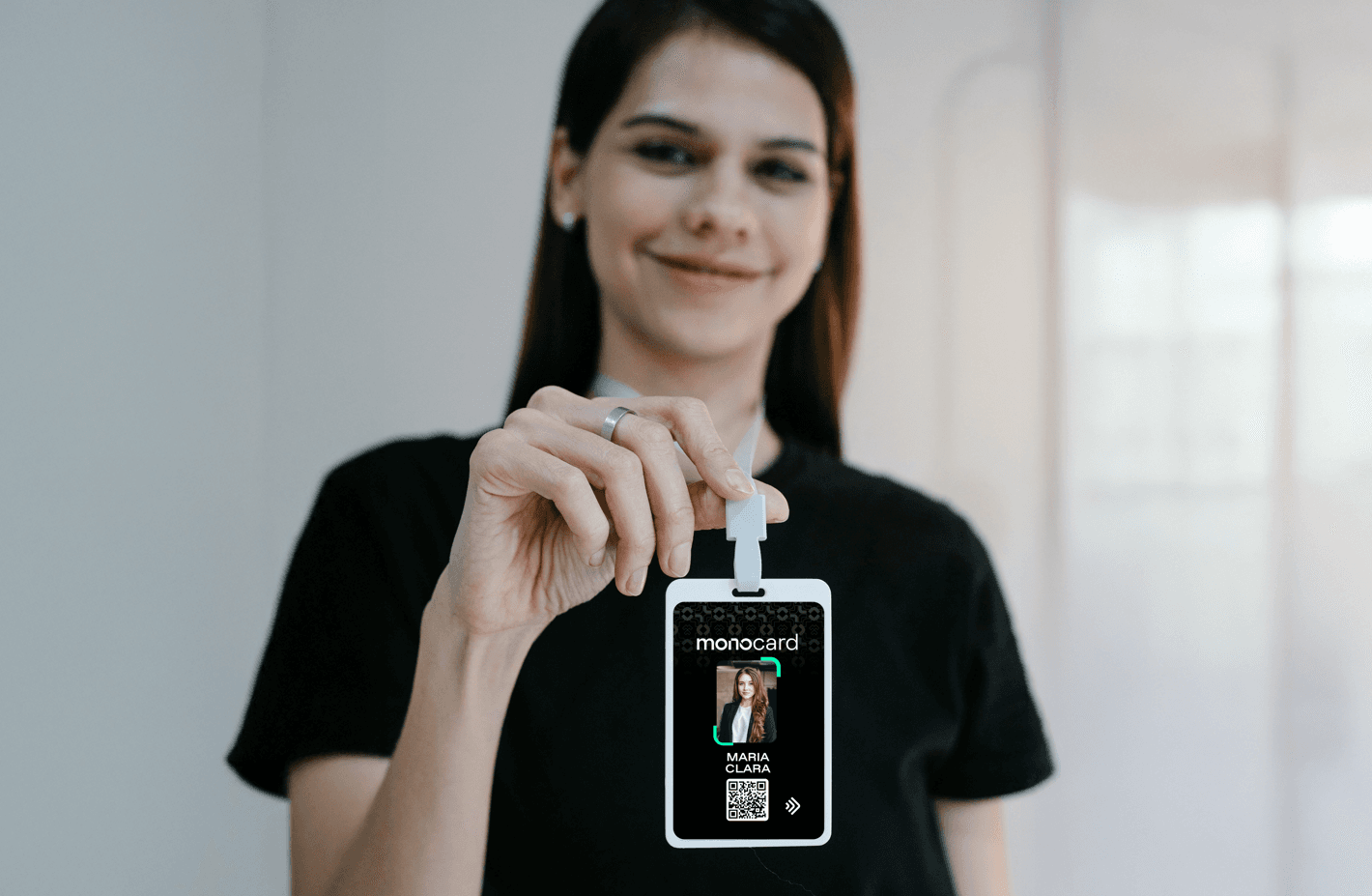
Inserting a photo on the card helps reinforce your visual memory.
- Highlight: Closer connection with the client.
- Recommendation: Real estate agents, coaches, and sales professionals.
5. Interactive models
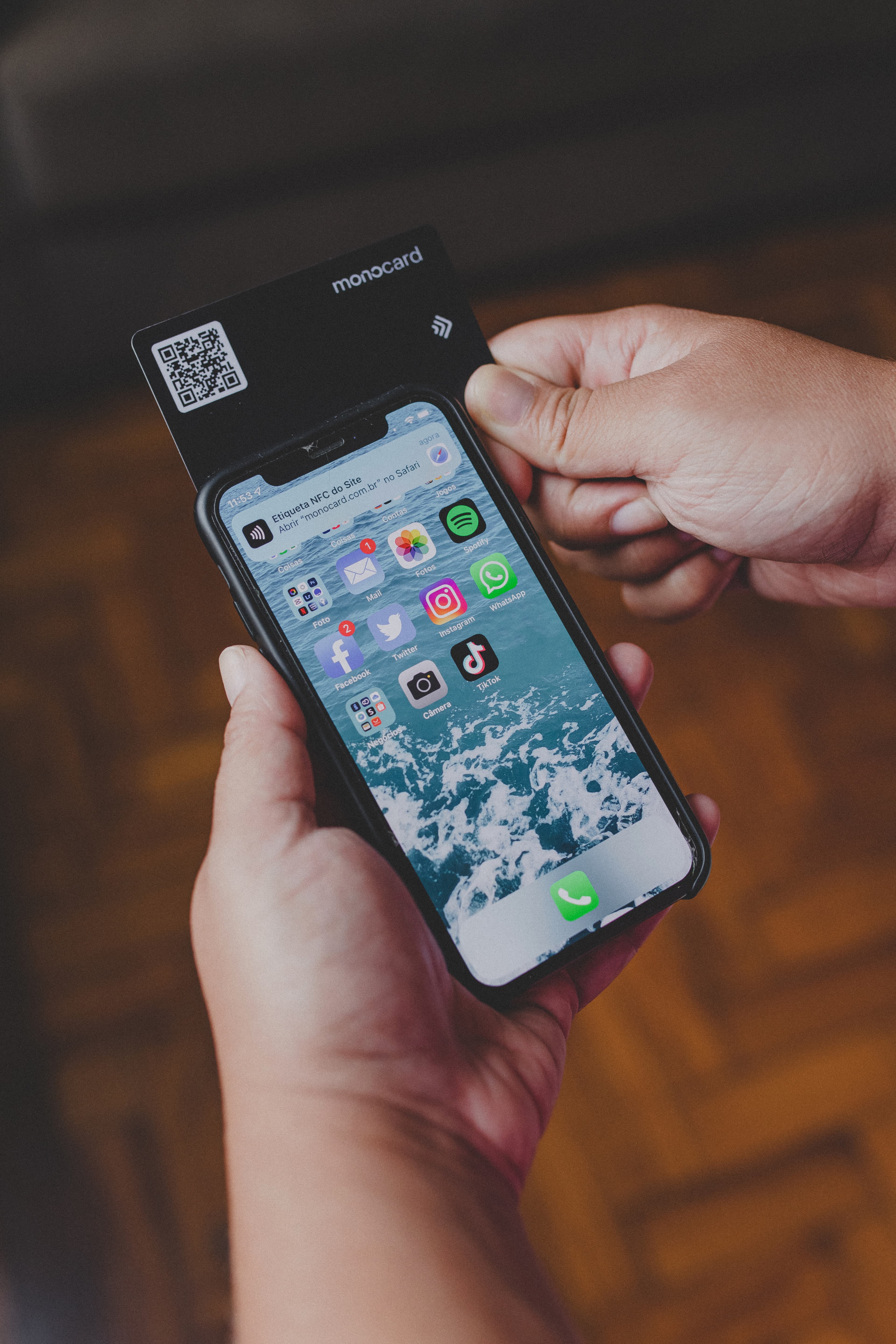
Interactive cards allow direct access to links, integration with WhatsApp, and other features.
- Highlight: Instant connection.
- Recommendation: Any professional who wants to modernize their communication.
How to create Business Card Models with Canva
Canva is a popular tool for creating personalized models. It offers ready-to-edit templates. To use:
- Create a free account on Canva.
- Search for "Business Card" in the search bar.
- Choose a model that matches your style.
- Edit colors, texts, and images.
- Finalize the design and download it in high quality.
With Canva, it's possible to create physical or digital cards, adding QR Codes and clickable links to make them even more interactive.
Monocard: the evolution of the business card
If you want to go beyond design, Monocard offers the complete solution to create and share digital business cards. With it, you can:
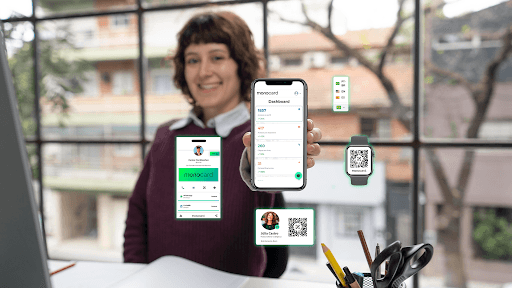
- Personalize an interactive profile.
- Share information via NFC or QR Code.
- Update data in real-time.
- Integrate features like WhatsApp, social networks, and even CRM systems.
Monocard Differentials
- Sustainability: Reduces paper usage.
- Practicality: Instant sharing with just one touch.
- Professionalism: Reinforces your image as innovative and attuned to trends.
To use Monocard, simply access the site, create your digital profile, and configure your card. It can be accessed by smartphones, ensuring a practical and modern experience.
Conclusion
Business card models have evolved to meet the demands of the modern world. Whether in physical or digital format, choose a design that represents your essence and facilitates connection with the audience.
Take advantage of tools like Canva to create exclusive designs or bet on Monocard to transform your professional presentation into an interactive experience.
Ready to innovate and stand out in the market?
Create your free business card right now!