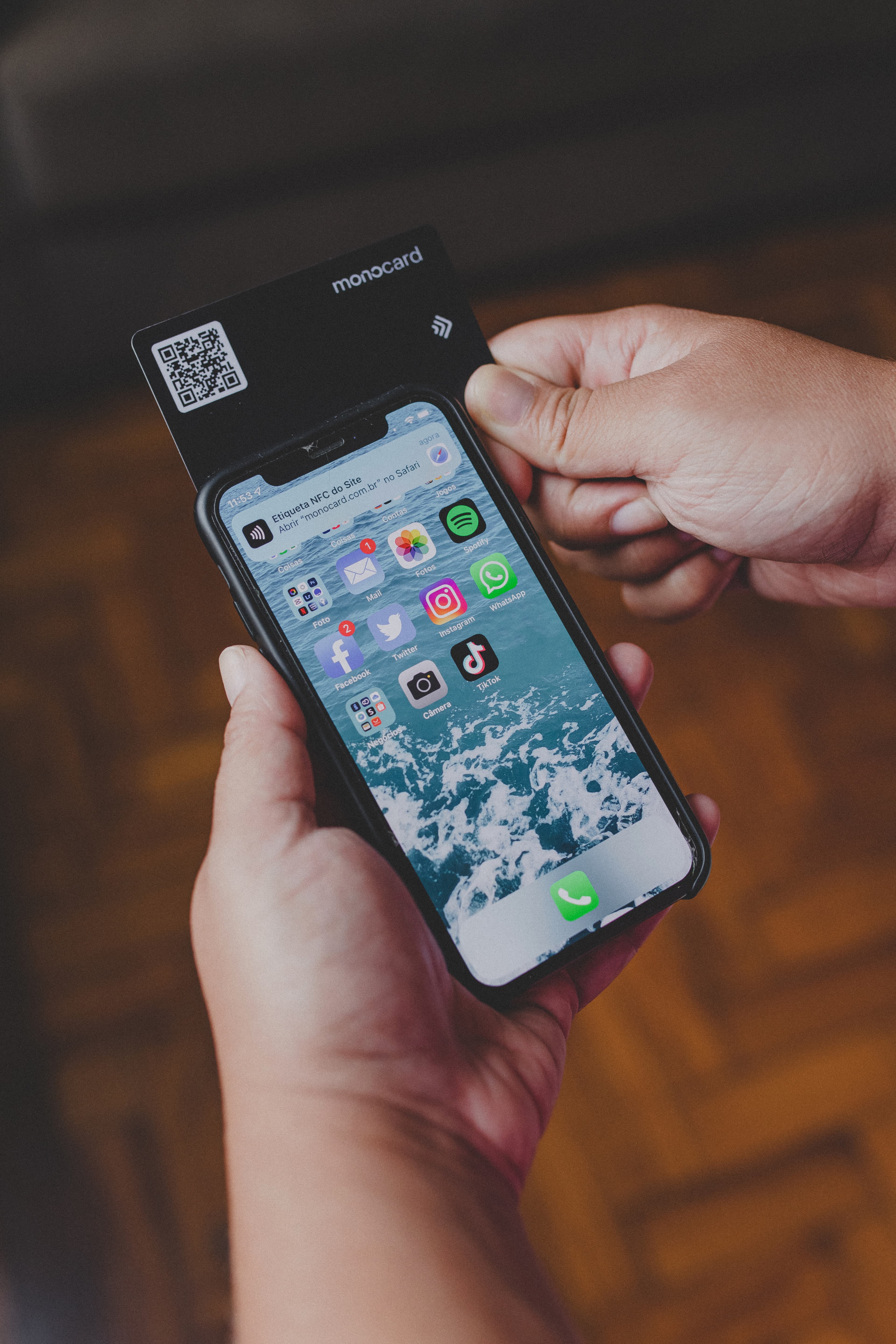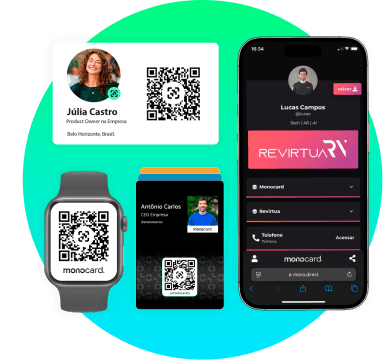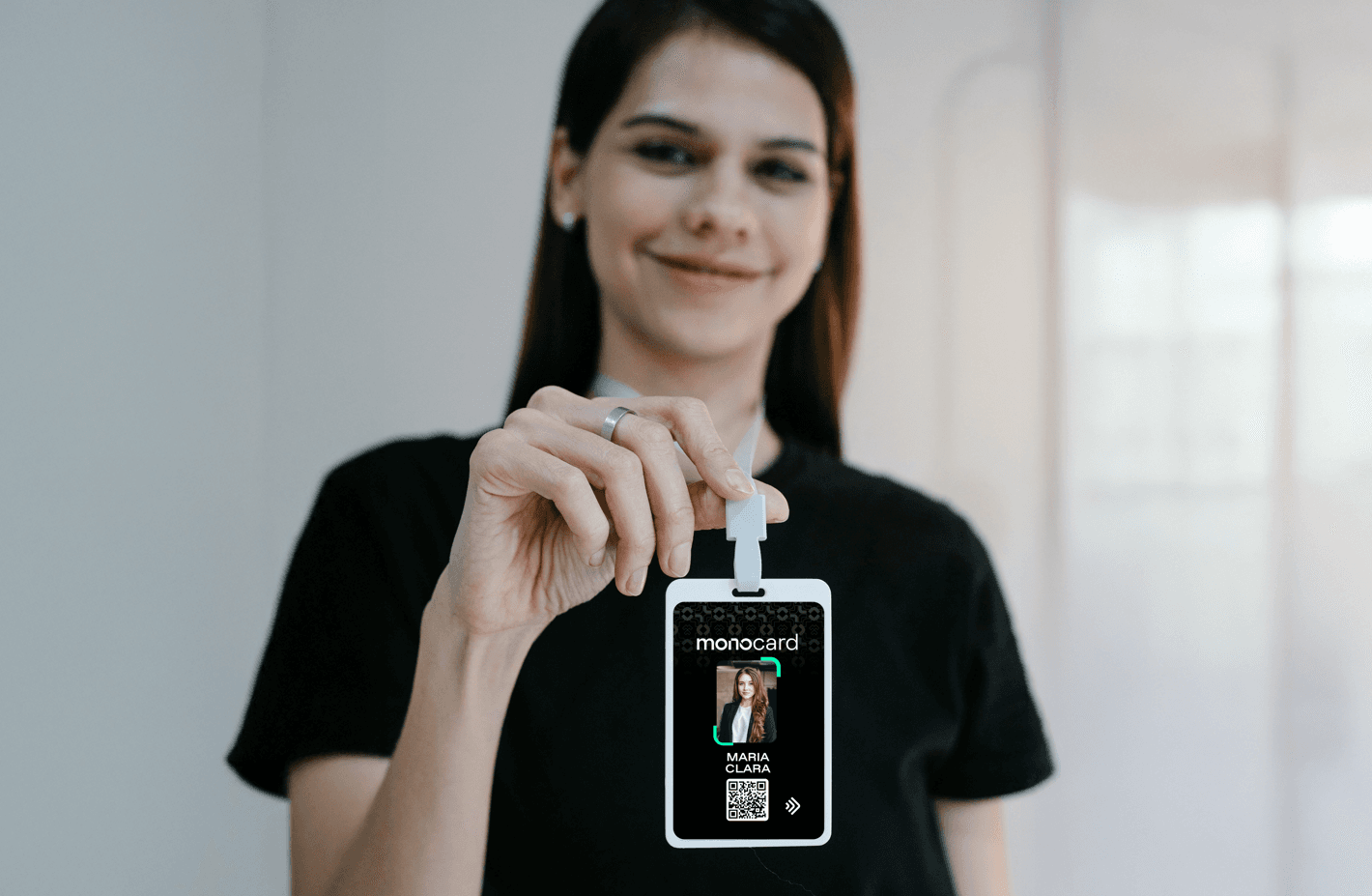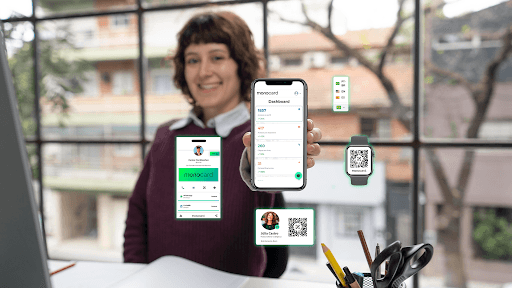
With the increase in digital interactions, LinkedIn has established itself as the main platform for networking and lead generation for companies. However, there is still a very simple and efficient way to optimize the experience of your contacts and potential clients: add a professional QR Code to your company's profile.
This strategy can not only increase your visibility but also facilitate communication and capture valuable data. Did you know that a QR Code on your LinkedIn profile can be a game-changer in how you connect with your audience?
By adding a dynamic QR Code, you allow your clients and prospects to quickly access your company's digital profile, with key sales information. All of this is personalized and with your visual identity.
In this article, we will explore how a professional QR Code can transform your LinkedIn business profile and how you can leverage it to create new business opportunities.
Why add a QR Code to your LinkedIn business profile?
Adding a QR Code to your company's LinkedIn profile can provide several benefits that optimize how you present yourself and connect with the audience. The main benefit is the ease of access to your information and content.
By including a QR Code, you offer a direct and convenient way for your visitors to access important links, such as your portfolio, website, or landing pages. Additionally, you can customize the code's destination according to the campaign or target audience, offering a more personalized and focused experience.
Another advantage is increased engagement. The QR Code facilitates visitors' interaction with your content, allowing them to connect more immediately. By viewing the code, users are more inclined to interact with the content you are offering, whether it's a link to an event, a sales page, or even your portfolio.
Why should companies be on LinkedIn?
Being on LinkedIn is no longer an option but a necessity for companies that want to expand their online presence and build a solid relationship with the audience. Here are some reasons why your company should be on LinkedIn:
- Wide Professional Network: LinkedIn is the world's largest professional platform, with over 900 million users, offering direct access to a vast network of potential partners, collaborators, and clients.
- Qualified Lead Prospecting: With its advanced search and ad targeting features, LinkedIn allows you to find highly qualified leads based on positions, companies, and other specific criteria.
- Authority and Credibility: Having a corporate profile on LinkedIn helps strengthen your brand's authority in the market, as well as increase visibility and credibility with the business audience.
- Partnership Opportunities: Besides clients, LinkedIn offers great opportunities for strategic partnerships with other companies, which can result in new forms of growth.
- Content and Engagement: The platform allows you to share relevant content about your company, industry news, and achievements, which increases engagement with your target audience and positions you as a thought leader in your area.
How to create and customize your QR Code?
Creating and customizing a QR Code for your company's LinkedIn is a simple yet very effective process. The first step is to choose a reliable QR Code generation tool, such as QR Code Generator or Monocard.
These platforms allow you to create personalized QR Codes quickly and easily. Then, you can include visual elements, such as your company's logo, and choose colors that match your visual identity.
Additionally, the QR Code can be dynamic, meaning you can modify the destination link at any time without needing to generate a new code. This provides flexibility, allowing you to change the content for different campaigns, promotions, or business updates.
Once generated, it's important to test the QR Code to ensure the destination link is correct and functioning. After testing, you can strategically place it on your LinkedIn profile, whether in the banner, profile picture, or even in your profile description.
4. Practical Examples of Using QR Code on LinkedIn Business
The QR Code can be used in various ways on the LinkedIn business profile, allowing you to create different forms of interaction with your visitors.
You can insert it in the cover banner, ensuring it is visible to everyone who accesses your profile. This approach makes the QR Code a focal point of your profile, immediately drawing visitors' attention.
Another interesting option is to include the QR Code in the description or summary of your profile, where you can invite your visitors to scan the code to access exclusive content or more information about your company. This makes the interaction even more dynamic, as visitors can act immediately upon viewing the code.
Additionally, you can leverage LinkedIn posts to include the QR Code in images or videos, creating calls to action that encourage your followers to scan the code and access relevant content. This is a great way to integrate the QR Code into the daily interactions you are already making on the platform.
5. Benefits of Dynamic QR Code
The use of a dynamic QR Code offers a series of advantages compared to static codes. Here are the main benefits:
- Flexibility: You can change the destination link whenever necessary without needing to generate a new code.
- Tracking and Analysis: Dynamic QR Code platforms often offer monitoring features, allowing you to see how many times the code was scanned and where the visitors came from.
- Continuous Improvement: The link can be changed at any time, ensuring visitors always access updated and relevant content.
- Greater Control: You have full control over the content linked to the QR Code, which facilitates campaign management and interaction personalization.
These benefits make the dynamic QR Code an excellent choice for companies looking to optimize their interactions and campaigns on LinkedIn.
Conclusion
Now that you know the benefits of adding a professional QR Code to your company's LinkedIn profile, it's time to put it into practice. This simple step can increase your reach, facilitate communication, and open new doors for lead prospecting.
By using a dynamic QR Code, you also gain flexibility and control over the content you share with your visitors.
How can your company use the QR Code to optimize interactions on LinkedIn? Will it be to promote your portfolio, share exclusive content, or perhaps engage more with your leads?
Therefore, take advantage of this opportunity and improve how your company connects with your audience on LinkedIn. Create your **digital business card with QR Code** now and start generating more leads and interactions with your business profile!
Create a business card with QR Code for free