Certainly! Below is the translated Markdown content, preserving all formatting and leaving code blocks, inline code, and any JSX components unchanged:
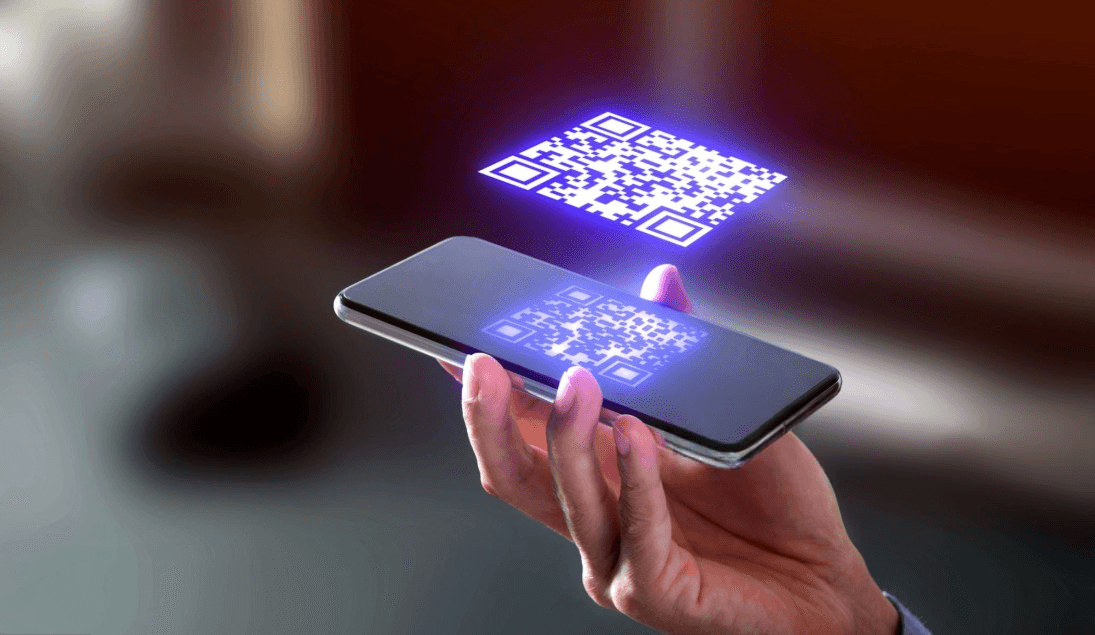
A QR Code is a two-dimensional barcode that can encode information such as numbers, letters, and characters. They are like links to the physical world and are therefore also known by this term. A QR code can store up to 4,296 alphanumeric characters of arbitrary text.
This means it can hold a long text, such as a message, a website link, or contact information. As long as it has up to 4,296 letters, numbers, and symbols, you can put anything in a QR code.
Silly mistakes can cause your QR Code to lose functionality and complicate the experience of those trying to scan it.
Here are some guidelines when printing your QR Code:
What size should a QR code be?
The minimum size of a QR Code is 2 x 2 cm. However, you can make them as large as you want, just pay attention to the image quality to avoid pixelation.
For example, do not send a QR Code via WhatsApp as an image, especially if it's a screenshot. This reduces quality. Always generate the QR Code in high quality and send it as a print-ready file.
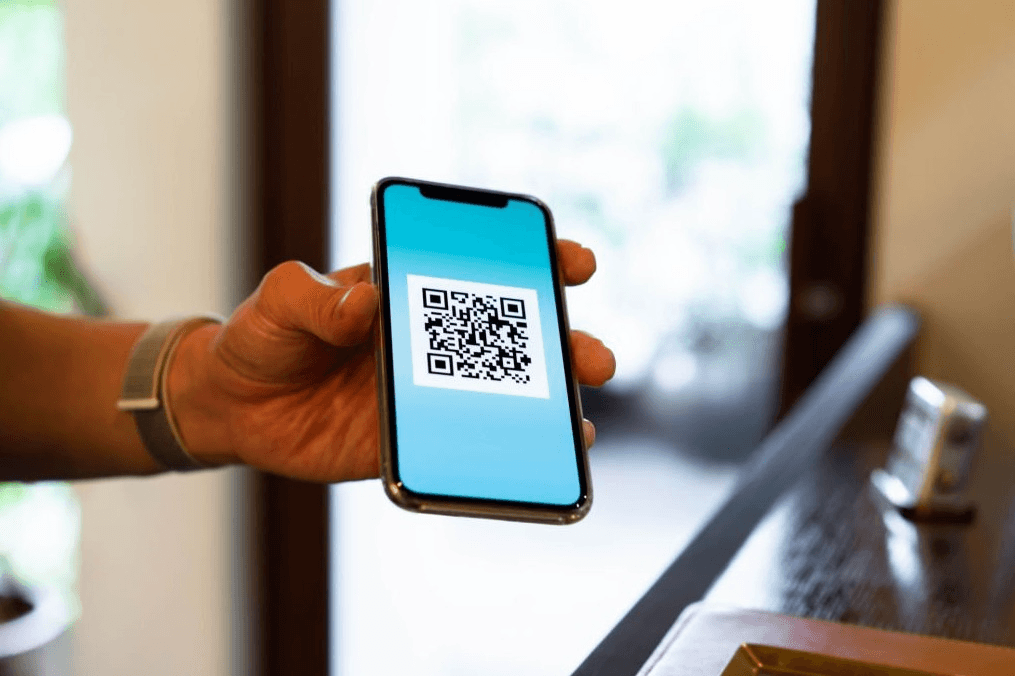
How many pixels does a QR Code have?
Don't know the resolution of your QR code? Don't worry, we'll tell you here.
The ideal minimum proportion is approximately 38x38 px. Clearly, the size will vary depending on the intended use, but this is a minimum measure.
Does the size of the QR Code matter?
Yes, the size of the QR code matters. Choosing the right size ensures it is easy to read by the phone and the user will not have trouble accessing it.
The size of the QR code and its ability to be scanned are linked. Doing it wrong can end up costing your business or project some scans. Sometimes, the interaction between size and scanning distance can make your QR Codes unreadable.
What should be the size of a QR Code for printing?
To do this, you can use a simple equation. But first, keep in mind that the ideal size-to-scanning distance ratio is 10:1. Therefore, if the code is 10 meters away from the person scanning, it should be about 1 meter wide and tall.
The equation is this:
Width or Length of the QR Code = (Distance from the Code) / 10
The larger the size of your code, the greater the distance can be between the scanner and the code. Larger QR codes are ideal for billboards, large structures, and advertisements. Before launching your campaign, test the codes at various distances to determine the ideal size.
What is the smallest size of a QR Code?
There is no fixed size for QR Codes. What you need to keep in mind is just the minimum size: 2 cm wide by 2 cm long. This way, it can be scanned by most modern devices.
So, unless your QR Code is very complex and you can't print good images, keep at least 2 centimeters. Use the 10:1 ratio for distance and size when printing or placing your QR Code.
Can I use different shapes in the QR code besides the square?
You can use different shapes in your code, yes, but try to align this with the design and the campaign's goal.
If you have a company that communicates a lot with Generation Z, using different shapes in your campaign can capture their attention. Combining the different shape of the QR code with visual elements that connect with this generation will bring views and scans to your campaign.
But it's very important to keep one principle in mind: the functional and scannable part of the QR Code is always square. The different shape you want will just be a model designed around a square QR Code.
Here are some examples of different shapes to use in your QR Code:
Can I make a circular QR code?
Yes, your QR code can be in a circle and will be rendered as such if you choose.
Can I make a rectangular QR code?
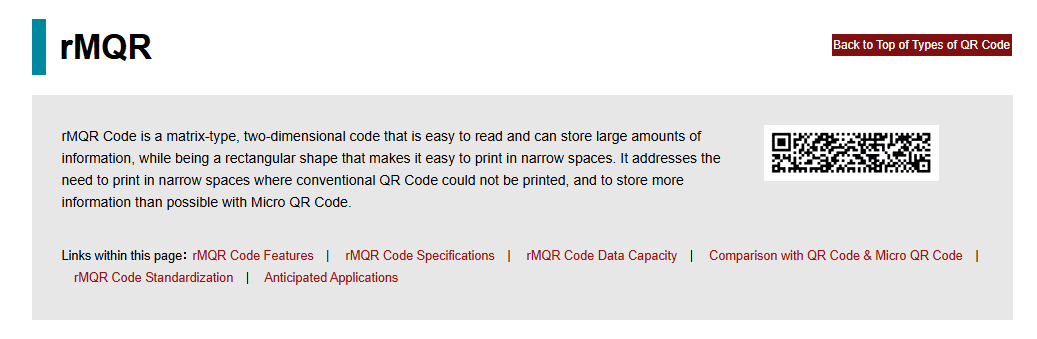
Denso Wave, the company that holds the QR Code trademark, developed the "rMQR Code." It is a rectangular QR Code that can be printed in narrow and long spaces.
Can I make a cloud-shaped QR code?
We are reaching the less conventional shapes. Yes, you can make a cloud-shaped QR code. A cloud QR code can help communicate your visual identity. It can connect with your audience and the campaign's identity.
Can I make a heart-shaped QR Code?
This is another different shape to use in your campaigns. Using a heart-shaped QR Code can be a good idea for Valentine's Day campaigns. It also works well if you have a business where the target audience is couples or people in relationships.
Can I make a triangular QR Code?
Yes, you can make a triangle-shaped QR code. Remember to align this with your brand's proposal and the campaign. Also, don't forget that the scannable area of a QR Code should always be square.
Try to adapt the QR Code within these shapes as best as possible, and you'll be ready for success!
Why are QR Codes black and white?
The answer is quite simple, actually. Because they are the two colors with the highest contrast we have, they are easier to read by scanners and phone cameras. Due to the colors, these devices quickly recognize the modules in the QR code and differentiate them from the background, making reading possible.
What should be the size of a QR Code on a business card?
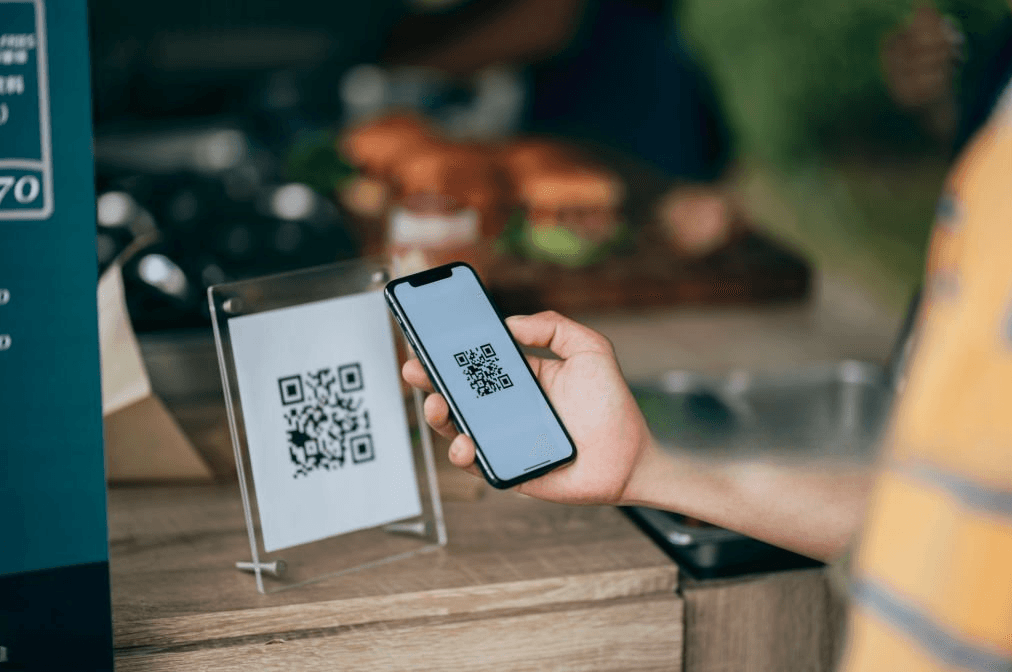
The ideal size for a QR Code on a business card is the minimum size, 2 cm by 2 cm. Most business cards measure 9 cm by 5 cm. Thus, the minimum QR size fits well, as it is small enough to be placed without taking up much space. Legibility is also maintained.
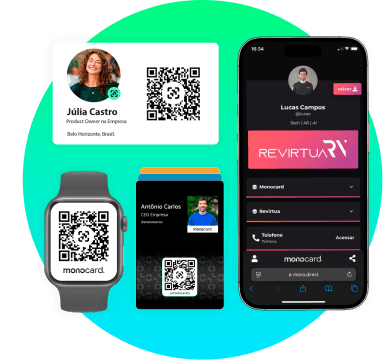
Consider creating a digital business card with QR Code integrated. This allows you to share it easily via email, WhatsApp, or social networks, reaching a larger audience quickly and efficiently.
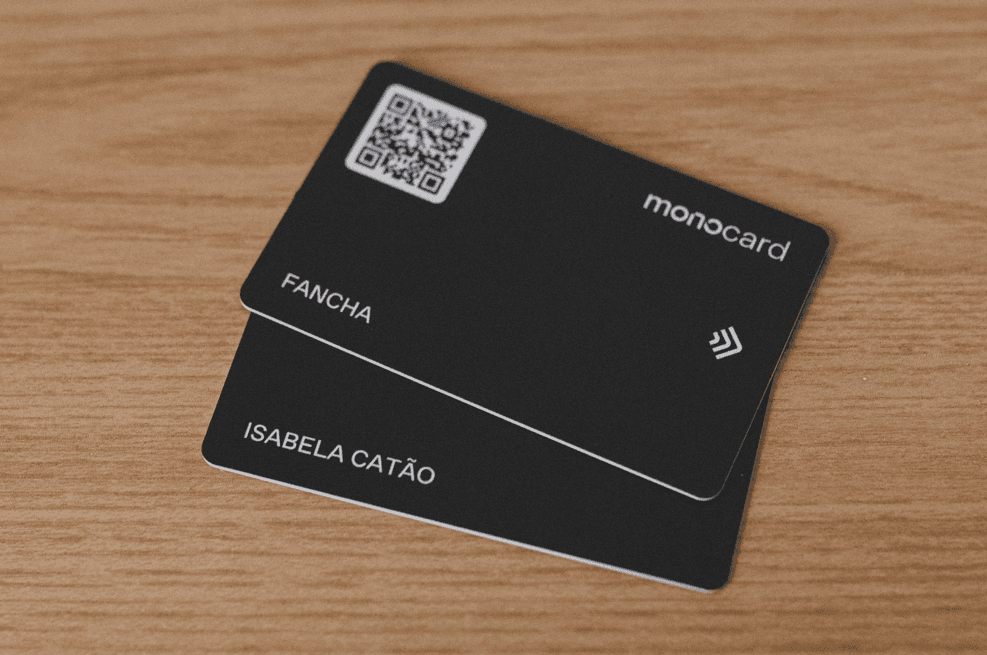
How to make a digital business card with QR Code?
Companies like Monocard specialize in digital business cards and can help you create yours without complications. Follow these instructions:
- Choose a platform: Use tools like Monocard, Canva, or specific apps to create your digital card. Choose the platform that best suits you.
- Organize your information: Include name, position, phone, email, WhatsApp link, social networks, and address (if necessary). Make your card very complete.
- Focus on design: Choose a professional layout with good colors, legible fonts, and elements that match your area.
- Increase interaction: Include QR Code, contact buttons, and review links.
- Test before sending: Check if all links and buttons work correctly.
Now just share!
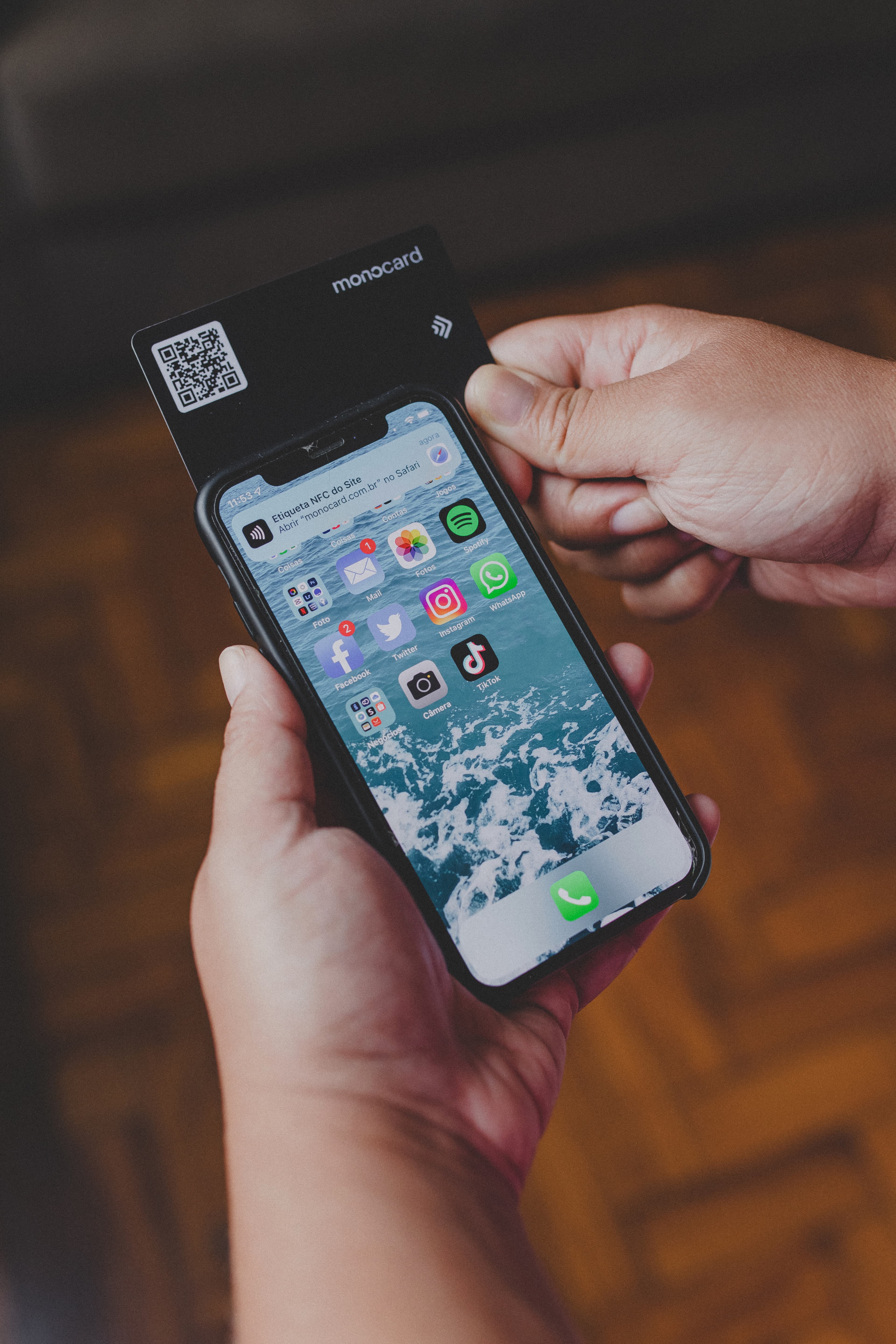
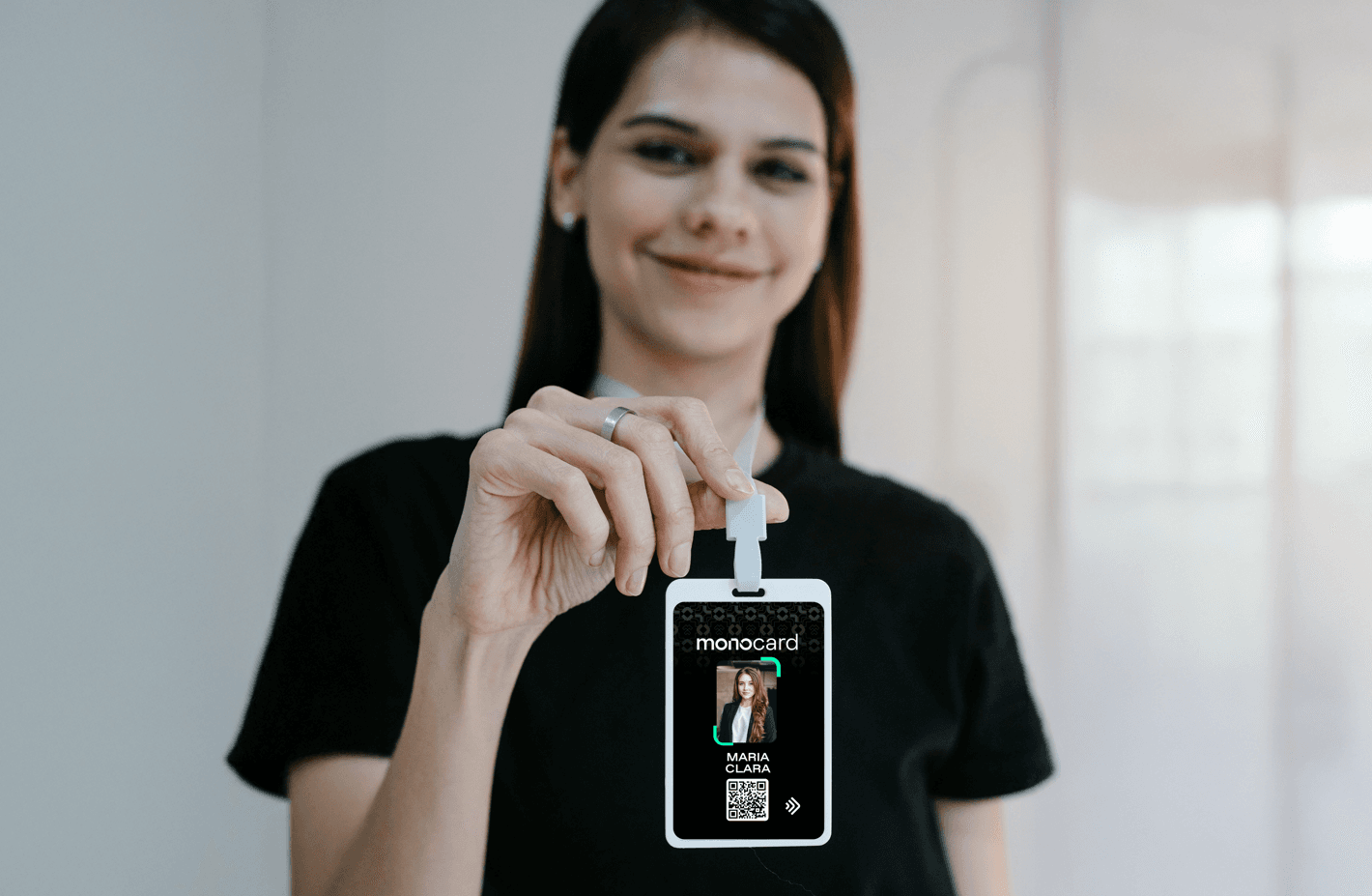
If you still want a physical business card with QR Code, try making yours with Monocard! Through NFC technology or QR code, you will evolve the way you make connections.
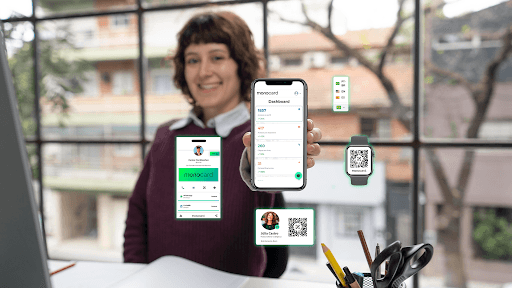
Additionally, you will have access to a range of tools. They will greatly help when creating your marketing strategy. You will be able to capture new leads**, integrate with your CRM platforms and **HR management, among many other possibilities.
Create your free profile today. Discover how Monocard solutions can boost your business, whether large or small!