Business Card for IT: how to create it for free

February 5, 2025
A good business card is an excellent tool for making a great first impression and staying in the minds of your clients. A perfect business card for an IT professional doesn't have to be costly for your wallet.
As an IT professional, you should like modern and technological solutions. The digital business card is one of these solutions. With it, you won't just share your information but also build long-term relationships with your clients. And you can do it for free!
Here you will discover how to create the perfect business card model, simply.
Just follow the recommendations below and transform the way you attract clients.
What should an IT business card include?
It's essential that your business card is complete and professional. Here's a checklist to help you ensure you've included all the information:
- Essential information: name, phone number or link to WhatsApp (if it's a digital card), and address (if necessary).
- Logo and slogan: having a visual identity is very important for the IT field. Use your colors, fonts, and symbols on the business card to personalize it.
- Visual design: complementing the previous topic, choosing a clean and clear design conveys a refined image. Be sure to use your brand's colors.
- Highlight the services offered: what services do you provide to the client? What are you most sought after for? What are you an expert in? Make all this information clear in a few words.
- QR Code with direct link: in the case of digital cards, include a QR Code to facilitate access to your online profile.
What is a digital business card?
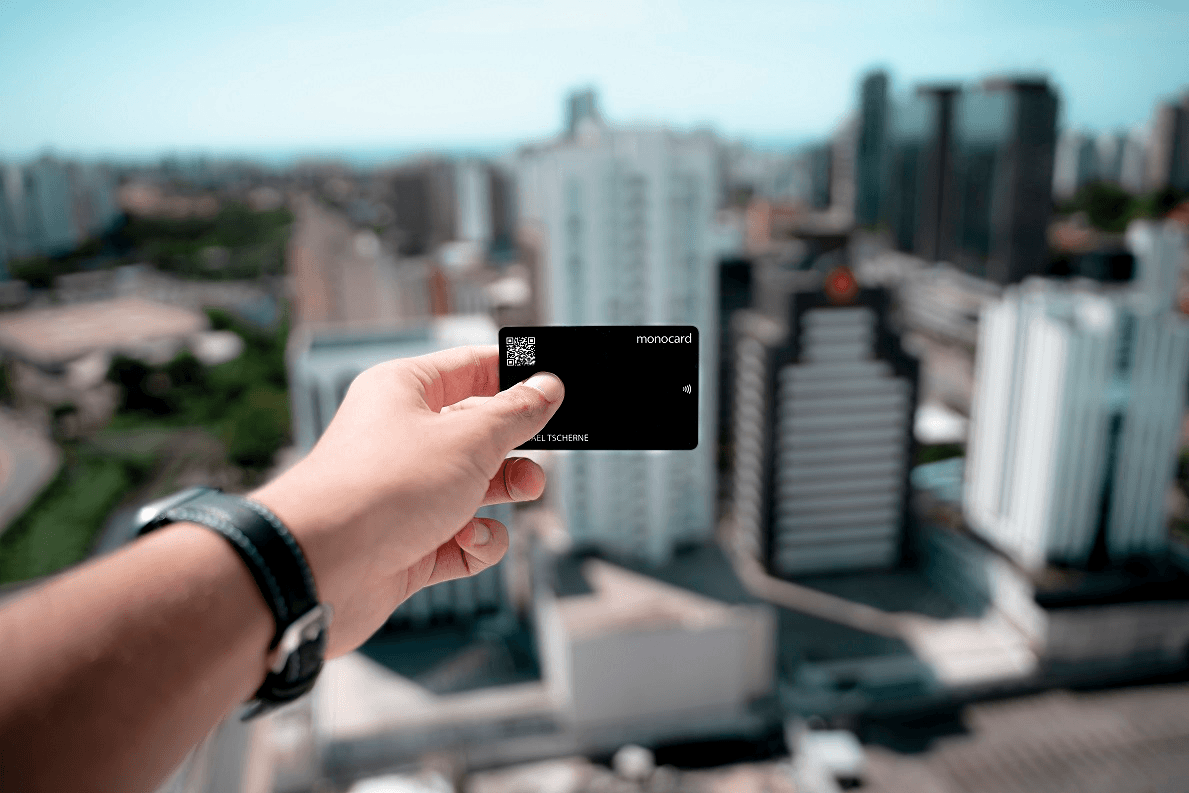
A digital business card or virtual business card is a technological and interactive version of the traditional paper card. It keeps your contact information accessible in the online world and makes sharing it easier.
Unlike the traditional business card, this one is not limited to name, phone, email, and address. It can include elements such as:
- Direct links to WhatsApp, email, and social media;
- Portfolio or professional website;
- Action buttons for scheduling or quote requests;
- Company location with interactive maps;
- Videos and presentations that increase your perceived value.
For you, an IT professional, this is a very useful technology that will impress your clients. It also combines practicality with sustainability. Thus, you will never have to reprint paper cards because you changed address or phone number.
A virtual business card highlights your brand, is modern, and makes it more effective to win new clients in a competitive market.
Why use a virtual business card for IT?
- Technological and innovative:
The IT professional is always connected to new technology trends. With a virtual business card, you will be connected to yet another innovative solution of the modern world. Your clients will be impressed and see you as a competent professional. - Sustainable:
Using the digital card eliminates the use of paper and ink. This helps reduce environmental impact and carbon emissions. Studies show that paper production generates about 2.3 billion tons of CO2 annually (Environmental Paper Network). By using the virtual business card, you positively impact the environment and improve the client's perception of you. Thus, you position your company or brand as conscious and innovative. - Easy access:
The virtual business card is essentially easy to access. Whether through NFC, QR Code, or a direct link, your client will have all your information practically. You can share it with anyone, anywhere. - Customizable:
The client's first impressions will always be about the design. It is your visual identity and colors that will impact them first. Therefore, invest in placing elements that strengthen this identity on your business card. - Economical:
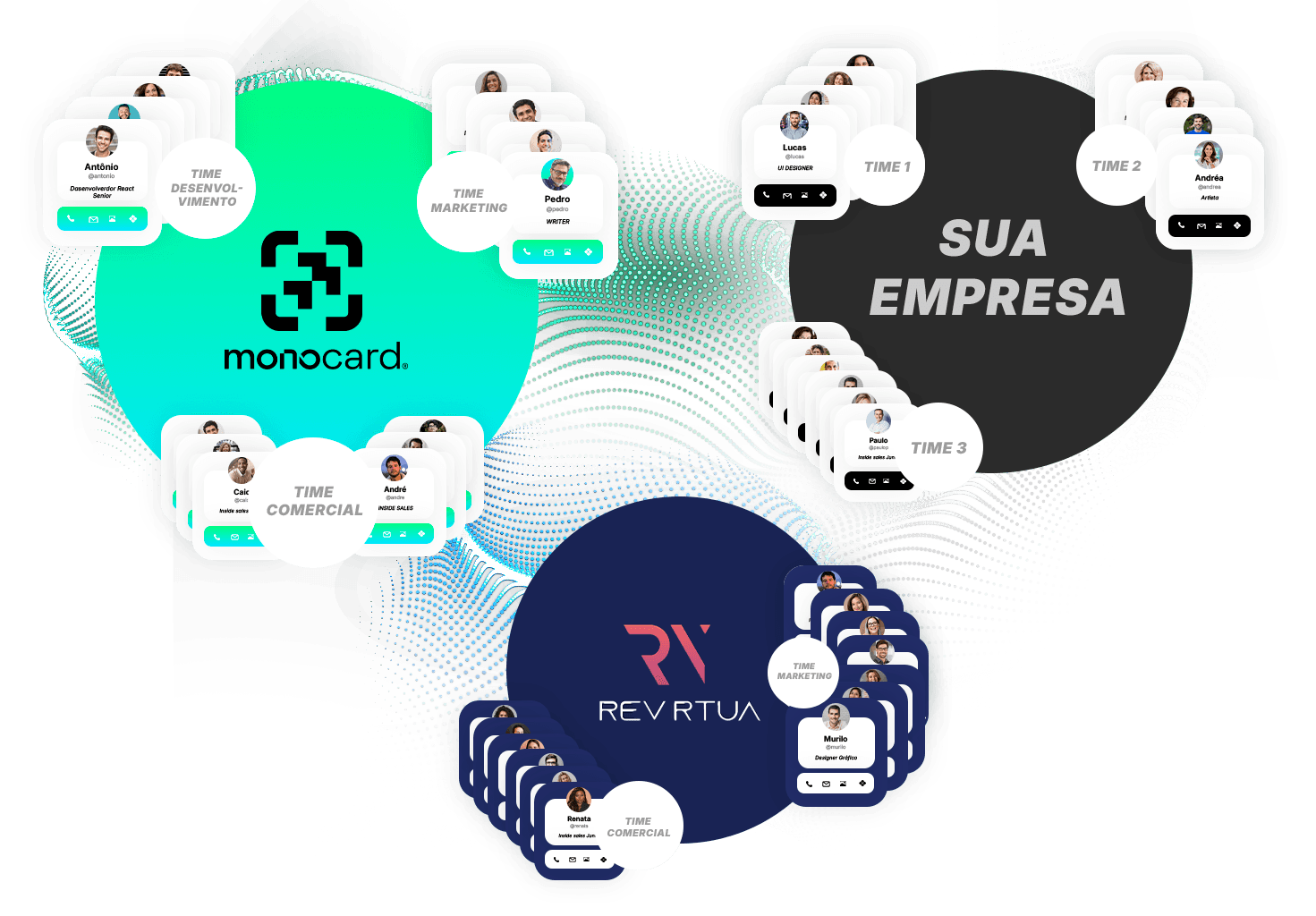
You no longer need to spend money printing and reprinting business cards. Companies like Monocard allow you to create your free digital profile today and start making connections that will benefit you.
How to create a perfect and free digital business card for IT
- Choose a trusted platform:
Trust those who are already specialists in the subject and offer complete resources. Companies like Monocard offer individual and business solutions with many features. Make sure the platform supports NFC and QR Code to maximize access. - Customize your card:
With Monocard, you can customize everything with your company's identity. Use symbols, fonts, and colors that will make you stand out in the market. - Insert relevant information:
Include your most important data for networking and attracting clients:
- Name;
- Position or profession;
- Phone and email;
- Social media and website;
- Links to portfolios, testimonials, and others.
- Create interactive elements (Golden bonus tip):
Make a presentation or video that catches the potential client's attention. Show your work, explain how your solution can help them, and call them to action. Place the link to this video on your virtual business card. - Start sharing:
Now you're ready! Whenever you're talking to a potential client or making a new connection, use your digital business card.
Practical examples of using virtual business cards for IT
- Networking events or workshops:
Making connections at events has become easier. Just bring the card close to a phone or use a QR Code for instant connection. - Word of mouth:
Finished a service? Leave a simple feedback form on your profile. Encourage the client to share your digital profile with friends or acquaintances who might need your services.
Conclusion
A digital business card is an important tool for your sales strategy. It expands your reach, strengthens your presence, and impresses your clients.
Take the next step and create your virtual business card with Monocard, the #1 platform for digital business cards. Create your first digital profile for free right now!
Create your free digital profile