Access monocard.me/login and log into your account to customize and activate your Email Signature.
In future updates, subscribers of the PRO plan will also be able to customize their email signatures. For now, this feature is only available to CIRCLE team administrators.
1. Customize the signature - CIRCLE Administrator
First, let's start by customizing the signature.
1. In the Sidebar Menu, click on My Teams and then on the Circle team you want to customize email signatures for.
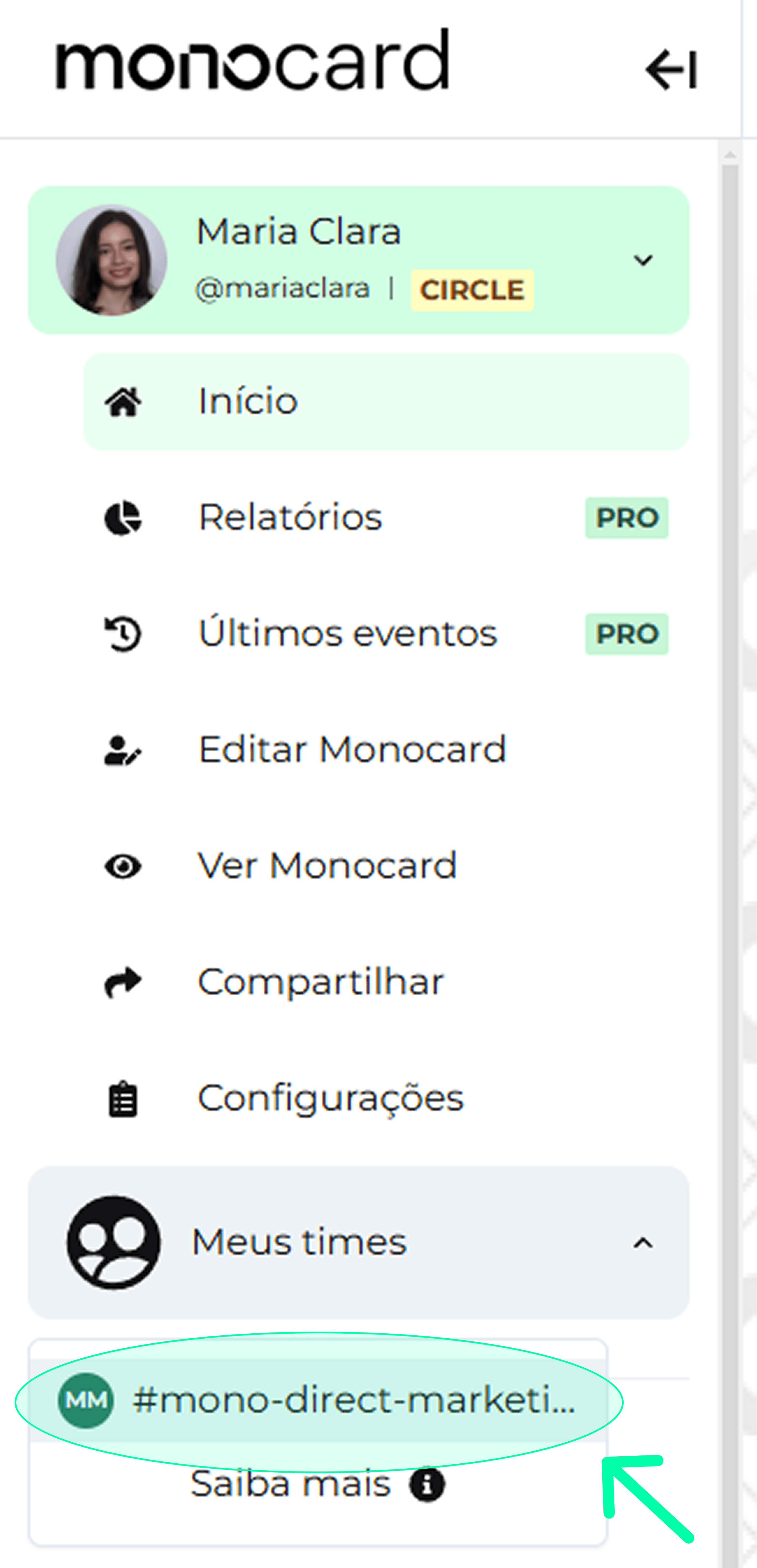
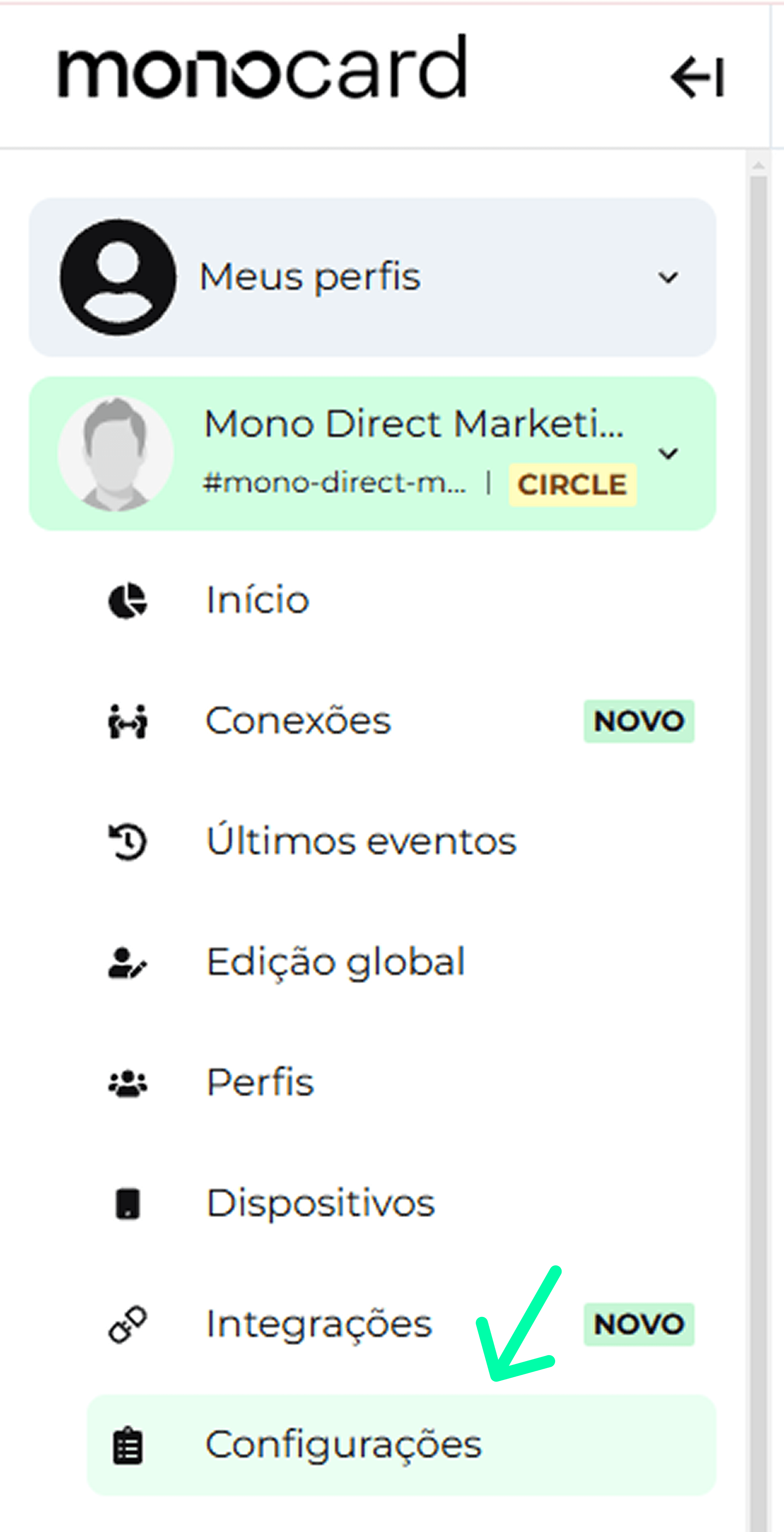
2. Once inside the Circle, go to Settings.
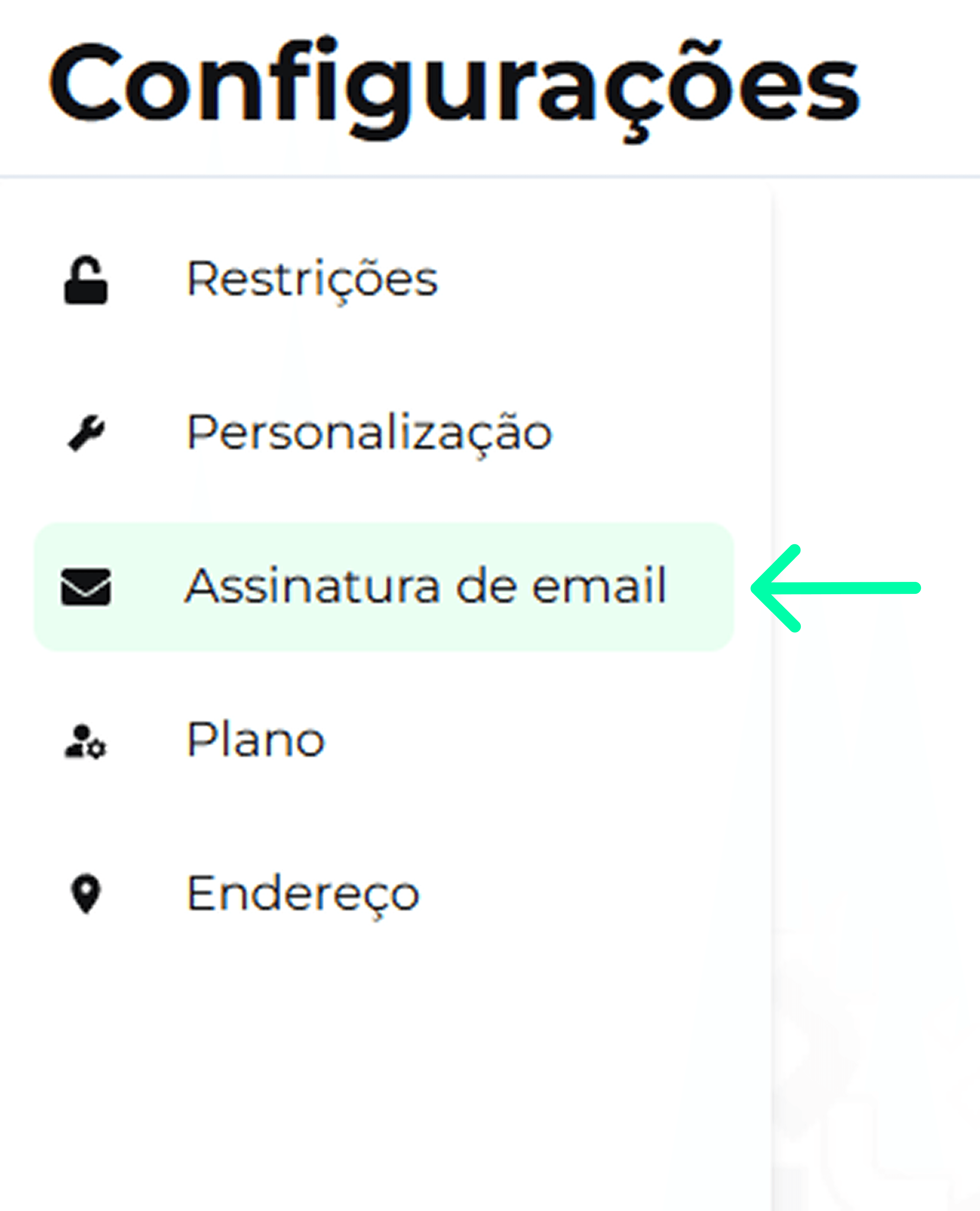
3. In Settings, click on Email Signature.
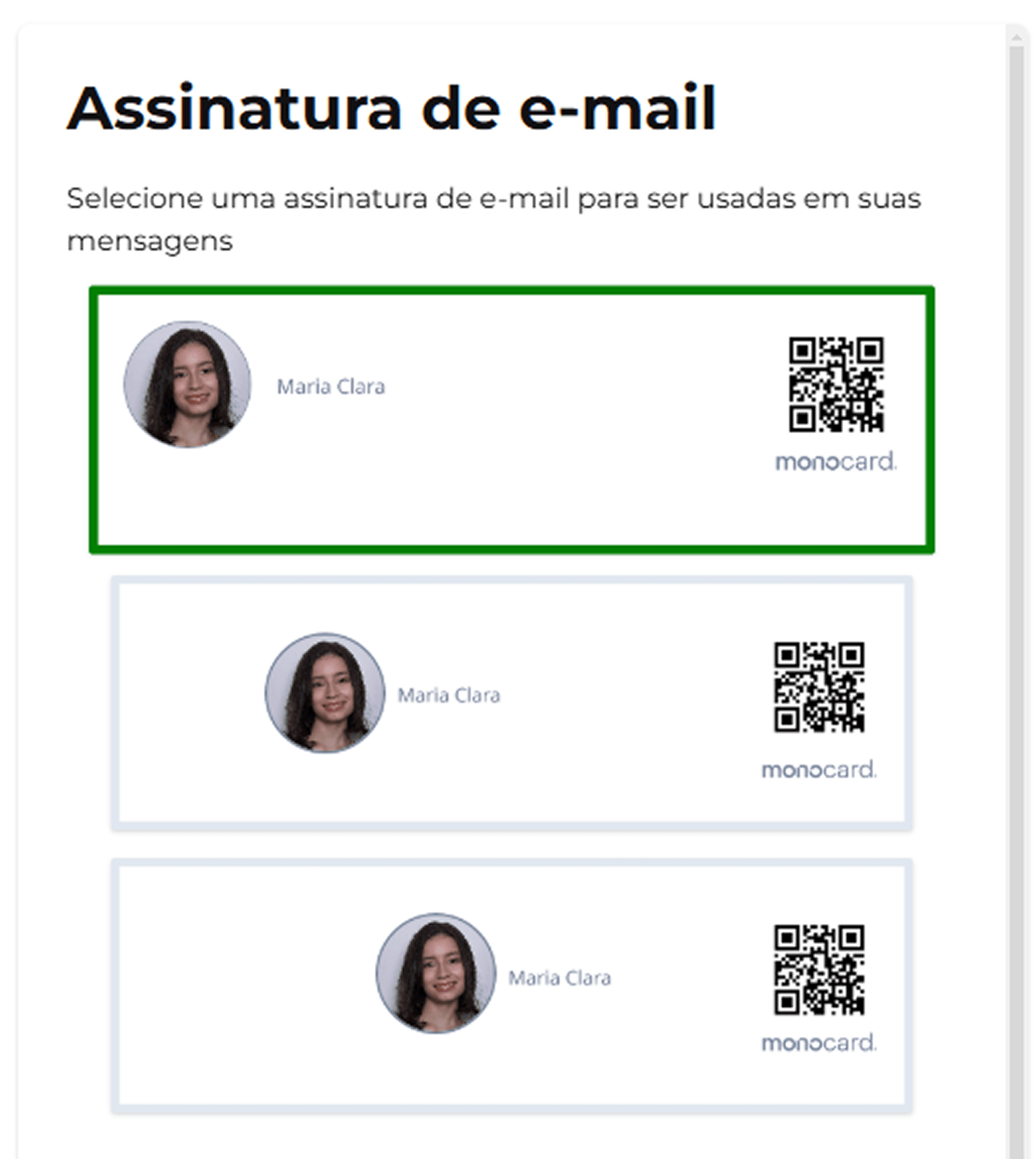
4. Here, in the customization area, you can select the email signature template that best matches your company's profile.
5. Then, just upload your company logo files, following the specifications.
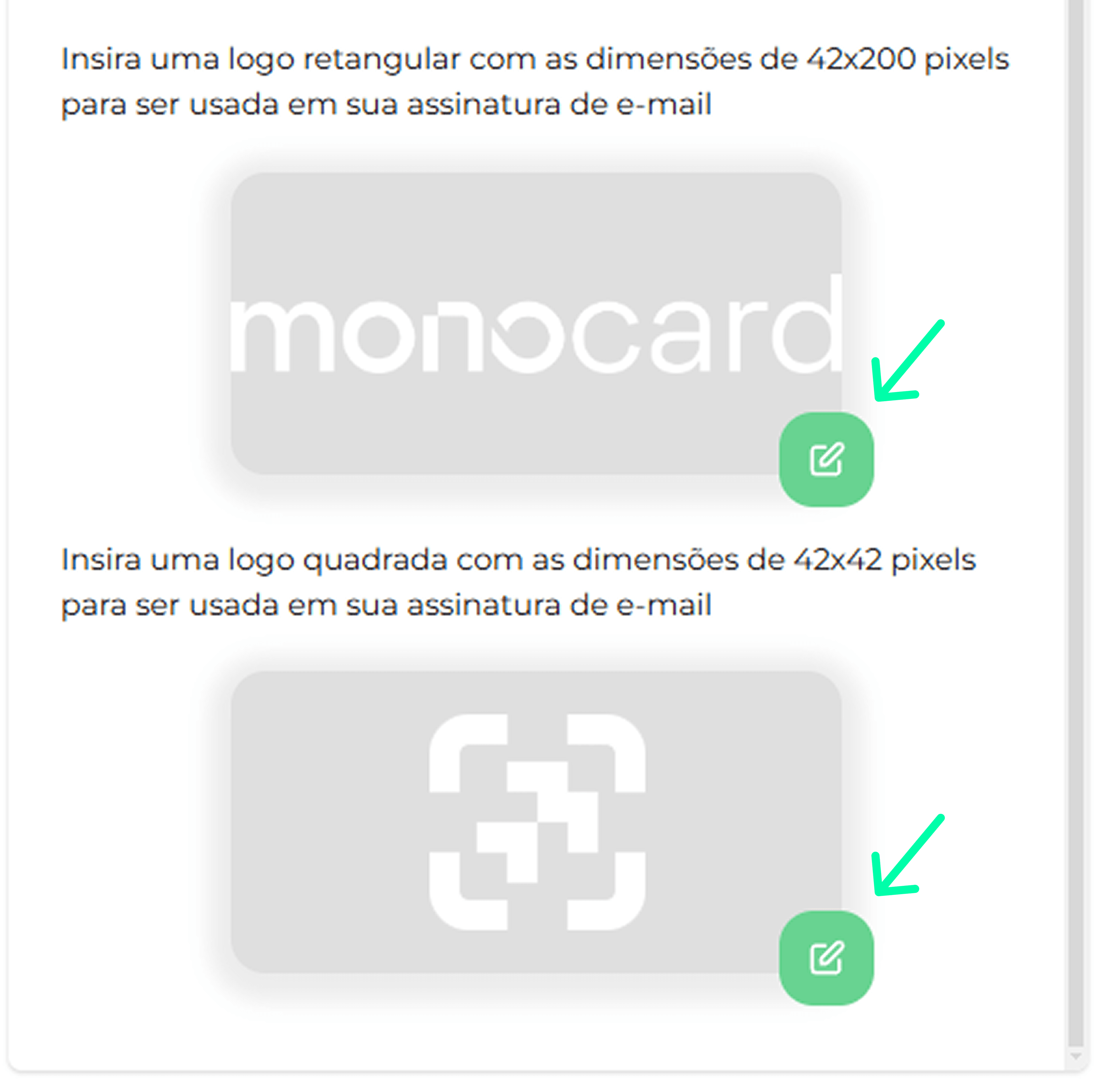
Done! Your team's email signature is customized.
2. Activating in your email account - PRO User
Now it's time to actually use your signature. It's a very simple process, just copy and paste. Check it out:
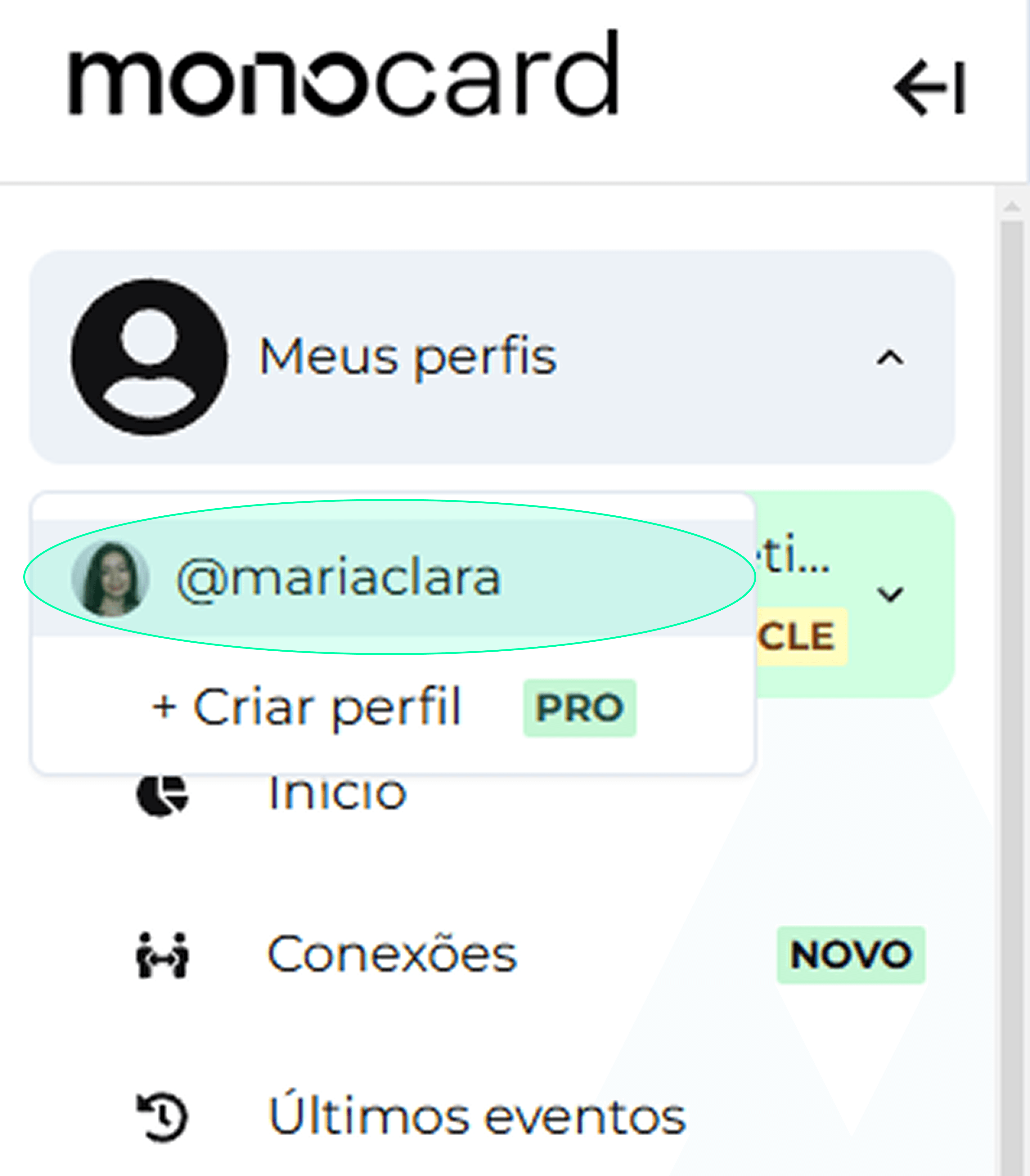
1. Access your main profile.
2. Click on Share.
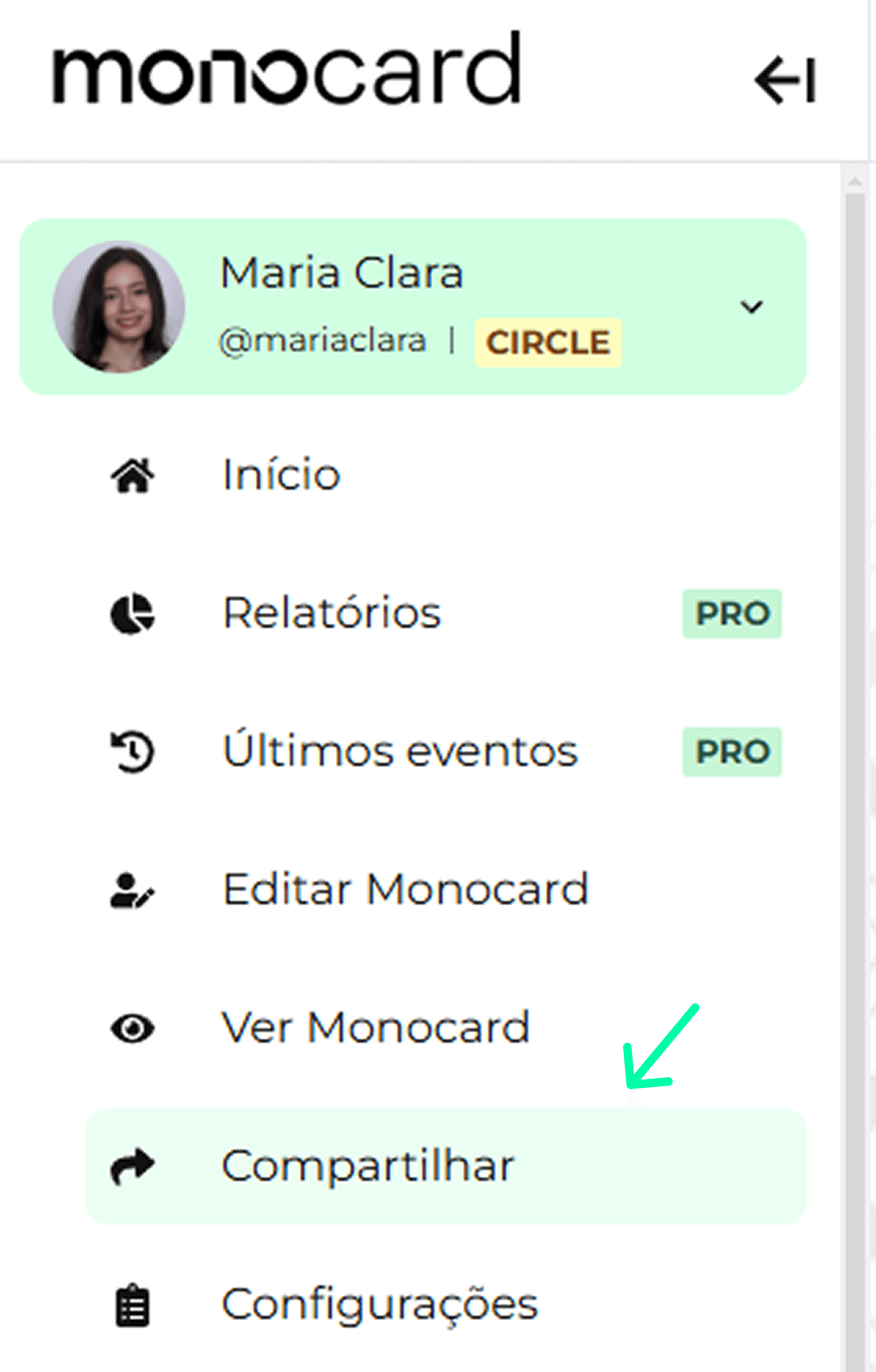
3. Click on Email Signature.
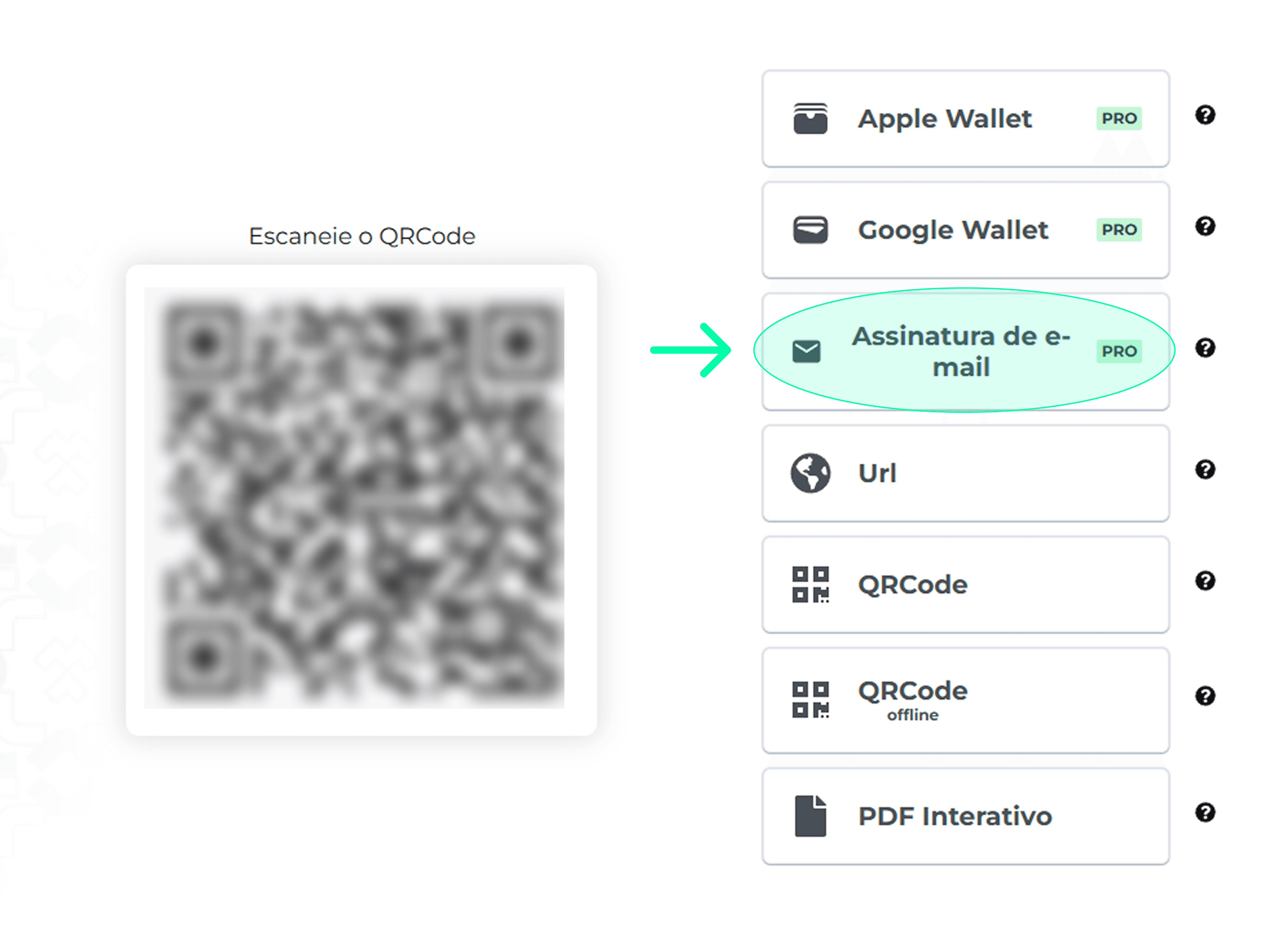
4. The signature has been copied and is now in your clipboard.

3. In Gmail
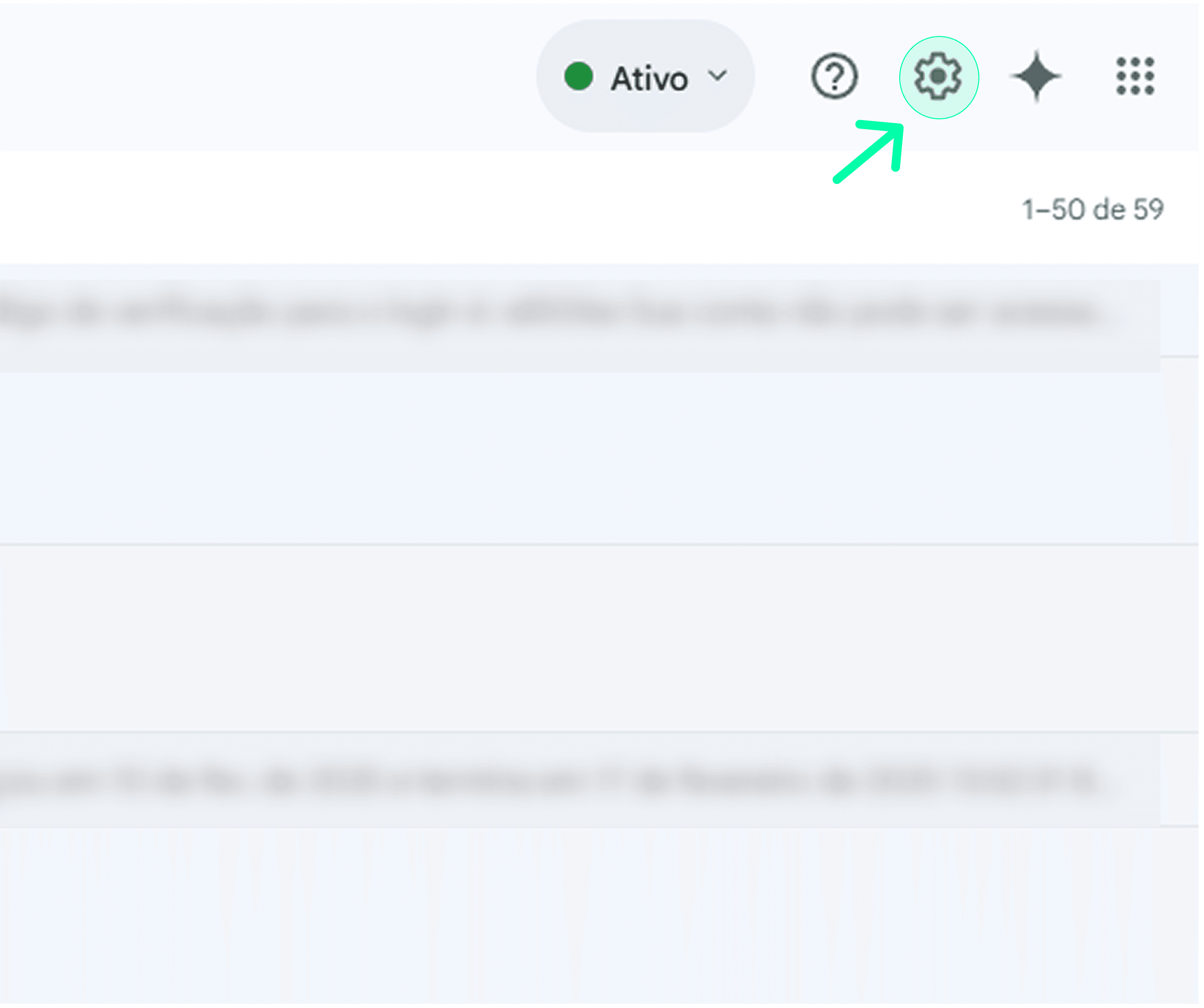
1. Open your Gmail account and go to Settings.
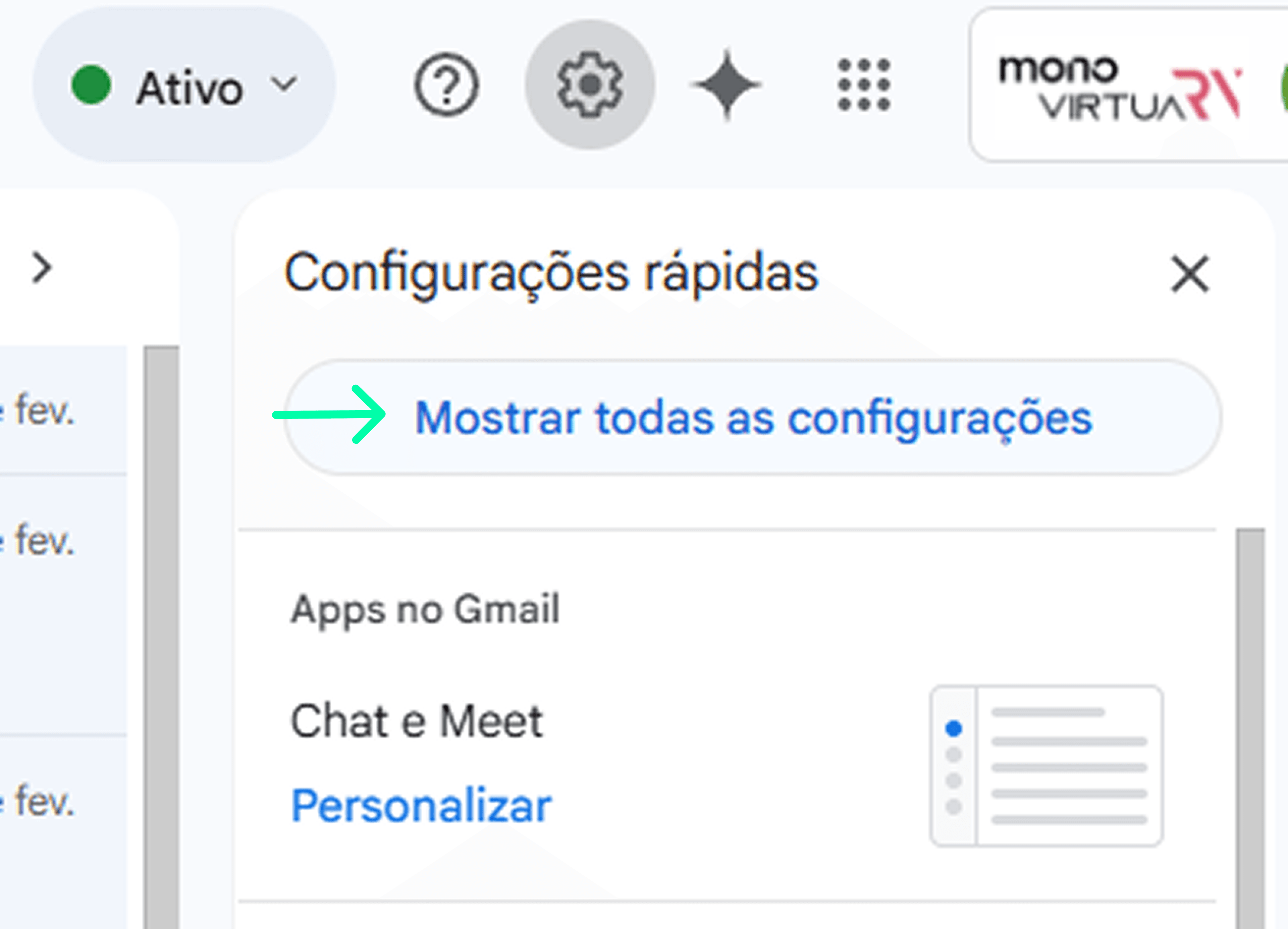
2. Click on See all settings.
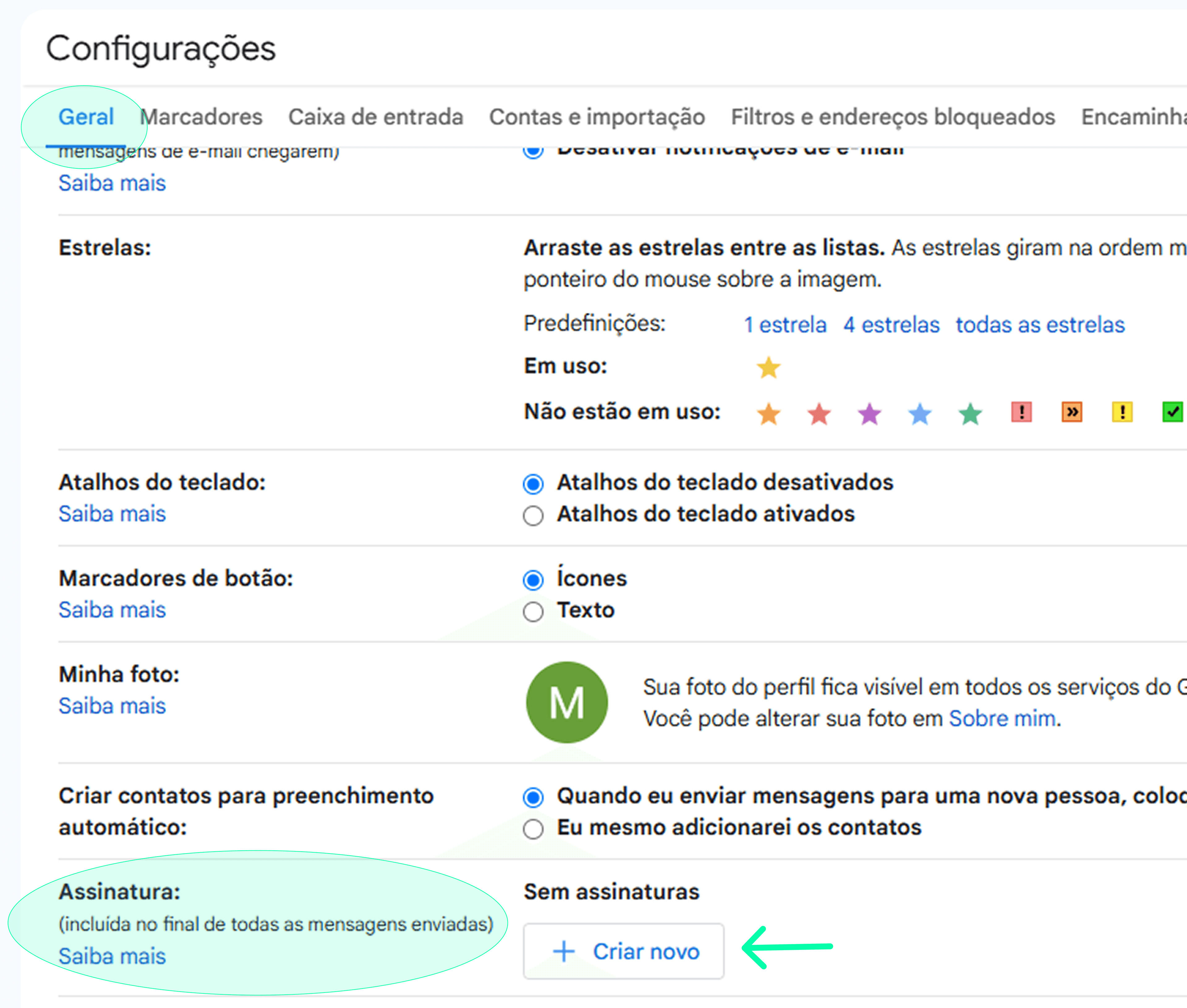
3. In General, find the Signature section and click on Create new.
4. Give your signature a name and click on Create.
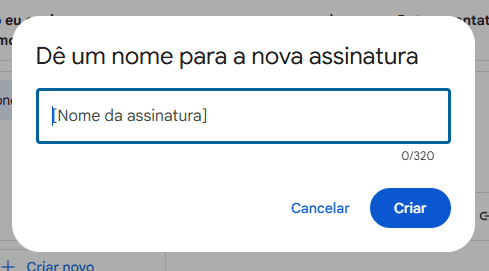
5. Paste your signature in this field.
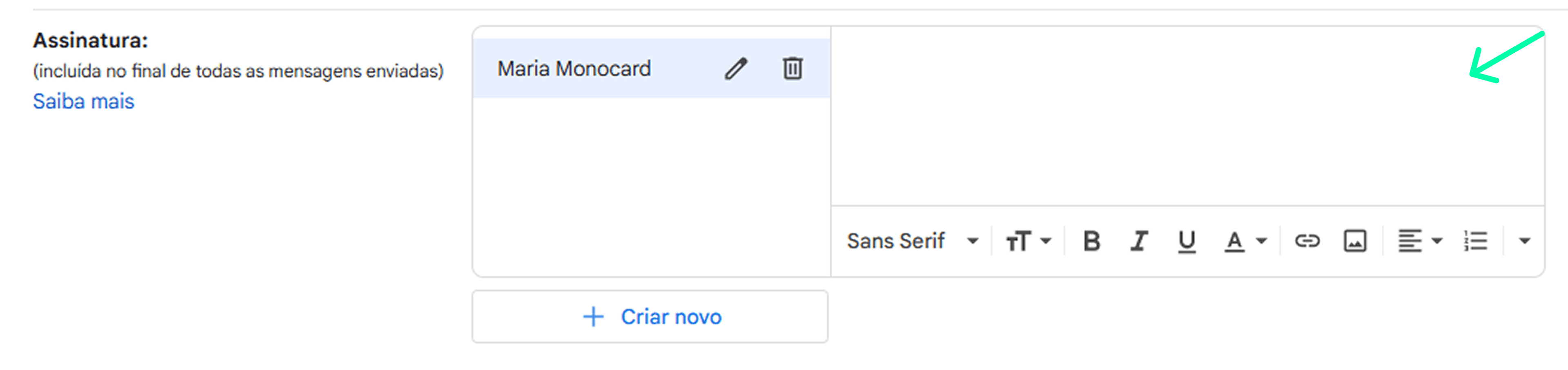
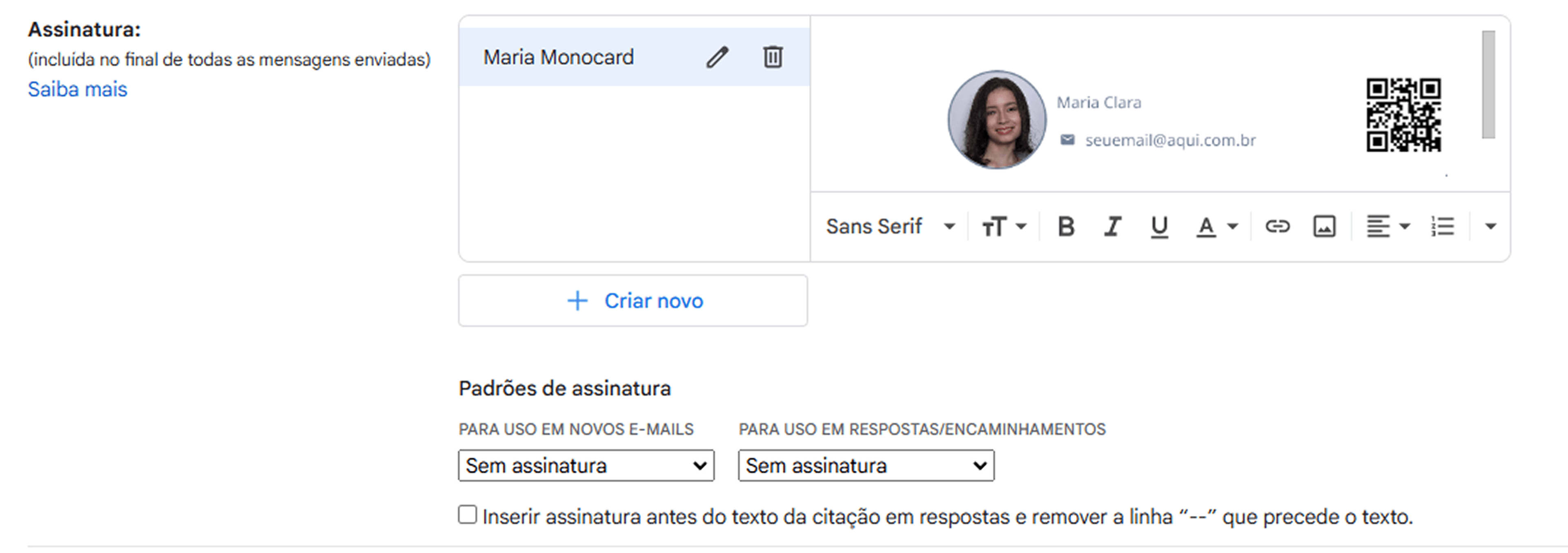
6. Make the final settings in Signature defaults.
7. Scroll to the bottom of the page and click on Save changes.
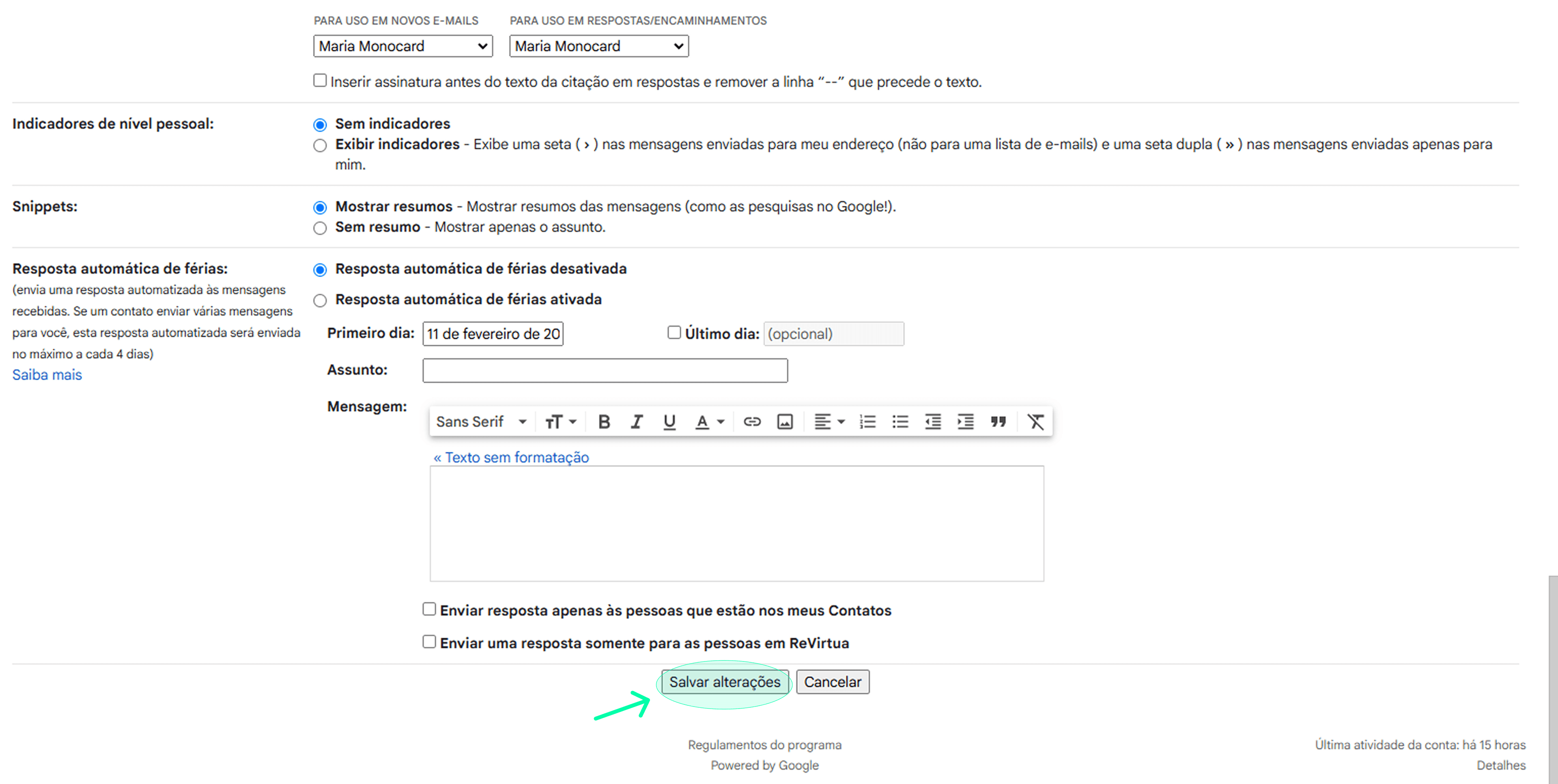
Done! When composing an email, your signature will appear automatically.
4. In Outlook
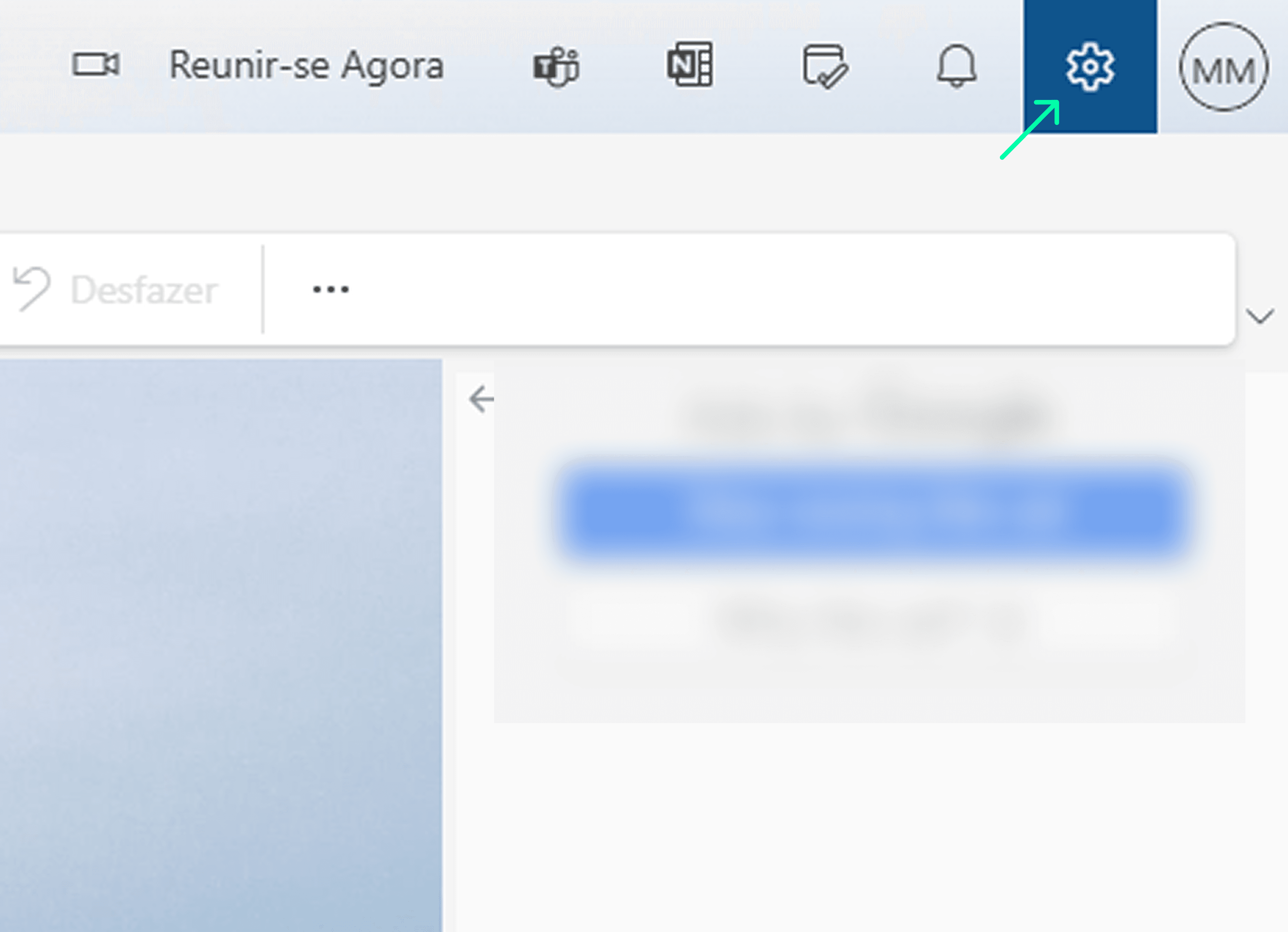
1. Open your Outlook account and go to Settings.
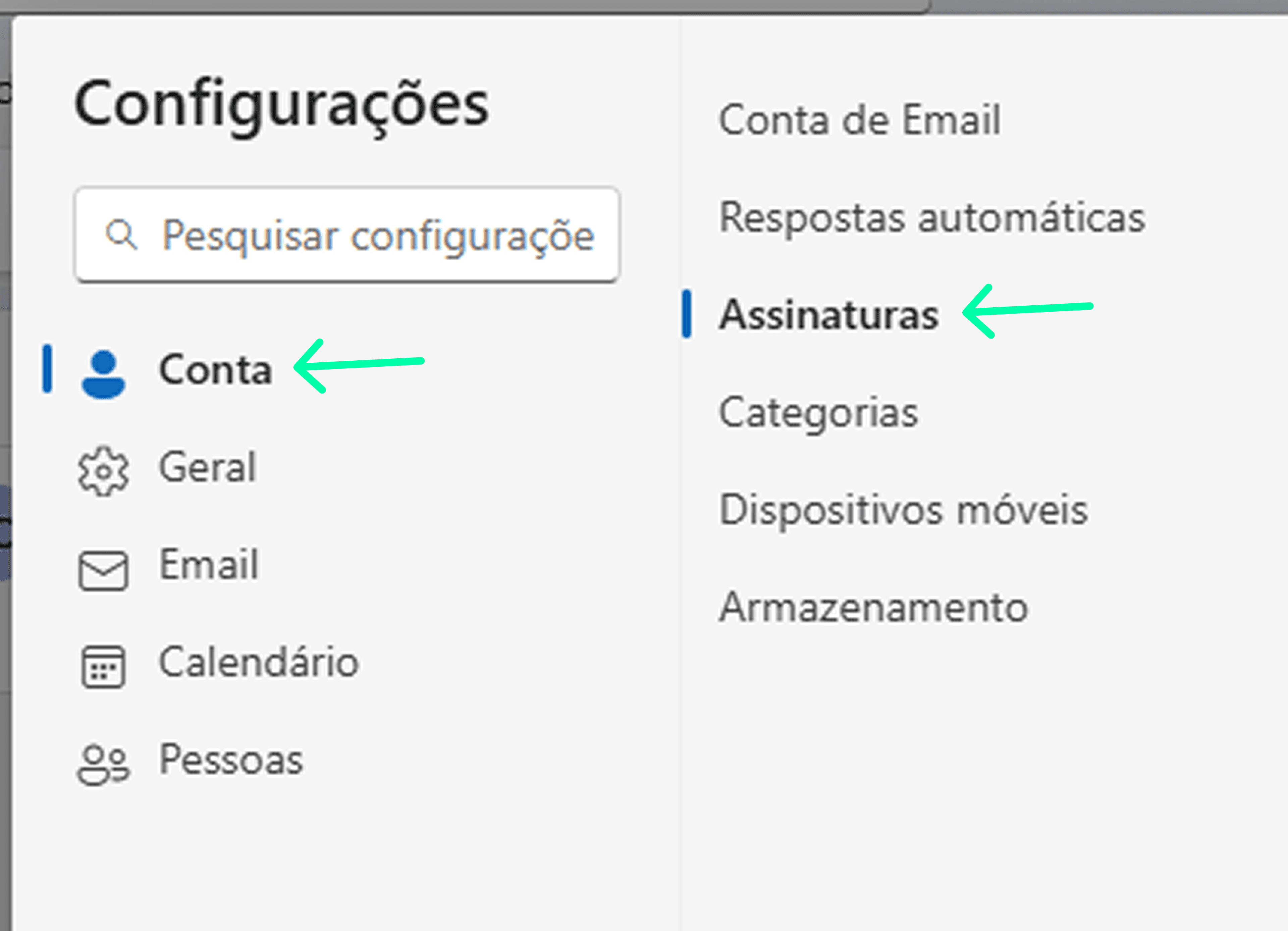
2. In Settings, open Account > Signatures.
3. Paste your signature in the field and select it as the default signature. Then, click on Save.

Done! When composing an email, your signature will appear automatically.
It's important to remember that the information contained in your digital profile (email, phone, name, address, etc) is reflected in your email signature.
Thus, any changes you make to your profile will be updated in all your signatures, including those that have already been sent in previous emails.
This is just one of the advantages of being Monocard! You will always have your relevant and updated information.
Still have questions or need help with a more specific problem? Contact our support in the Sidebar Menu of your Monocard profile.