Besides sharing your Monocard profile in person, you can share your information digitally through a clickable PDF!
With a clickable PDF, your profile will be saved with all interactive links so that your contact can save and access them later.
Check out this image tutorial to learn how:
-
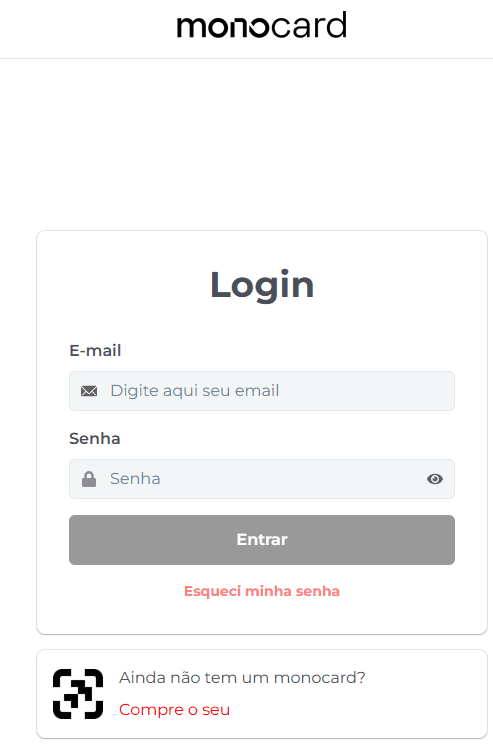
Access 👉**Monocard Platform**👈;
-
Fill in your email and password and click "Enter";
-
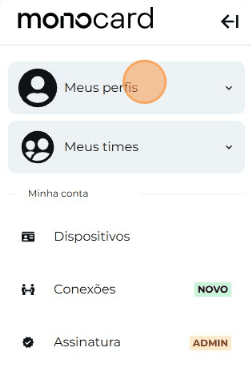
Click on "My Profiles" and access yours;
-
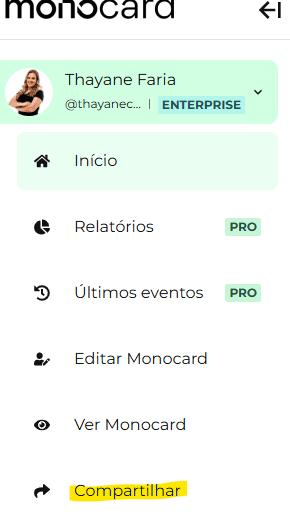
On the left side of your editing panel, click on "Share";
-
Click on the "PDF" icon;
-
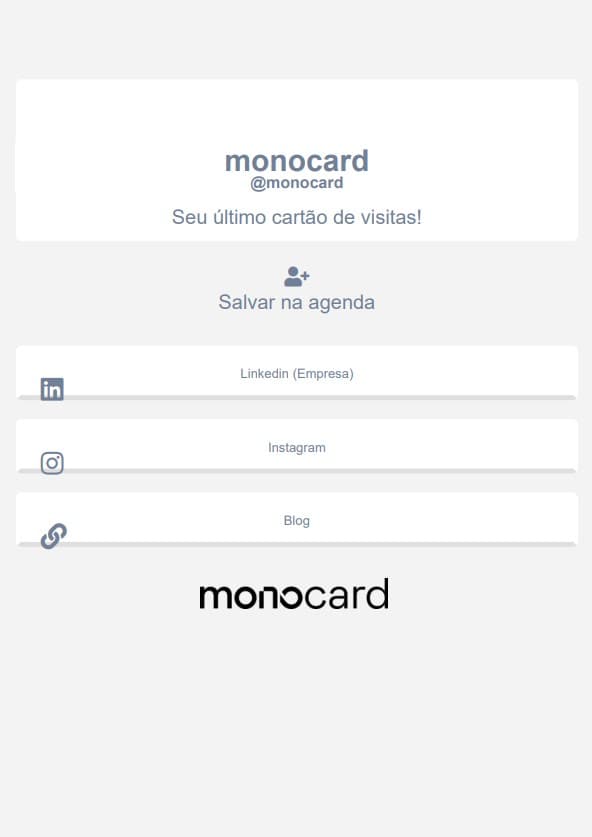
The file will be generated, and you can save it to share with whomever you want;
Information that may also help you:
Generating a QR Code for Your Virtual Card
Did this article not help you?
Contact our support team via the website chat, WhatsApp, or by email at contato@monocard.com.br.