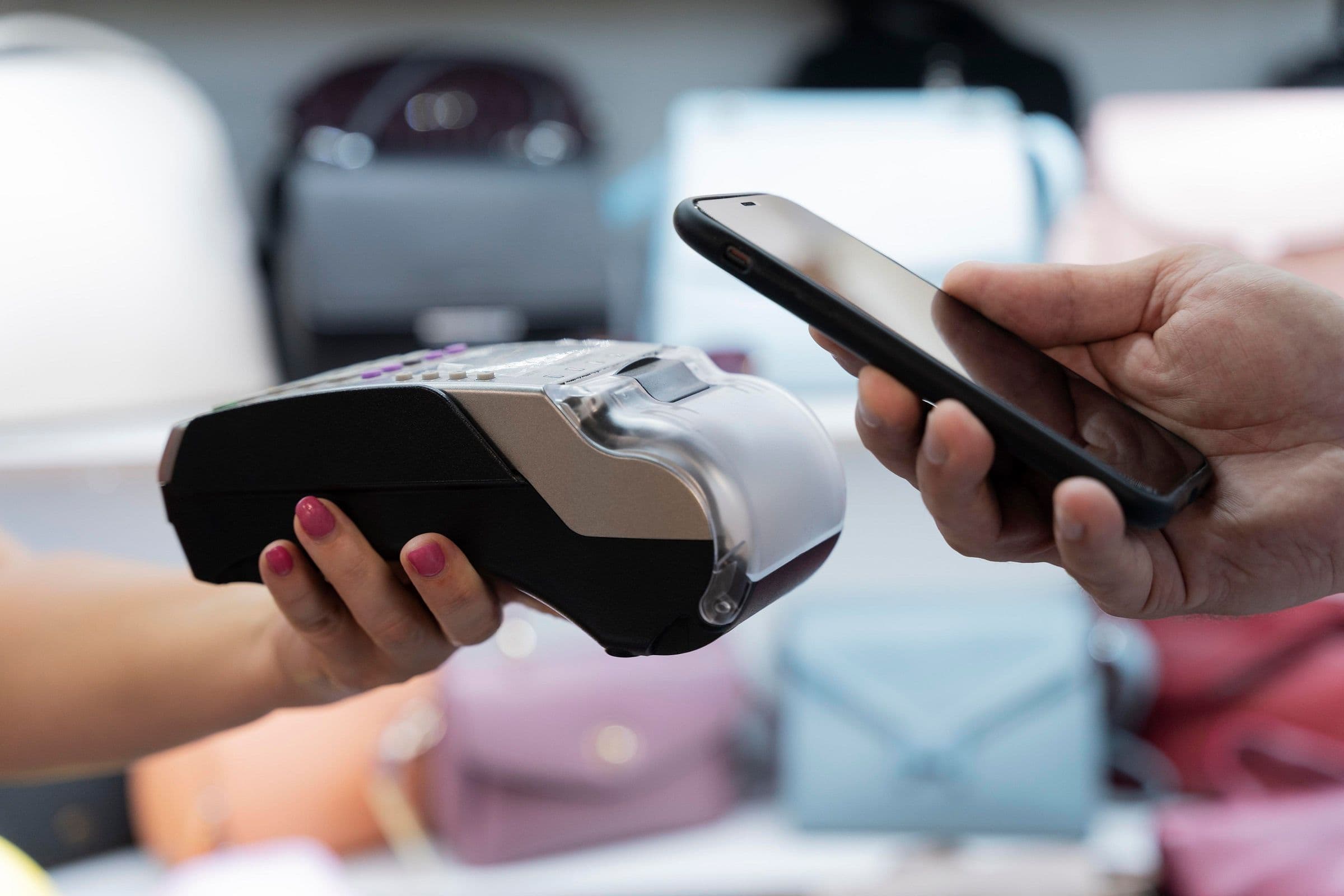
It is no secret that contactless payments are the most popular way to make financial transactions today.
Currently, 44.3% of in-person purchases with cards are made via contactless methods. This convenience is made possible by NFC (Near Field Communication) technology, which is revolutionizing how we interact with devices.
If you have an iPhone, activating NFC is simple and can bring convenience to everyday tasks.
In this article, you will learn how to activate NFC on the iPhone and discover the main ways to use it efficiently and innovatively.
What is NFC and why is it so important?
NFC is a short-range communication technology that allows the exchange of information between compatible devices without the need for wires or complex connections. It works at distances of less than 10 centimeters, ensuring security and efficiency.
On the iPhone, NFC is already used for numerous functions, such as payments via Apple Pay, information sharing, and interaction with digital cards.
Why is NFC useful?
- Convenience: Allows quick actions, such as paying in stores or accessing information.
- Security: The short operating distance reduces the risk of interference.
- Versatility: Can be used in various areas, from business to home automation.
How to activate NFC on the iPhone
Since the launch of the iPhone 6, Apple has introduced NFC in its devices. In the most recent models, this functionality is integrated into the system and can be used without complex settings.
Step-by-step to activate and use NFC
- Ensure NFC is active:
On the iPhone, NFC is automatically activated and does not need to be manually enabled.
To use it, simply bring the device close to another compatible one or an interaction point, such as a payment terminal.
- Access the feature in the right app:
For payments, use Apple Pay. Add your cards in the Wallet app and bring the iPhone close to the terminal.
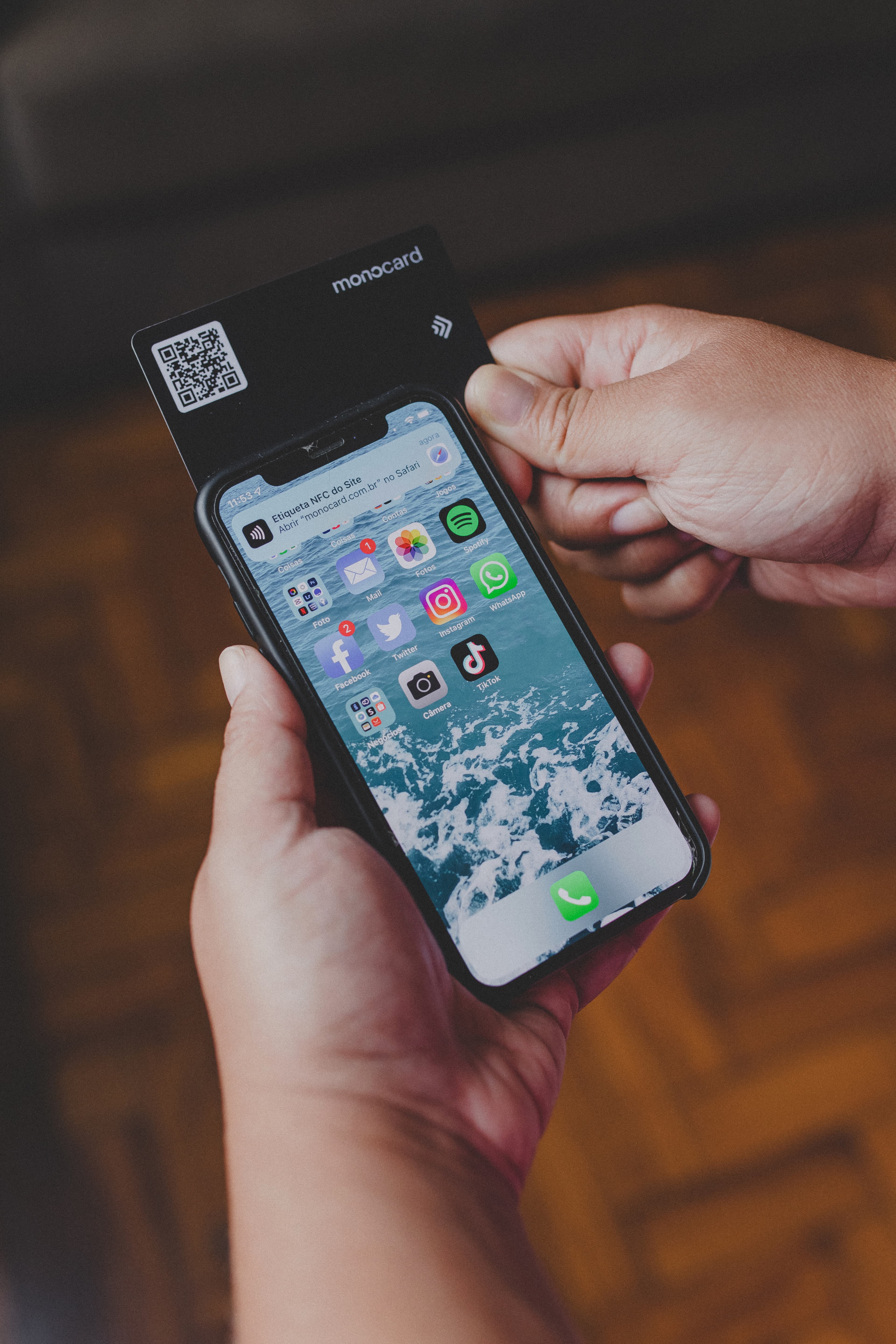
For reading NFC tags, on recent iPhones, just bring the device close to the tag. On models prior to the iPhone XS, a third-party app is needed for reading.
- Confirm permissions:
Ensure that apps using NFC have allowed access in the device settings.
Practical applications of NFC on the iPhone
NFC technology on the iPhone goes beyond payments. Here are some creative ways to use it:
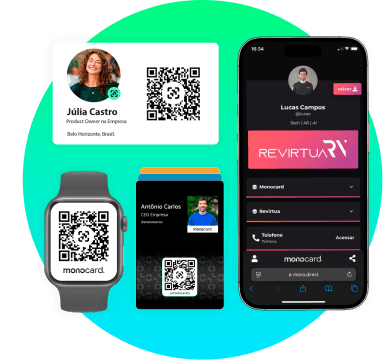
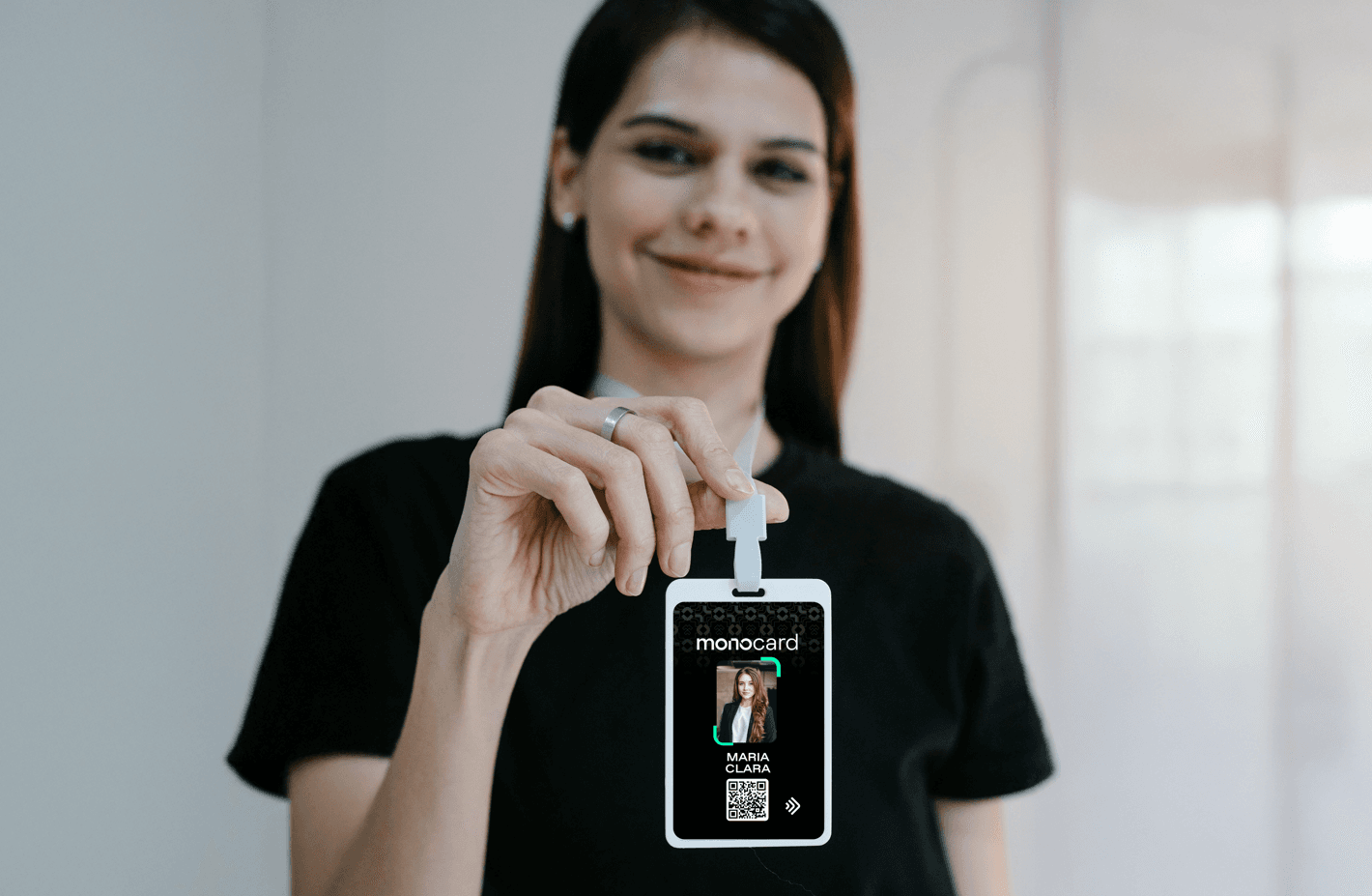
- Information sharing: Digital business cards, like those offered by Monocard, can be shared instantly.
- Quick access to locations: Unlock doors or connect to smart devices with NFC tags.
- Home automation: Set up automatic routines, like turning on lights or playing music, by tapping a configured NFC tag.
- Interaction at events: Provide information about lectures or products through strategically positioned NFC tags.
NFC and innovation in the digital market
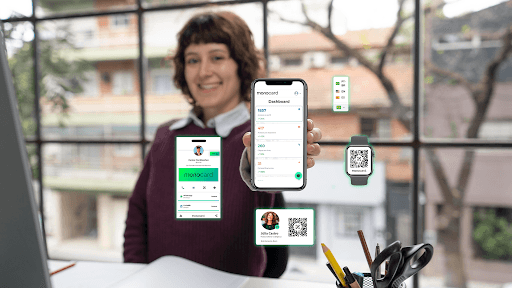
Beyond everyday applications, NFC has become essential for companies seeking innovative marketing strategies and client prospecting. Tools like digital business cards use NFC to facilitate information exchange, eliminating barriers such as the need for manual connections or the use of paper.
If you use an iPhone, you are ready to explore the full potential of NFC and take a step forward in technological interaction.
Conclusion
NFC technology, especially on iPhones, is shaping a more connected and efficient future. From payments to personalized automations, its possibilities are limitless. How about starting to explore these features today?
Create a digital business card with NFC