If you have access to your Monocard profile
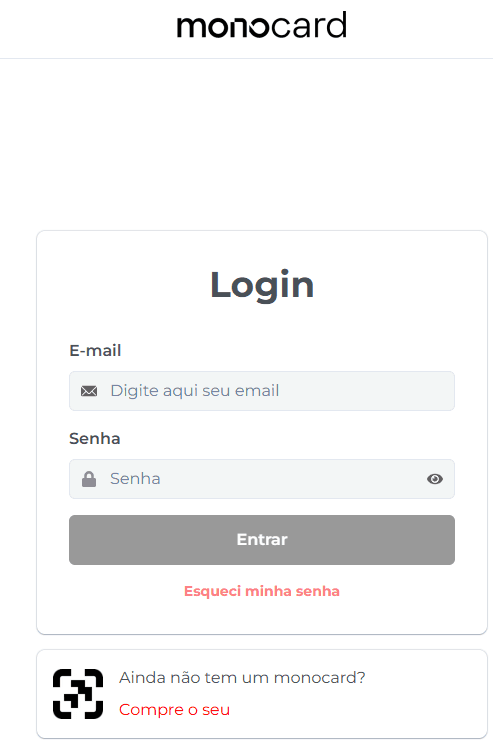
1. Go to 👉 Monocard Platform 👈;
2. Enter your registered email and password from activation;
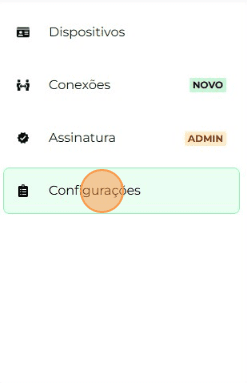
3. On the left side of your editing panel, click on "Settings";
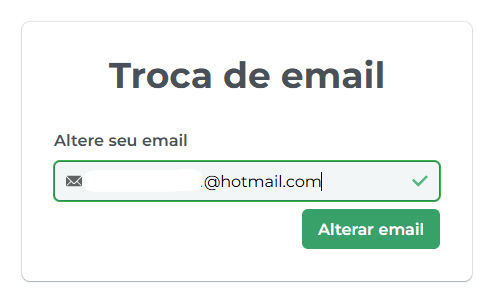
4. Enter the new desired email and "Change email";
5. You will receive a confirmation email for the change.
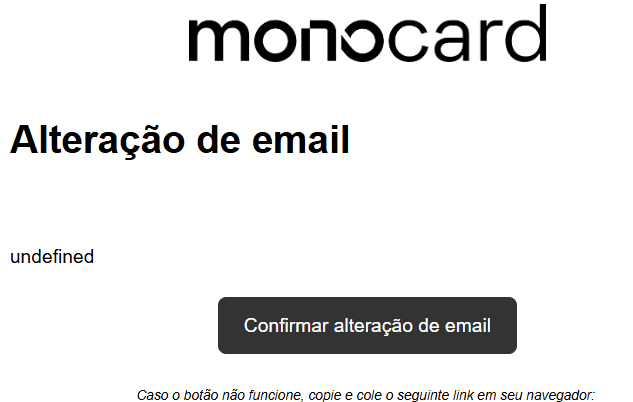
6- Confirm the change and the action will be successfully completed!
If you are unable to access your profile
Contact our specialized support team for assistance.
Our individual support is available from Monday to Thursday from 8:00 AM to 6:00 PM and Friday from 8:00 AM to 5:00 PM through the following channels:
- Website chat (you can see this option in the bottom right corner of our page);
- Email: contato@monocard.com.br;
- WhatsApp: (31) 99500-5105;
- Social media: Facebook and Instagram;
Information that may also help you:
How to change the profile name
Did this article not help you?
Contact our support team via website chat, WhatsApp, or email contato@monocard.com.br.