1. Access the 👉 Monocard Platform 👈 dashboard;
2. Click on Forgot my password;
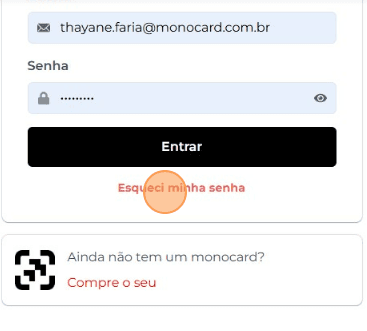
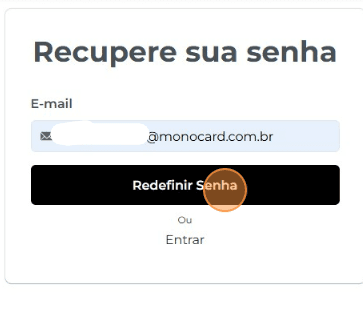
3. Enter the email registered at the time of activation and then click on Reset Password.
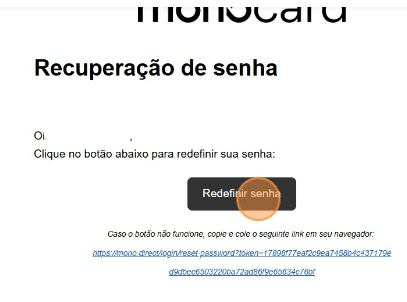
4. You will receive a password reset link in your email. Just click on Recover password;
5. Add your new password and confirm the details below. Then click on Reset Password;
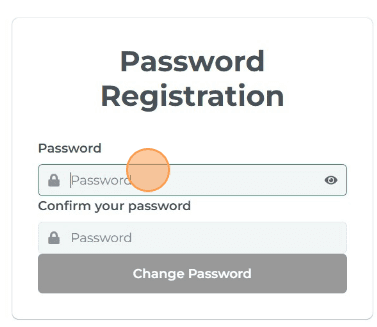
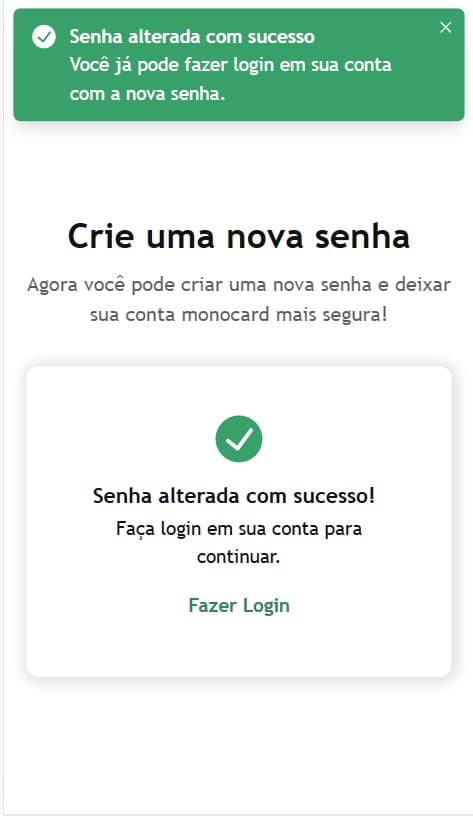
6. All set! Your password has been changed and you can now access your account using the registered details.
Information that may also help you:
Did this article not help you?
Contact our support team via the website chat, WhatsApp, or by email at contato@monocard.com.br.