Activating this option, reading your digital business card will trigger a direct redirect to any page you choose. That is, your Monocard will take you directly to your website, Instagram, or whatever you prefer!
Activating profile redirection
- Go to monocard.me/login
- Fill in your registered email and password during activation;
- Click on "My profiles";
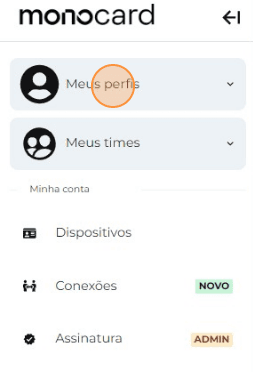
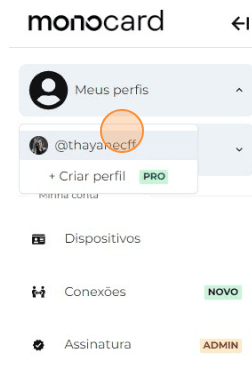
- Select your Profile;
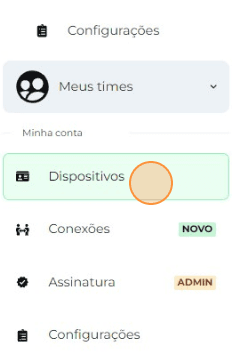
- Click on Devices;
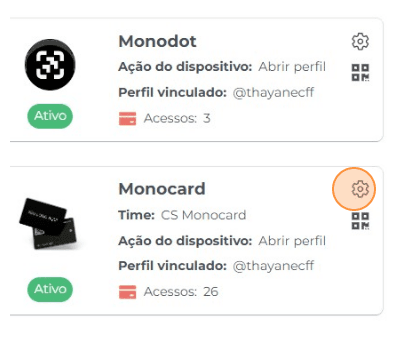
- Click on the configuration gear of the Device you wish to change;
- Select the module to which you want to redirect your profile when scanning the QR code;
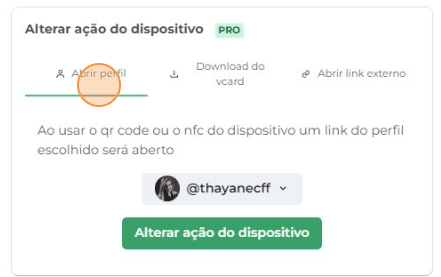
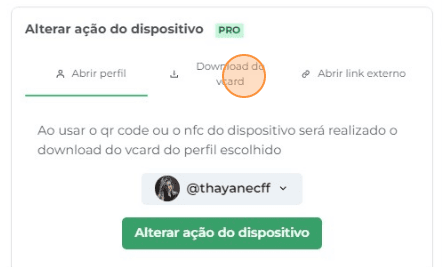
By selecting the vCard Download option, the profile is automatically saved, eliminating the need to open the link and manually add the contact.
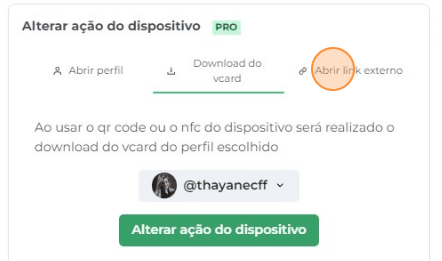
This external link option can be used to add the company website, social networks, or any other relevant link.
- Click on “Save” to complete your action;
Didn't this article help you?
Contact our support team via the website chat, WhatsApp, or by email at contato@monocard.com.br.