Did you know that you can change your profile picture on the Monocard online profile whenever you want? We will teach you how!
-
1. Access 👉**Monocard Platform**👈;
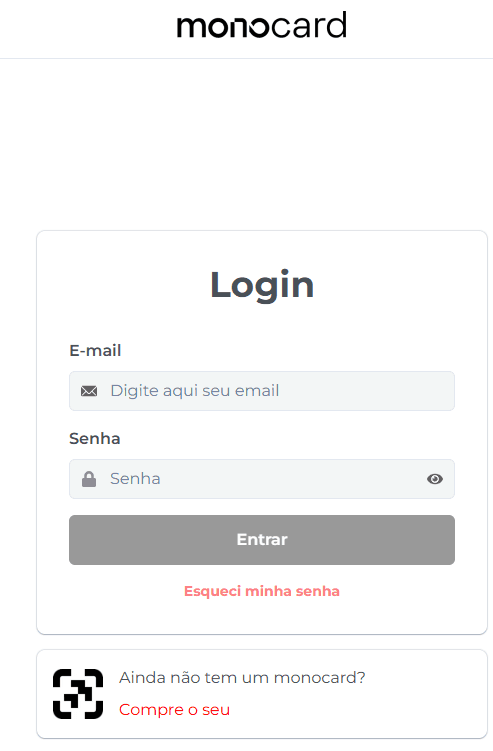
2. Fill in your email and password and click "Enter";
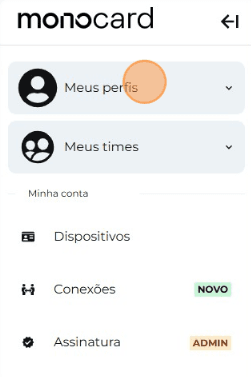
3. Click on "My Profiles" and access yours;
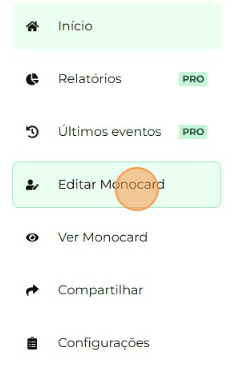
4. On the left side of your editing panel, click on "Edit Monocard";
4. Click on top of the profile picture (next to your name) and select the photo you want, as shown in the image below;

Attention: insert photos with a maximum size of 5MB so that the platform can load them properly.
5. Wait for the image to load, and then click on "Save Changes" at the bottom of the page to record the changes made to your profile.

Information that may also help you:
Learn how to edit your Monocard
How to change the Order of Modules
Did this article not help you?
Contact our support team via the website chat, WhatsApp, or by email at contato@monocard.com.br.