- Access monocard.me/login
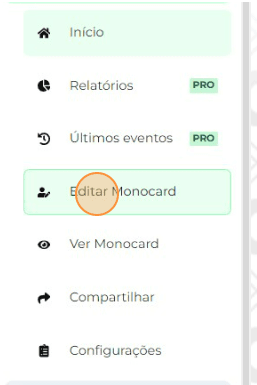
- There on the left side of your editing panel is the Edit Monocard button;
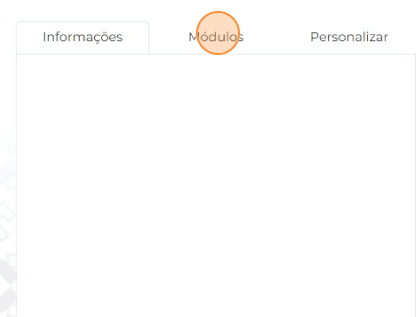
- Click on "Modules"
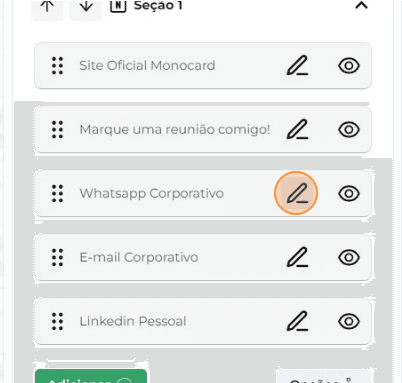
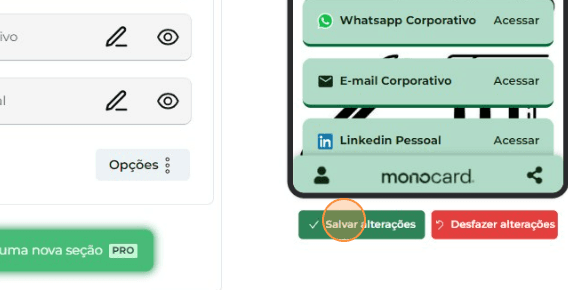
- Click on the pencil icon (✎) next to the item you want to edit in your profile;
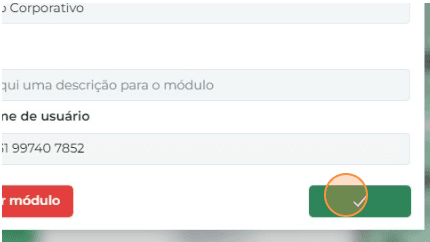
- Change the necessary data;
- Click “Save” at the bottom of the page to save the profile;
Information that can also help you:
Learn how to edit your Monocard
How to change the Order of Modules
Did this article not help you?
Contact our support team via the website chat, WhatsApp or by email at contato@monocard.com.br.