We offer various colors so you can customize your profile and make it your own!
See how through this step-by-step guide with images:
1. Access 👉**Monocard Platform**👈;
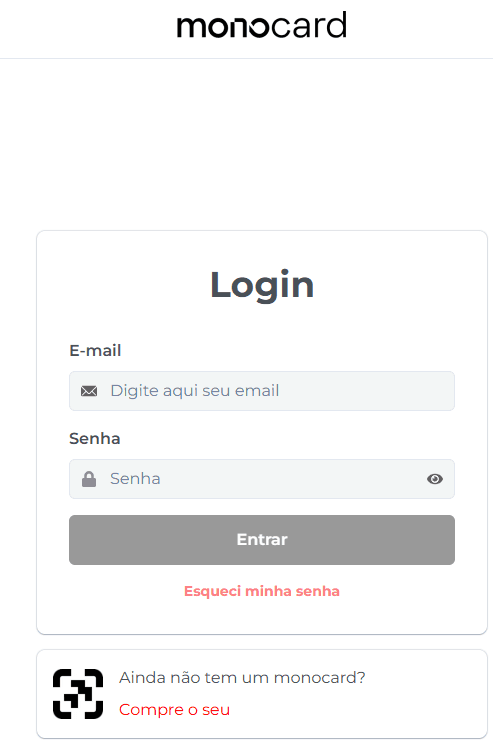
2. Fill in your email and password and click "Enter";
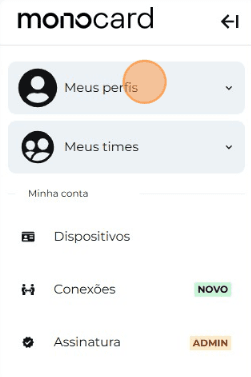
3. Click on "My Profiles" and access yours;
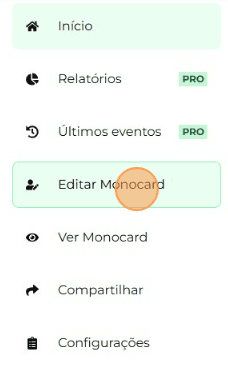
4. On the left side of your editing panel, click on "Edit Monocard";
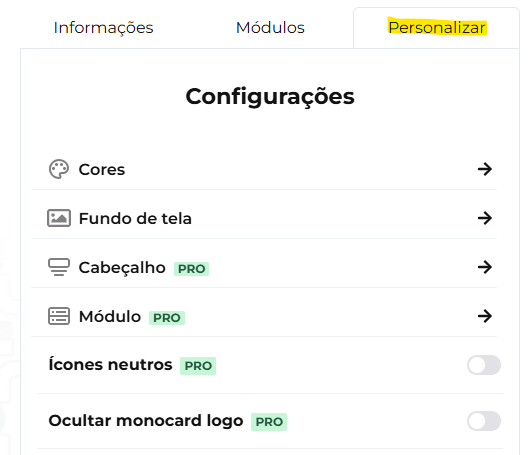
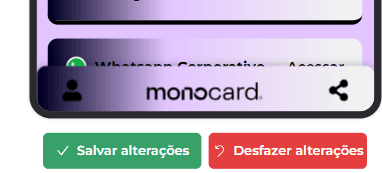
5. Click on Customize, and change your profile as you wish;
6. After choosing your favorite color, don't forget to save the changes when you finish editing your profile!
Information that may also help you:
Change the photo on your Monocard online profile
Learn how to edit your Monocard
Did this article not help you?
Contact our support team via the website chat, WhatsApp or by email contato@monocard.com.br.