Certainly! Here is the translated Markdown content:
- Access www.facebook.com.br and go to your profile;

- Click on the address bar and select all the text after the second to last slash. Very good! This code is your user registration on the network. You should copy it and save it;

-
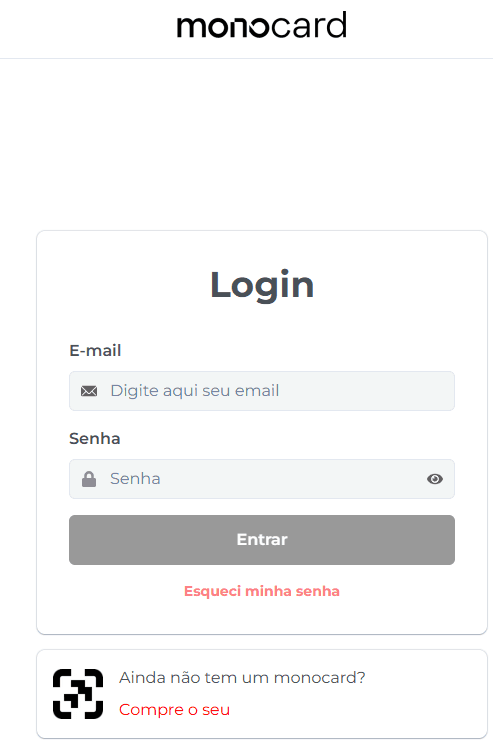
Next, access our Monocard Platform, fill in your email and password, and then click enter;
-
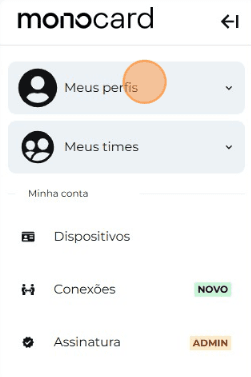
Click on "My Profiles" and access yours;
-
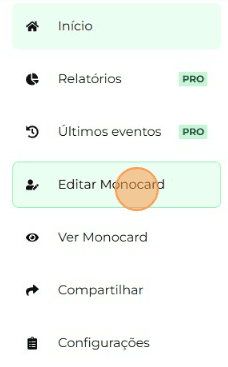
On the left side of your editing panel, click on "Edit Monocard";
-
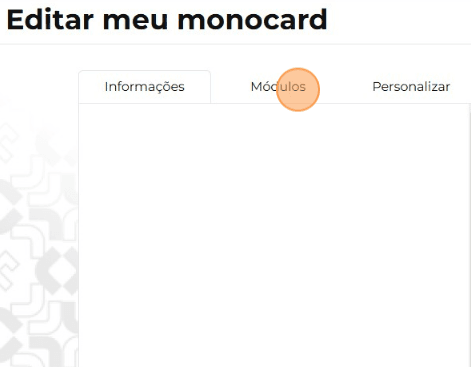
Click on "Modules"
-
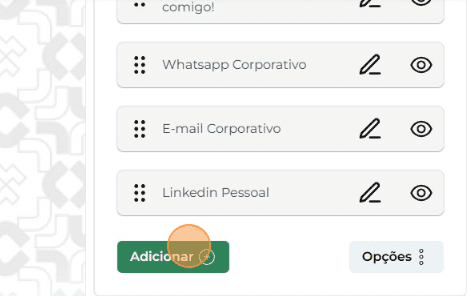
Click on "Add";
-
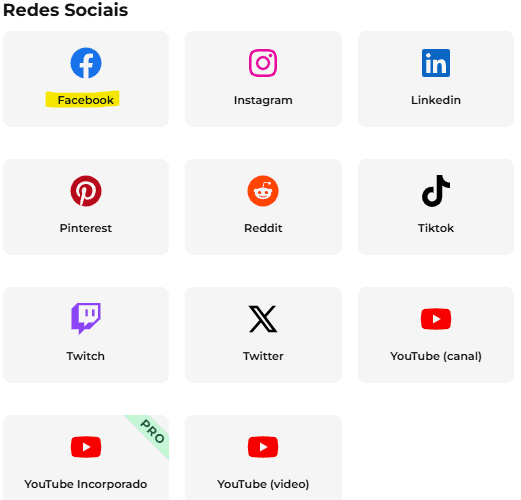
Choose the "Facebook" module;
-
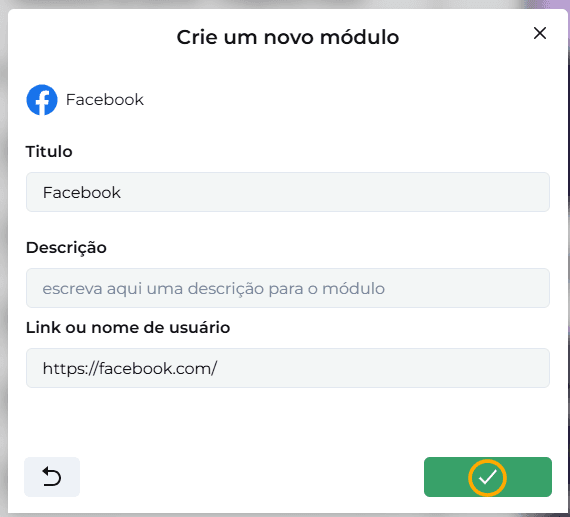
Paste the code copied earlier and click the arrow to complete the action;
-
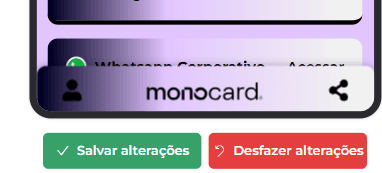
When you finish your customizations, don't forget to save your changes by clicking the green button at the bottom right corner of the screen!
Information that may also help you:
Add your YouTube Channel to Monocard
Did this article not help you?
Contact our support team via the website chat, WhatsApp or by email at contato@monocard.com.br.