-
Access 👉**Monocard Platform**👈;
-
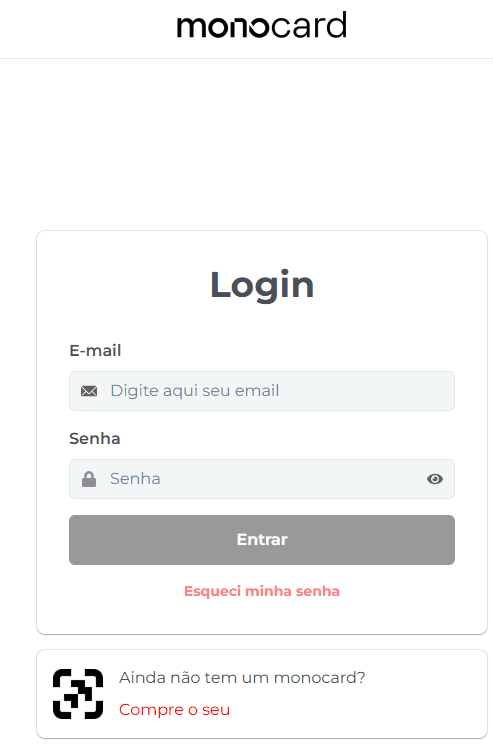
Fill in your email and password and click "Enter";
-
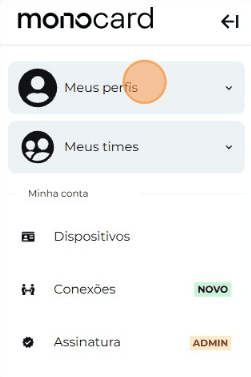
Click on "My Profiles" and access yours;
-
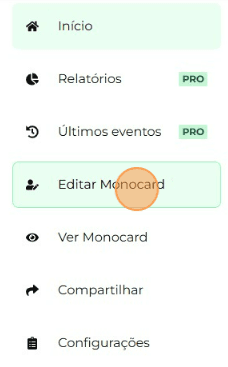
On the left side of your editing panel, click on "Edit Monocard";
-
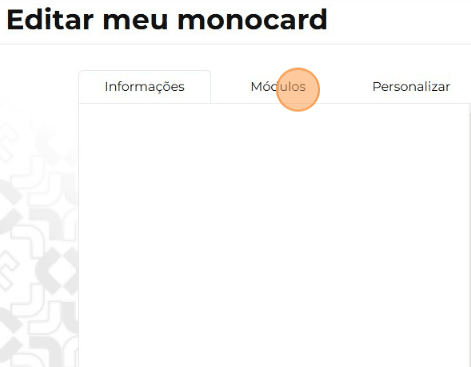
Click on "Modules"
-
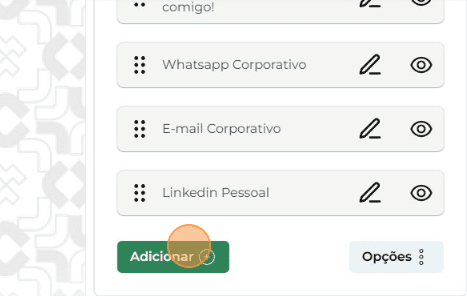
Click on "Add";
-
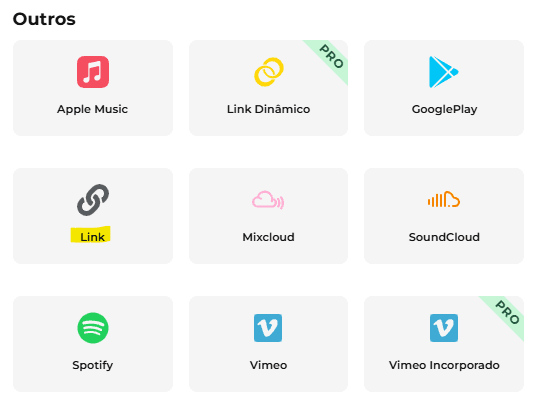
Choose the "Link" module;
-
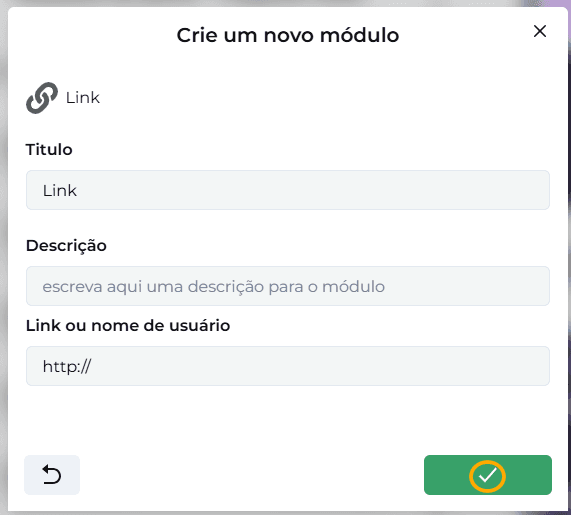
Insert the desired address and then click the arrow to confirm the action;
-
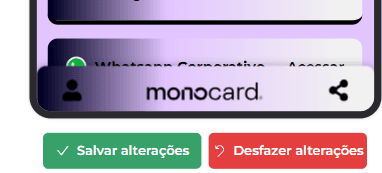
Save your changes by clicking the green icon in the bottom right corner of the page after finishing your customizations.
Information that may also help you:
Learn how to edit your Monocard
How to change the Order of Modules
Did this article not help you?
Contact our support team via the website chat, WhatsApp or by email contato@monocard.com.br.