-
Access 👉**Monocard Platform**👈;
-
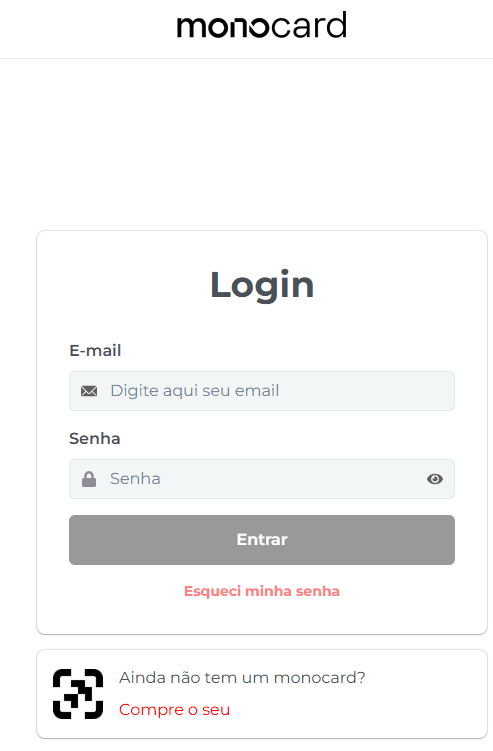
Fill in your email and password and click "Enter";
-
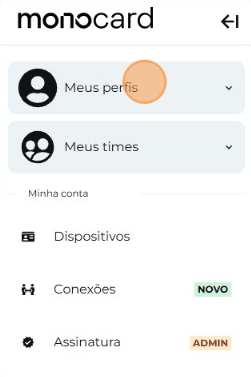
Click on "My Profiles" and access yours;
-
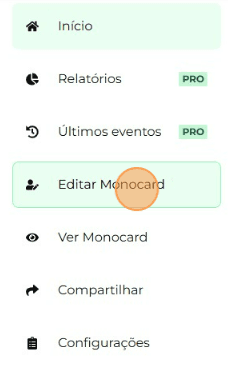
On the left side of your editing panel, click on "Edit Monocard";
-
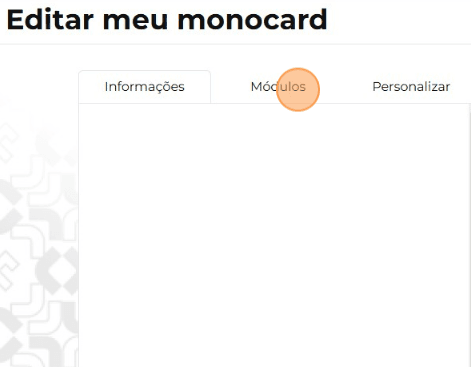
Click on "Modules"
-
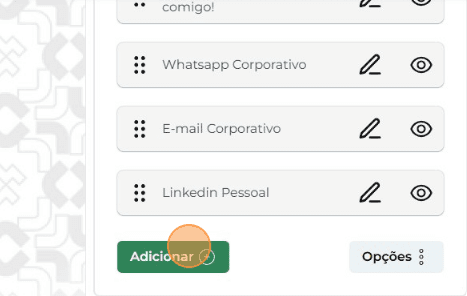
Click on "Add";
-
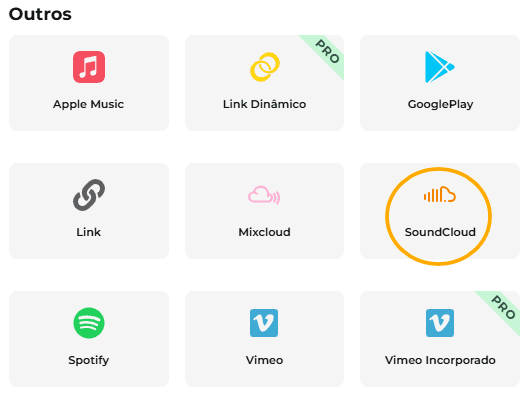
Choose the module "SoundCloud";
-
Enter your username and click on the green arrow;
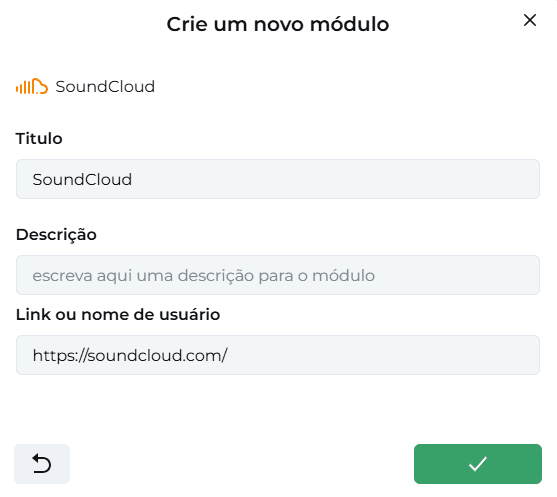
Attention: Do not include the @ or the link. Just enter the username.
-
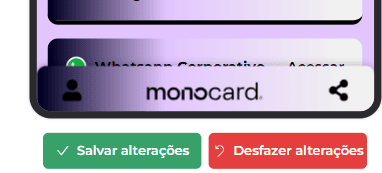
Don't forget to save your changes at the bottom of the page by clicking on the green icon.
Information that may also help you:
Learn how to edit your Monocard
Did this article not help you?
Contact our support team via the website chat, WhatsApp or by email contato@monocard.com.br.