Not only dances live on TikTok! If you know this and think it's super important to have this social network on your monocard profile, today I'll teach you how:
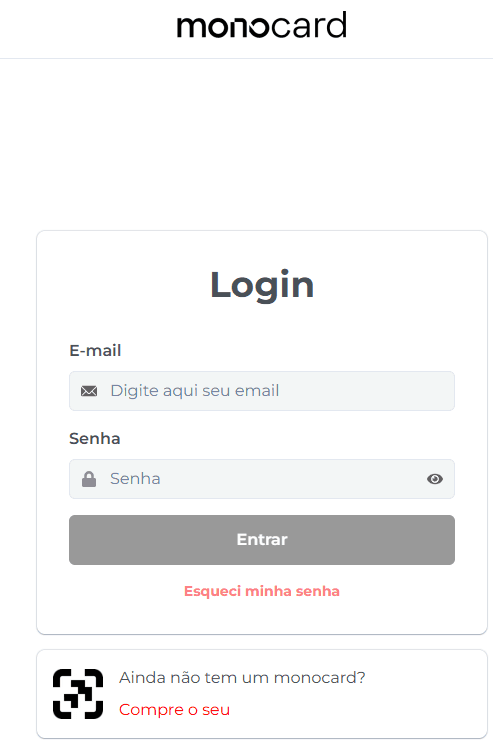
1. Access 👉**Monocard Platform**👈;
2. Fill in your email and password and click "Enter";
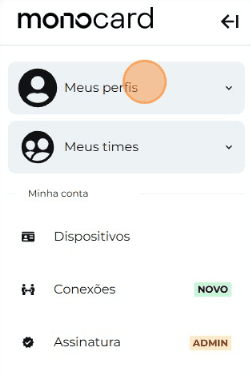
3. Click on "My Profiles" and access yours;
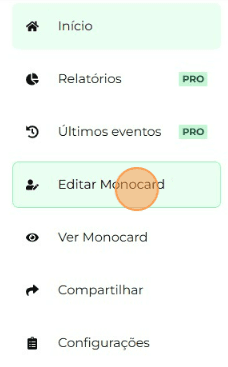
4. On the left side of your editing panel, click on "Edit Monocard";
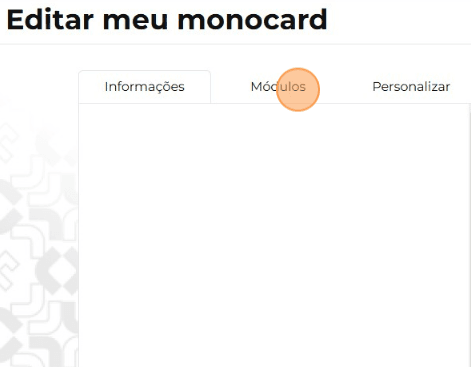
5. Click on "Modules"
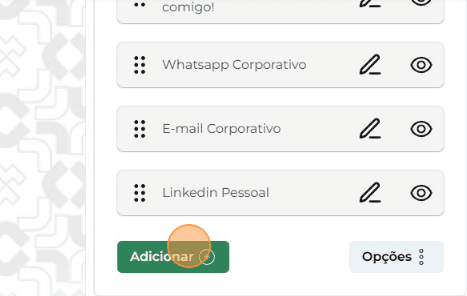
6. Click on "Add";
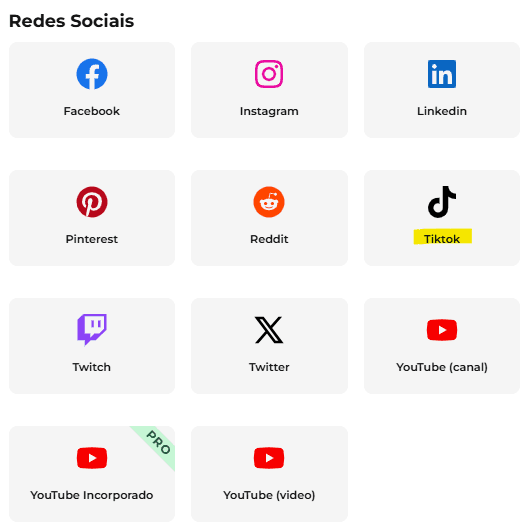
7. Choose the "Tiktok" module;
8. Enter your username and click the green arrow;
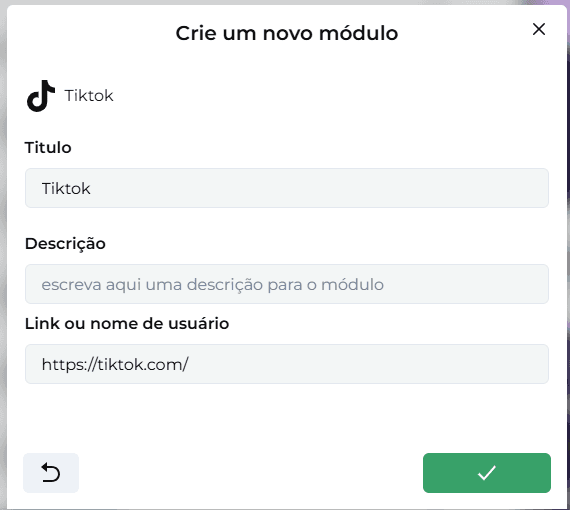
Attention: Do not include the @ or the ID link. Just enter the username.
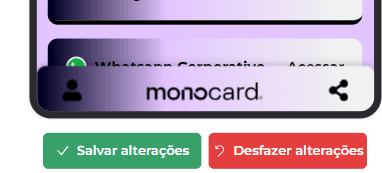
9. Don't forget to save the changes when you finish editing your profile!
Information that might also help you:
Learn how to edit your Monocard
How to change the Order of Modules
Did this article not help you?
Contact our support team via the website chat, WhatsApp or by email contato@monocard.com.br.